
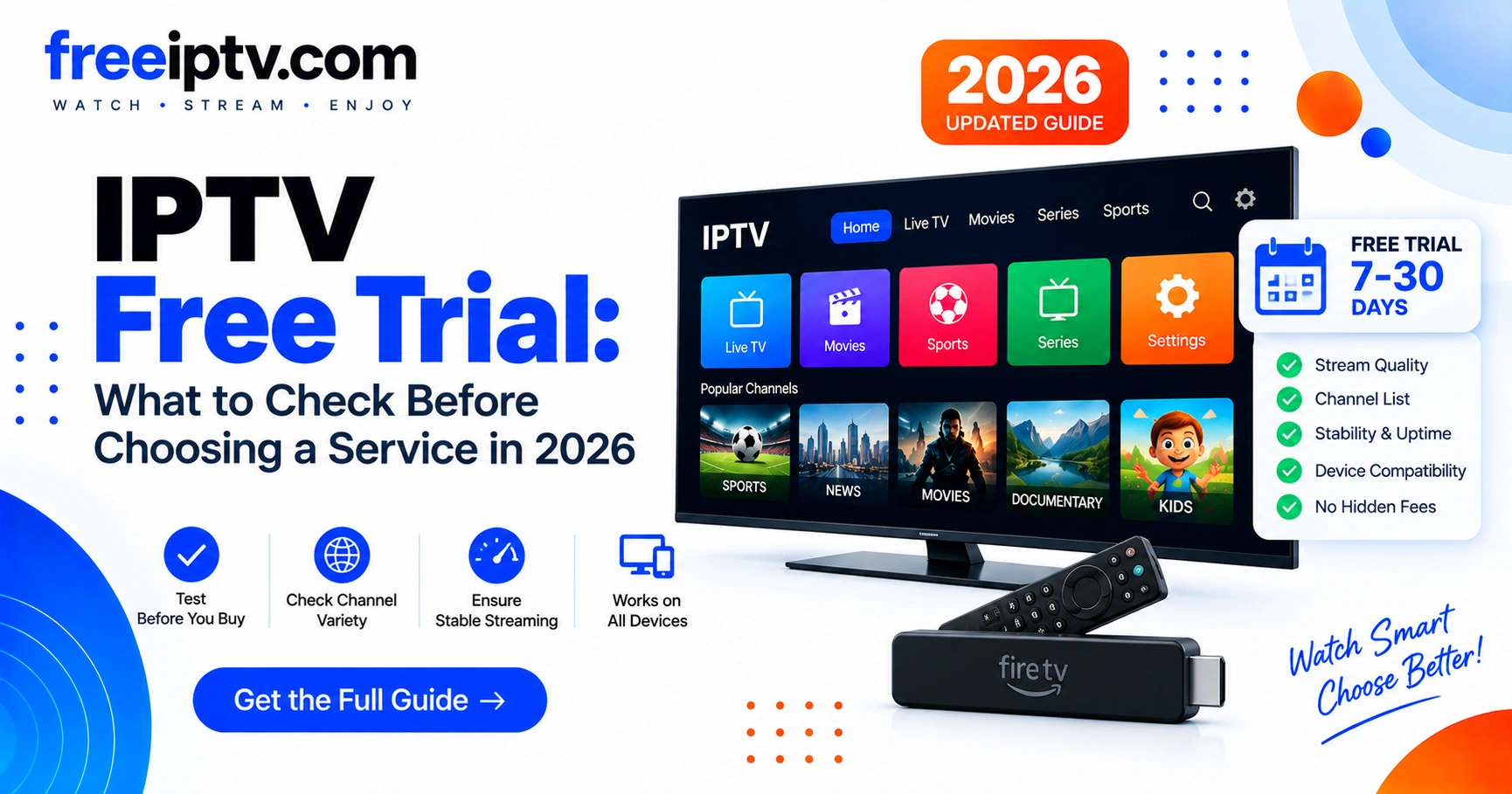
What Is an IPTV Free Trial?
An IPTV free trial is a limited period during which a provider allows a prospective customer to evaluate its IPTV service before purchasing a longer subscription.
Depending on the service, a trial may provide access to some or all of the features included in a paid plan.
A trial can help you answer practical questions such as:
- Does the service work on your device?
- Are streams stable?
- Does the EPG load correctly?
- Does the playlist work with your IPTV player?
- Is the picture quality suitable for your connection?
- Are the channels or content you need actually available?
- Is the service transparent about pricing and cancellation?
- Is the content legally licensed for distribution in your location?
What Should You Test During an IPTV Free Trial?
A short trial can reveal a surprising amount about a service. Use the following checklist.
| What to test | What to look for |
|---|---|
| Stream stability | Few interruptions or unexpected disconnects |
| Video quality | Consistent quality appropriate for your connection |
| Channel/content availability | Relevant content actually available |
| EPG | Accurate and usable program information |
| Playlist | Loads correctly in your supported player |
| Device compatibility | Works on your intended devices |
| Playback | Fast channel/content switching |
| Support | Clear response to technical questions |
| Pricing | Transparent subscription cost |
| Cancellation | Clear terms and conditions |
Don't judge a service after watching one stream for five minutes. Test it under the conditions in which you normally use IPTV.
Related: our pillar IPTV streaming services guide explains how to choose a service before you trial it.
1. Check Stream Stability
One of the most important parts of an IPTV trial is stability. A service may initially appear to work perfectly but behave differently during longer viewing sessions or when network conditions change.
During your trial, try several different types of content and observe:
- buffering frequency
- playback interruptions
- connection errors
- unexpected stream stops
- slow channel switching
- repeated reconnecting
A useful trial should give you enough time to determine whether these problems are occasional or systematic.
2. Test Your Actual Device
Before subscribing, test IPTV on the device you actually intend to use.
Compatibility can vary between:
- Smart TVs
- Android TV devices
- Fire TV devices
- smartphones
- tablets
- computers
- compatible IPTV players
A service working on a computer does not automatically mean it will provide the same experience on another device.
Your test should therefore reproduce your normal setup as closely as possible. See setup guides and player compatibility.
3. Check M3U Playlist Compatibility
Some IPTV services provide an M3U playlist that can be loaded into a compatible IPTV player. An M3U playlist can contain references to streams and associated metadata.
If you're using an M3U-based setup, check:
- Whether the playlist loads successfully.
- Whether channels/content appear correctly.
- Whether names and categories are understandable.
- Whether EPG information is available.
- Whether inactive entries cause problems.
- Whether your chosen player supports the playlist format.
For users working with large playlists, try our IPTV Free Trial Checker — paste your trial M3U and instantly check health, duplicates, EPG tags and HTTPS. This follows the site's functionality-first approach: guides support genuinely useful tools.
4. Test the EPG
EPG stands for Electronic Program Guide. When supported, it provides information about scheduled programming.
A good IPTV setup should make it easy to understand what is currently playing and what is coming next.
During a trial, check:
- Are program titles displayed?
- Are times accurate?
- Are channels mapped correctly?
- Does the guide load consistently?
- Is information available for the content you actually watch?
An IPTV service can technically play streams while still providing a poor overall experience because of incomplete or inaccurate EPG data.
5. Don't Choose a Service Only Because It Has "Thousands of Channels"
A very large channel count can sound attractive, but it isn't necessarily the most useful metric.
Instead, ask:
Does the service provide the content I actually need, reliably and legally?
A smaller, well-organized catalog may be more useful than a huge playlist containing duplicate, inactive, or irrelevant entries.
Look for:
- relevant channels/content
- sensible organization
- stable playback
- useful metadata
- transparent service information
This is particularly important when comparing multiple IPTV services.
6. Check the Legal and Subscription Terms
Before paying for an IPTV service, investigate what it actually provides and whether it has the necessary rights to distribute the content.
Don't assume that a service is legitimate simply because:
- it has a professional website
- it accepts online payments
- it offers a free trial
- it advertises a large number of channels
- other websites recommend it
Look for clear information about:
- the company or service operator
- content licensing
- pricing
- renewal terms
- cancellation
- refunds
- privacy
- customer support
If those details are difficult to find, consider that a warning sign. See our disclaimer for general guidance.
7. Watch for IPTV Free-Trial Red Flags
A free trial isn't automatically a guarantee of quality or legitimacy.
Be cautious when a service uses tactics such as:
Unrealistic promises
Be skeptical of claims that sound too good to be true.
No transparent pricing
You should understand what happens after the trial ends.
Unclear cancellation terms
A subscription should clearly explain how cancellation works.
Excessive payment pressure
A trial should allow evaluation rather than forcing an immediate purchase.
Poor communication
If basic questions about the service receive vague or evasive answers, investigate further.
Unclear content rights
If a service does not explain its authorization to distribute the content it offers, don't assume it is legitimate.
IPTV Free Trial Testing Checklist
Before purchasing, run through this checklist:
Technical
- [ ] My device is supported
- [ ] My IPTV player works with the service
- [ ] The playlist loads correctly
- [ ] Streams play consistently
- [ ] Channel/content switching is acceptable
- [ ] EPG information works
- [ ] My normal internet connection performs adequately
Service
- [ ] Pricing is clear
- [ ] Renewal terms are clear
- [ ] Cancellation terms are clear
- [ ] Support is available
- [ ] The service explains its content rights
Personal requirements
- [ ] The content I actually want is available
- [ ] The service works on my preferred device
- [ ] The overall experience justifies the subscription price
How Long Should an IPTV Free Trial Be?
There isn't one universally ideal trial duration. A longer trial isn't necessarily better if you can evaluate the important features quickly.
A practical test should give you enough time to evaluate:
- device compatibility
- playlist behavior
- stream stability
- EPG
- content availability
- customer support
- pricing and cancellation
Some services may offer short trials, while others may offer longer evaluation periods.
Focus on what you can verify during the trial, rather than choosing solely based on trial length.
IPTV Free Trial vs IPTV Test
The terms "IPTV free trial" and "IPTV test" are often used to describe a similar concept: temporarily evaluating a service before purchasing.
However, the terminology used by providers can differ.
The important questions remain the same:
- What can you access?
- How long can you test it?
- What happens when the trial ends?
- What does the paid plan cost?
- How do you cancel?
- Is the content authorized?
Always read the provider's actual terms instead of relying on the wording used in advertisements.
Sources
- RFC 8216 — HLS — stream delivery
- XMLTV Wiki — EPG format
- VLC Documentation — M3U and network streams
Frequently Asked Questions
Frequently Asked Questions
Is an IPTV free trial worth trying?
What should I test during an IPTV trial?
Can I use an IPTV free trial with an M3U playlist?
Is every IPTV free trial legal?
Should I choose the IPTV service with the most channels?
What should I do after my IPTV trial?
Final Takeaway
An IPTV free trial should be treated as a technical and purchasing evaluation — not simply as a way to access as much content as possible for free.
Before subscribing, verify four things:
Compatibility → Reliability → Value → Legitimacy
Test the service on your actual device, examine playlist and EPG behavior, verify the content you need, understand the subscription terms, and make sure the provider has the appropriate rights to distribute its content.
The best IPTV service isn't necessarily the one advertising the biggest number of channels or the longest free trial. It's the one that meets your requirements, works reliably, provides transparent terms, and operates legitimately.
Where to Go Next
- IPTV streaming services — how to choose (pillar hub)
- IPTV players compared — which player to test the trial with
- M3U & playlists — validate your trial playlist
- Fix IPTV not working — if trial buffers or fails
- Disclaimer — legal guidance