
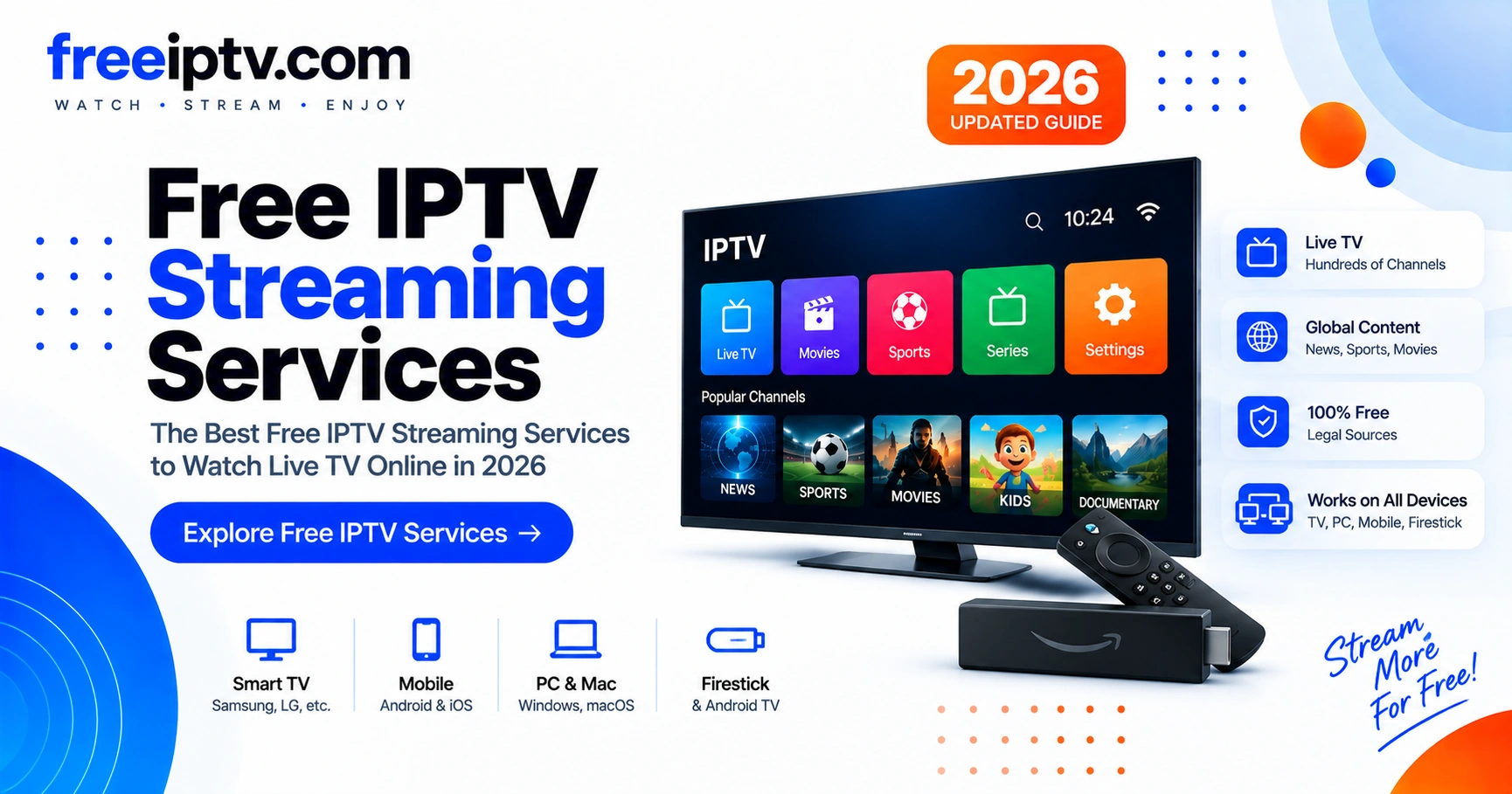
What Are IPTV Streaming Services?
IPTV stands for Internet Protocol Television. Instead of receiving television channels through traditional broadcast, satellite, or cable infrastructure, IPTV delivers video content through an internet connection.
An IPTV service can provide different types of content, including:
- Live television channels
- Movies
- TV series
- Sports
- News
- International channels
- Catch-up television
- Video-on-demand content
The exact content depends on the service and the provider.
If you are new to playlists, start with our IPTV playlists overview to understand file formats before comparing providers.
How Do IPTV Streaming Services Work?
A typical IPTV setup contains several components:
IPTV provider → Internet connection → IPTV application/player → TV, phone, computer or streaming device
The provider’s infrastructure delivers the video stream over the internet, while an IPTV-compatible application handles playback. Some services provide their own application. Others provide credentials or playlist information that can be used with compatible IPTV players.
This is where formats such as M3U playlists can become relevant — see What Is an M3U Playlist? below.
What Should You Look For in an IPTV Streaming Service?
Not all services provide the same experience. Before choosing one, compare several factors.
1. Channel Selection
Check whether the service actually provides the channels you want. A large channel count isn’t necessarily better.
- Local channels
- Sports channels
- News
- Movies
- International channels
- Regional content
2. Streaming Stability
A large catalog means little if streams constantly buffer. Pay attention to:
- Buffering frequency
- Connection stability
- Server reliability
- Video quality
- Stream startup time
3. Device Compatibility
Before subscribing, verify that the service works with your preferred device and that a compatible app/player is available for that platform. Compatibility should be clearly documented by the provider — do not assume a service supports every screen. Our setup guides cover step-by-step installation per device.
| Platform | Typical app / method | What to verify |
|---|---|---|
| Android TV / Google TV | TiviMate, IPTV Smarters, VLC | Google Play availability, remote navigation |
| Fire TV / Firestick | Sideloaded APK or Amazon Appstore app | Fire OS compatibility, see Firestick section |
| Samsung / LG Smart TV | SS IPTV, Smart IPTV, built-in store app | Tizen / webOS store listing, model year |
| Apple TV / iOS / iPadOS | iPlayTV, GSE Smart IPTV, VLC | App Store availability, AirPlay support |
| Windows / macOS / Linux | VLC, Kodi, provider web player | M3U / Xtream Codes support, firewall |
| Android phone / tablet | TiviMate, IPTV Smarters, GSE | Mobile vs TV layout, EPG on small screen |
| Web browser | Provider web player | No install — check HLS/browser DRM limits |
4. Video Quality
| Quality | Typical use |
|---|---|
| SD | Low bandwidth |
| HD | Standard streaming |
| Full HD | Higher-quality viewing |
| 4K | Compatible premium displays |
Higher resolution also requires sufficient bandwidth and compatible hardware.
IPTV Streaming Services for Firestick
Fire TV / Firestick is one of the devices most frequently associated with IPTV streaming.
When choosing an IPTV solution for Firestick, check:
- Application compatibility with Fire OS
- Remote-control navigation
- EPG support
- Playlist compatibility
- Video playback performance
- App stability and update frequency
A service can technically work on Firestick while still providing a poor user experience, so compatibility alone shouldn’t be the deciding factor. See also our troubleshooting guides if playback stutters on Fire TV.
IPTV Provider vs IPTV Player: What's the Difference?
An IPTV provider supplies the video streams. An IPTV player is software used to play those streams.
Installing an IPTV player does not necessarily provide television channels by itself — you still need a provider or playlist.
What Is an M3U Playlist?
An M3U playlist is a text-based playlist format commonly used to organize multimedia streams. An IPTV playlist can contain:
- Channel name
- Stream URL
- Channel group / category
- Logo
- Electronic Program Guide information
Conceptually:
#EXTM3U
#EXTINF:-1 tvg-name="Example Channel" group-title="News"
https://example.com/stream.m3u8
A compatible player reads the playlist and presents the channels to the user. Learn more in our M3U and playlists hub. When you have a playlist, a future M3U checker / validator (planned per our guides roadmap) will help detect dead streams.
How to Choose the Best IPTV Streaming Service
Instead of choosing by channel count, evaluate the entire experience:
- ✅ Does it provide the channels you actually need?
- ✅ Is the service legally authorized to distribute its content?
- ✅ Does it support your device (Fire TV, Android TV, Smart TV, etc.)?
- ✅ Is streaming stable at your internet speed?
- ✅ Does it provide an EPG?
- ✅ Does it support the video quality you need (HD / 4K)?
- ✅ Is customer support available?
- ✅ Are pricing and renewal terms transparent?
- ✅ Can you test the service before committing?
Are IPTV Streaming Services Legal?
IPTV itself is simply a method of delivering television over an internet connection.
The important question is whether a particular provider has the legal rights to distribute the content it offers.
Before using a service, check:
- Who operates the service?
- What content does it distribute?
- Does it have appropriate distribution rights?
- Is the service transparent about its business?
- Are its terms and licensing information clearly presented?
Avoid assuming a service is legitimate simply because it has a professional website or a large channel list. When in doubt, prefer services that clearly document their licensing and comply with local regulations. See our disclaimer for general guidance.
Common IPTV Problems
Even with a legitimate service, users can experience technical problems.
IPTV buffering
- Slow internet connection
- Wi-Fi interference
- Server congestion
- Poor routing
- Insufficient device resources
IPTV playlist not working
- Expired playlist
- Invalid stream URLs
- Server outage
- Incorrect credentials
- Unsupported format
EPG not showing
- Incorrect EPG URL
- Missing XMLTV data
- Incorrect timezone
- Provider-side configuration
Our troubleshooting hub covers step-by-step diagnostics for each case, and a future playlist validator will help isolate M3U errors quickly.
IPTV Streaming Services vs Traditional TV
| Feature | IPTV | Traditional TV |
|---|---|---|
| Delivery | Internet | Cable / Satellite / Broadcast |
| Device flexibility | Usually high | Depends on provider |
| Internet required | Yes | Not always |
| On-demand content | Often available | Depends on service |
| International content | Potentially extensive | Provider-dependent |
| EPG | Common | Common |
| Setup | Internet + compatible software/device | Provider equipment |
Sources & Further Reading
- RFC 8216 — HTTP Live Streaming (HLS) — M3U8 and HLS basis
- VLC Documentation — Streaming HowTo — player compatibility
- Kodi Wiki — PVR & IPTV — EPG and playlist handling
Frequently Asked Questions
Frequently Asked Questions
What is an IPTV streaming service?
What is the best IPTV streaming service?
Can IPTV work on Firestick?
Do IPTV services require an M3U playlist?
Is IPTV legal?
Why does IPTV keep buffering?
Where to Go Next
This pillar is the hub for the streaming-services topic. Dive deeper via one parent link, four related clusters, and the M3U tools path (§12):
- IPTV free trial — what to test before subscribing → new supporting article
- All IPTV guides — pillar hub for this cluster
- IPTV players compared — TiviMate, VLC, IPTV Smarters & more
- M3U & playlists — what playlists are, how to manage them
- Fix IPTV not working — buffering, black screen, EPG
- Device setup guides — Fire TV, Android TV, Smart TV, Windows