
IPTV Playlists
Everything you need to know about IPTV playlists — from understanding M3U and M3U8 file formats to creating, editing, and troubleshooting your playlist files. Whether you're a beginner or advanced user, our guides cover playlist management across all devices and players.
6 articles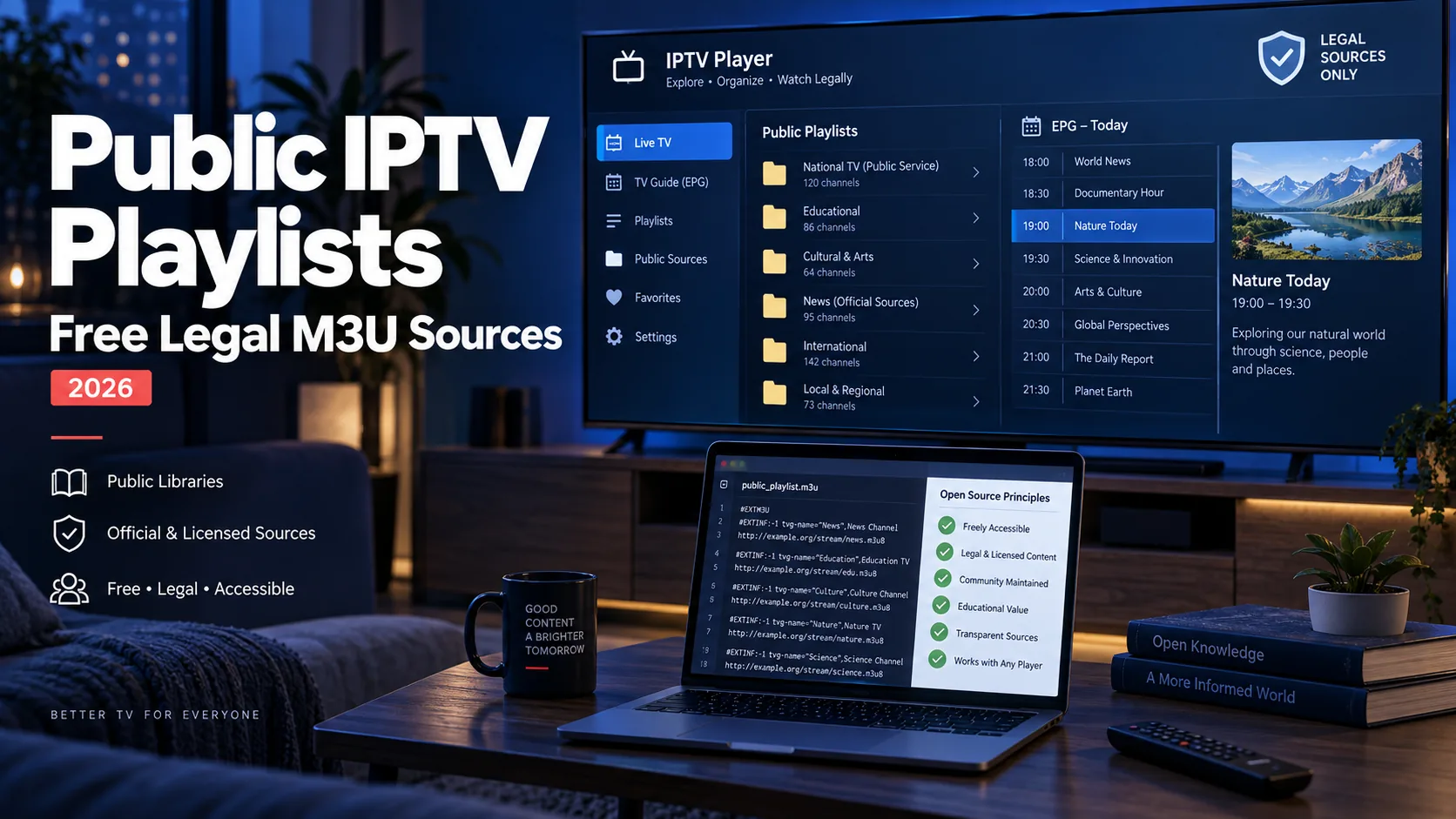
Public IPTV Playlists: Free Legal M3U Sources (2026)
Public IPTV playlists list free-to-air streams you can load into any M3U player — here is where to find maintained sources, how to stay legal, and how to set them up.
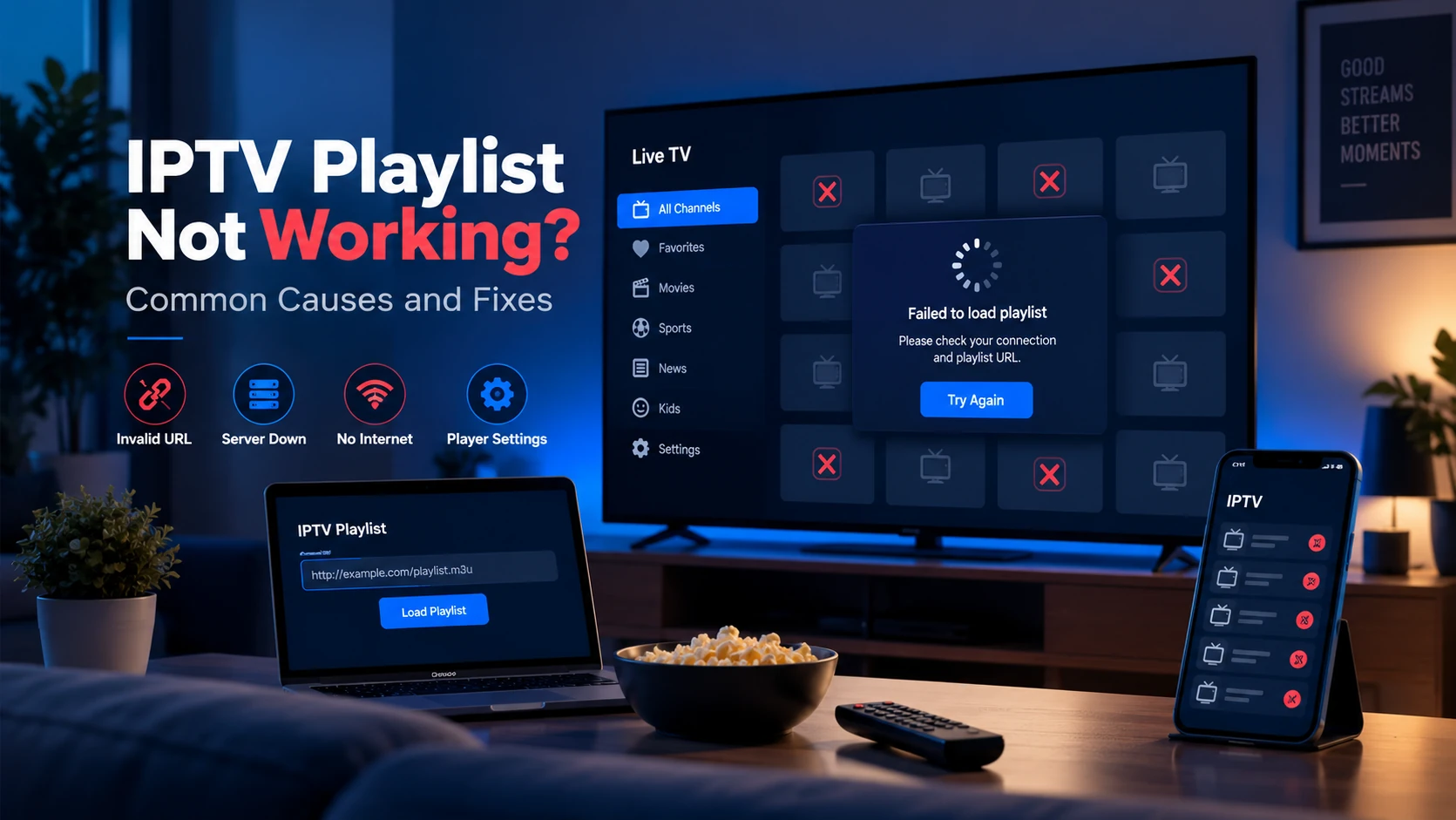
IPTV Playlist Not Working: Common Causes and Fixes
A diagnostic walkthrough of the most common reasons an IPTV playlist fails to load or stream, from expired URLs and missing headers to ISP blocking and EPG issues.
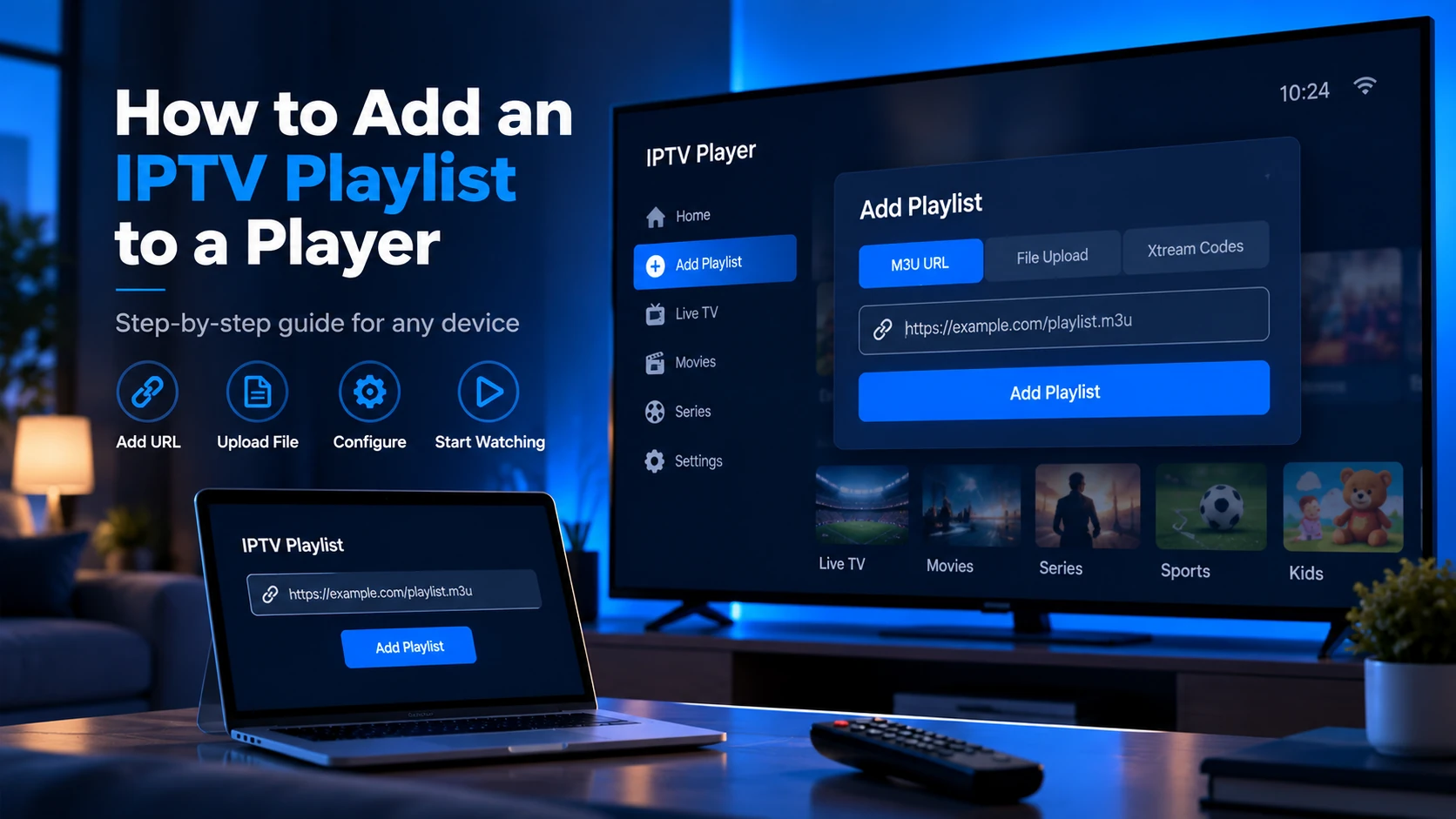
How to Add an IPTV Playlist to a Player
Adding an IPTV playlist takes under two minutes in any compatible player. You need your M3U URL and a supported app — here are the steps for each major player.
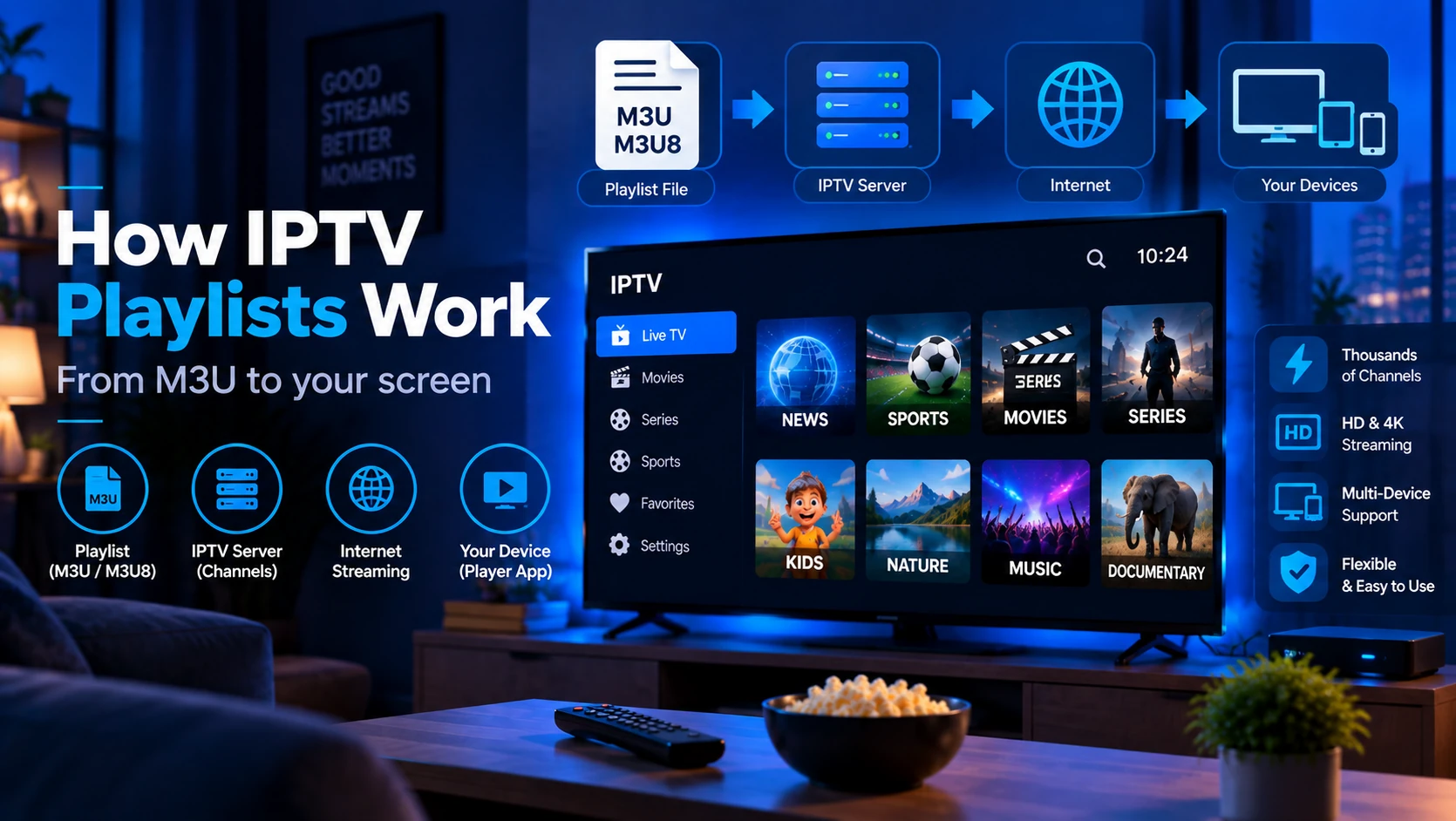
How Do IPTV Playlists Work?
An IPTV playlist is a text file your player fetches to build a channel list. Here is the full technical flow from request to live stream.
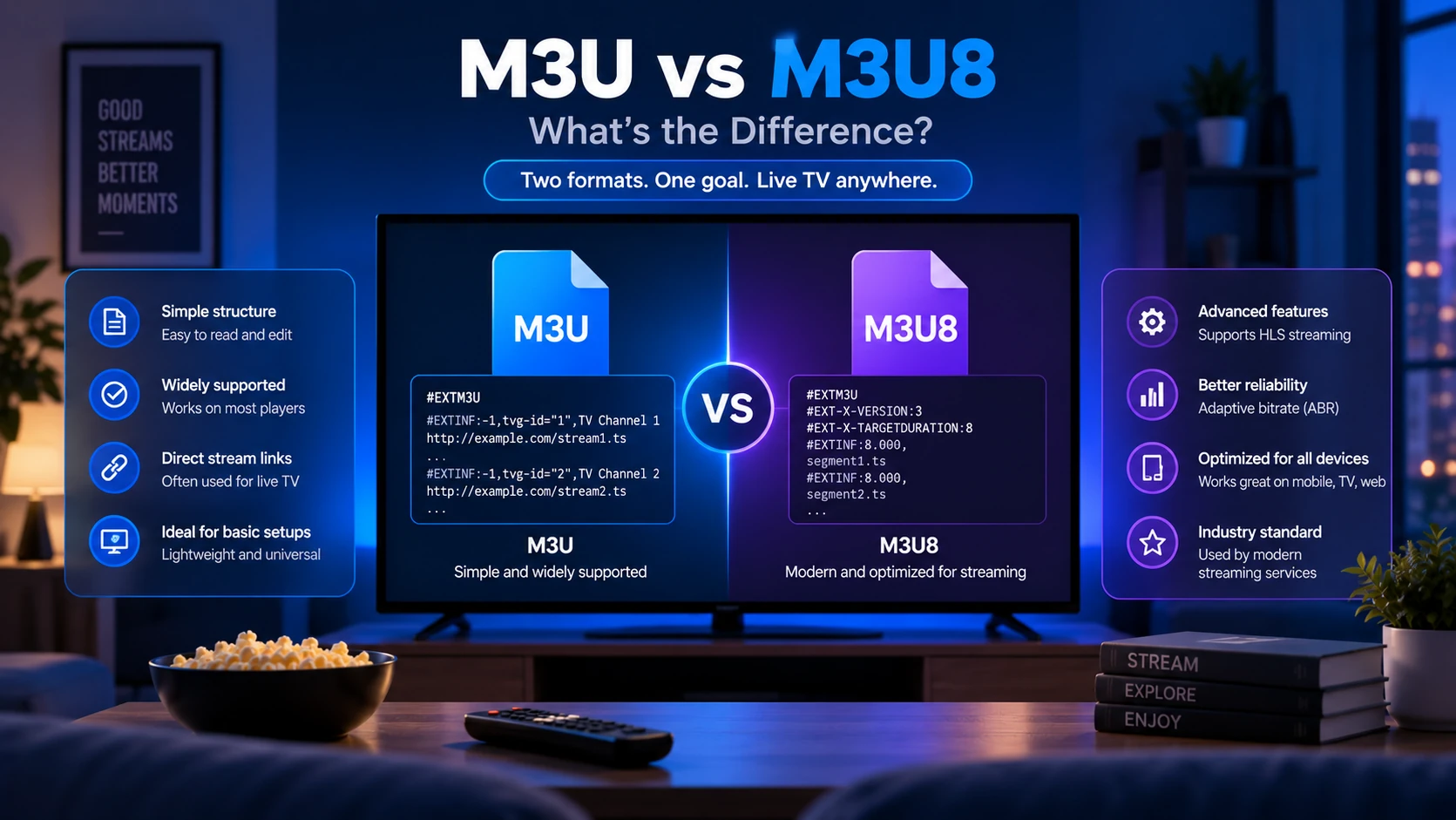
M3U vs M3U8: What's the Difference?
M3U and M3U8 are nearly identical playlist formats — the only real difference is UTF-8 encoding in M3U8. Here's what that means for your IPTV setup.
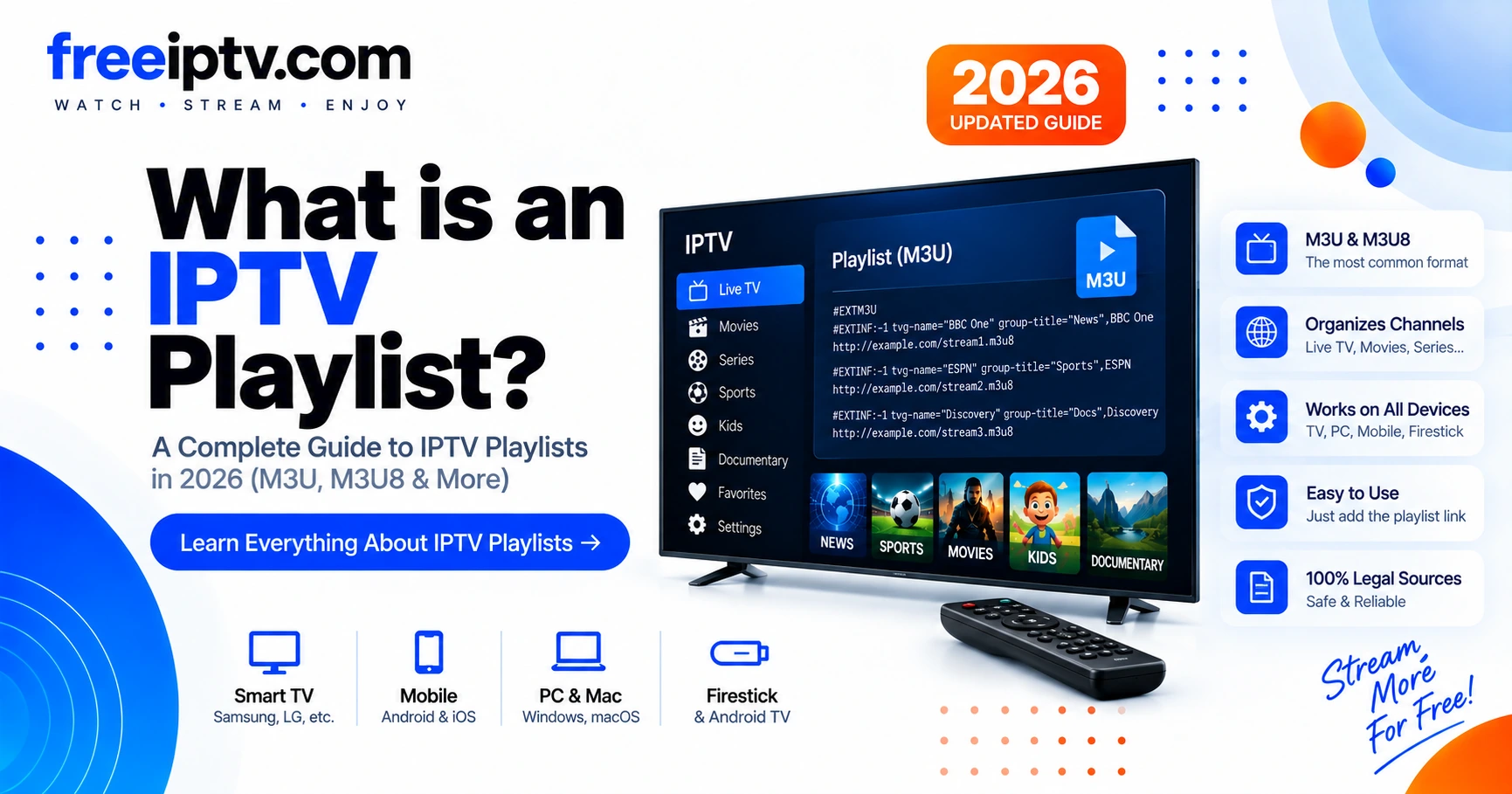
What Is an IPTV Playlist? M3U & M3U8 Explained in 2026
The complete guide to IPTV playlists — M3U/M3U8 structure, groups, logos, EPG and how to validate your playlist before streaming.