What Is a Public IPTV Playlist?
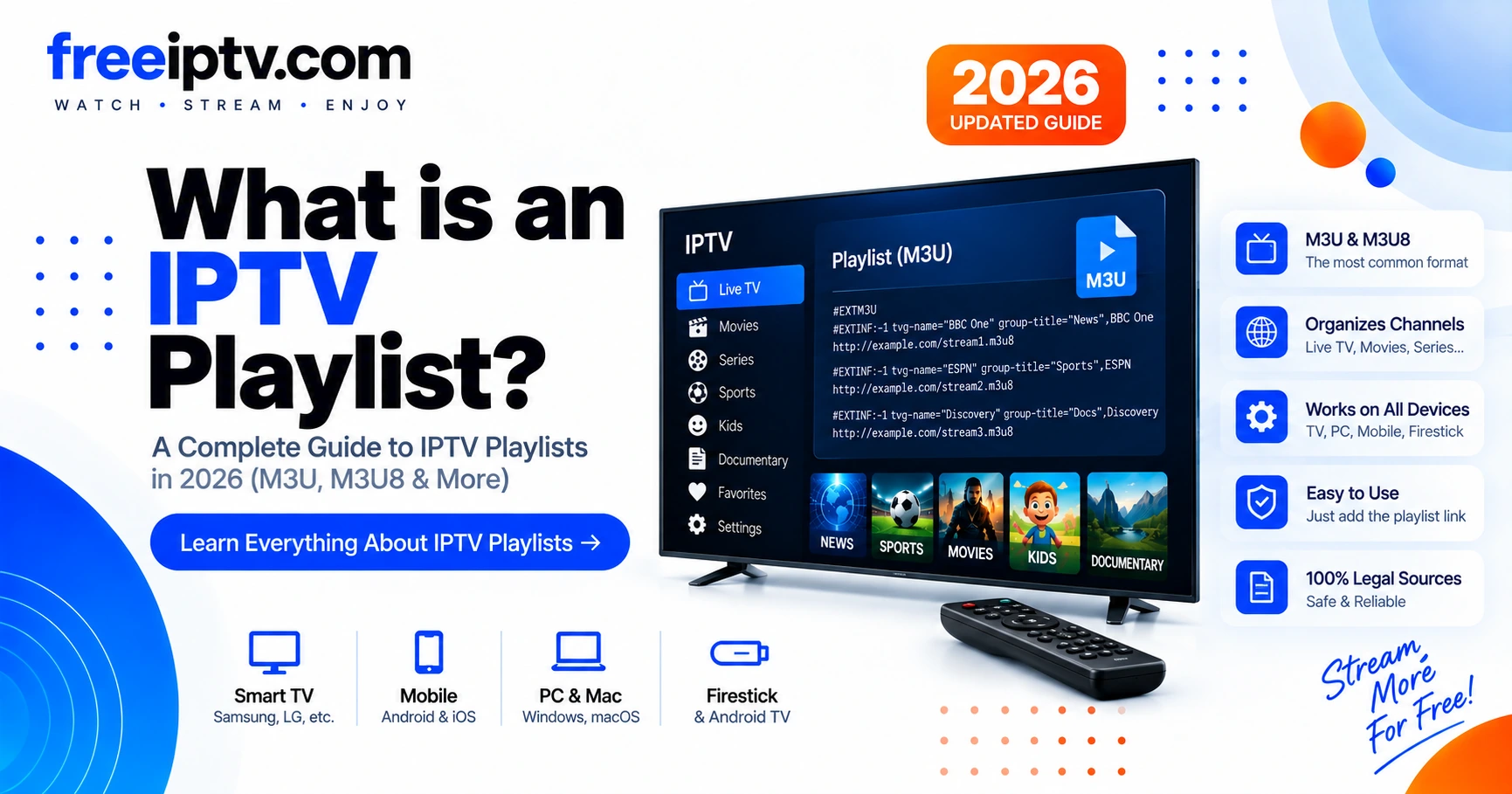
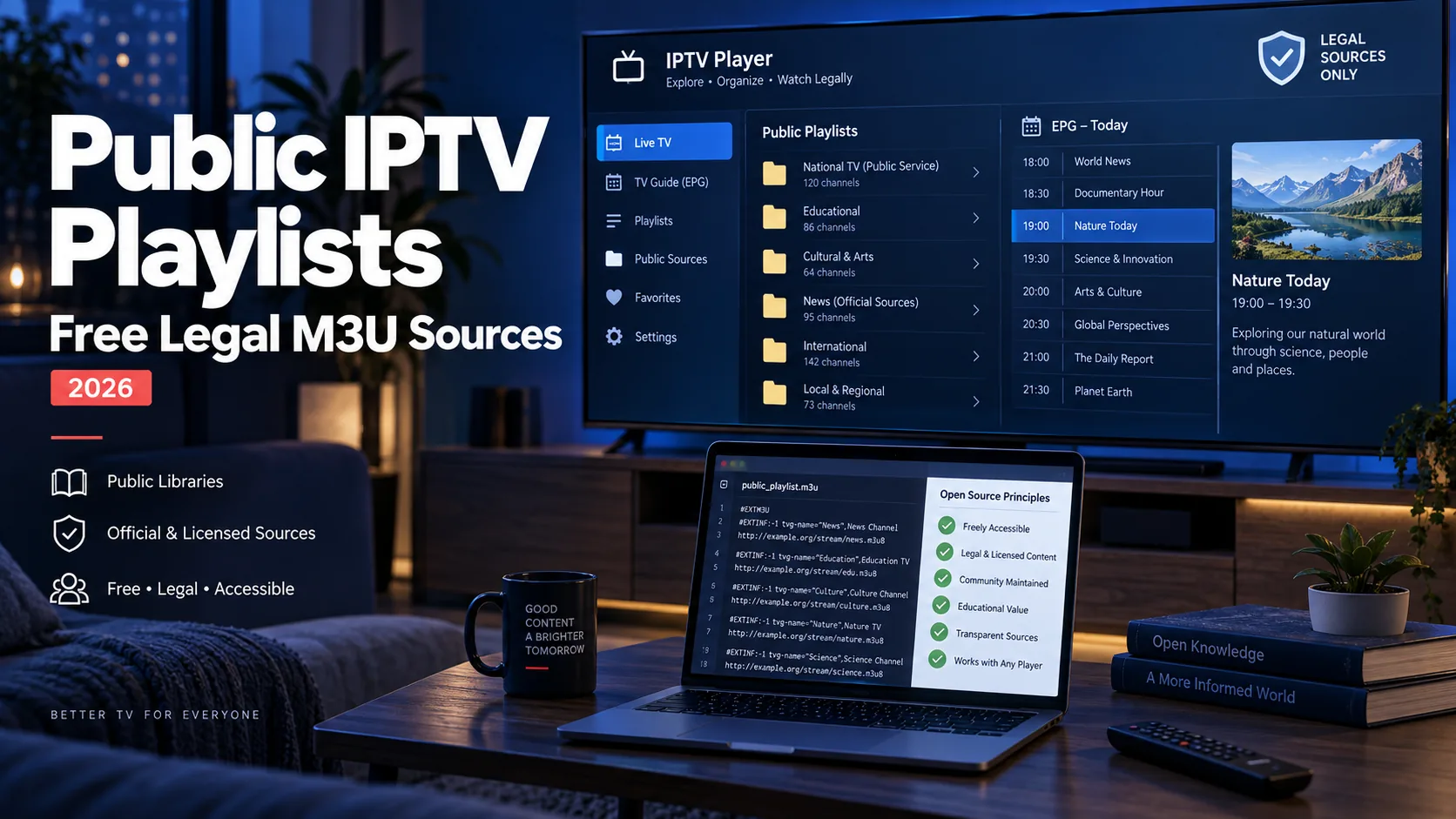
A public IPTV playlist is an M3U or M3U8 file that lists free-to-air TV streams published openly on the internet. Unlike a provider playlist — which is generated for your paid subscription and contains a private access token — a public playlist contains stream URLs that broadcasters make available to everyone, collected into one file by community projects. Because the file is plain text, the same playlist loads in VLC on a laptop, TiviMate on a Fire TV stick, and Kodi on a home-theater PC with no conversion.
Key takeaway: Public playlist = free-to-air streams, no account needed. If a list promises premium sports or paid movie channels for free, it is not a public playlist — it is an unlicensed list. Stick to maintained open-source projects and verify each feed's rights in your country.
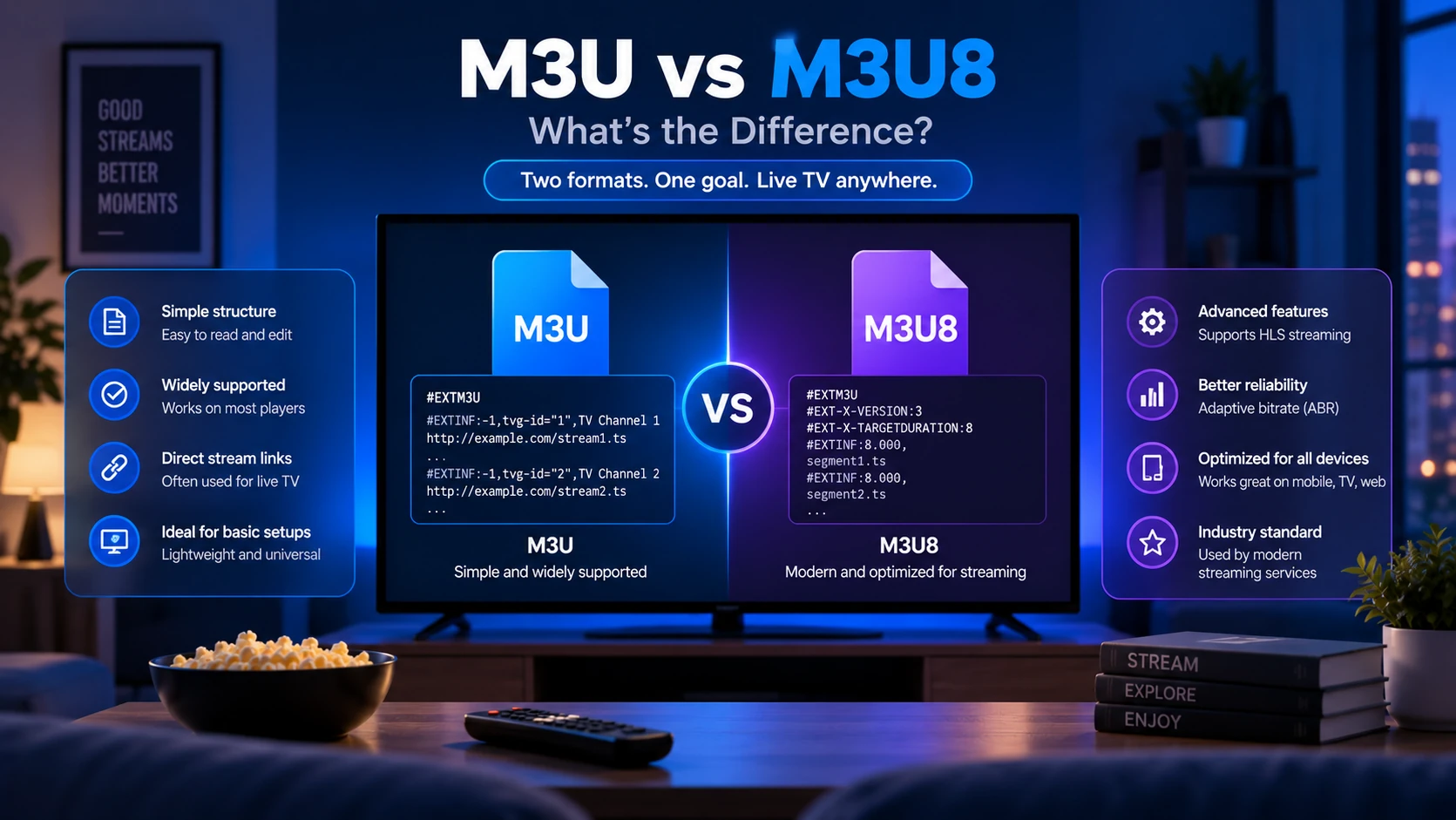
If M3U structure is new to you, start with What Is an IPTV Playlist? before continuing.
Where Do Public Playlists Come From?
Nobody "sells" public playlists — they are assembled by open-source projects that crawl, test and categorize freely available streams. The two sources worth knowing:
| Source | What it offers | Maintenance |
|---|---|---|
| iptv-org | ~10,000+ channels across 100+ countries, split by country, language and category; rebuilt from public streams | Daily automated rebuilds on GitHub |
| Free-TV | Smaller hand-curated list, HD streams only, one working link per channel | Regular manual curation |
Both projects host no video themselves — they link to streams their maintainers believe are publicly available, and both operate removal processes when a broadcaster objects. That transparency is exactly what separates a legitimate public source from a random "10,000 channels free" pastebin dump.
Start from the projects themselves rather than from reposted lists: iptv-org's repository and the Free-TV repository. Their README files and issue trackers are the best place to verify a current URL, a removed channel or a country-specific feed.
Are Public IPTV Playlists Legal?
The playlist format is legal, and watching a genuinely free-to-air stream is legal in most countries. The part that requires judgment is which streams a list contains:
- Free-to-air only is the safe zone — news channels, public broadcasters and FAST (free ad-supported) streams published for everyone.
- Premium-for-free is the red flag — any list advertising paid sports, PPV events or premium movie networks for nothing is distributing those streams without rights.
- Rights vary by country — a stream that is free-to-air in one region can be licensed-only in another. Check local rules.
We host no streams and link only to the projects' repositories, never to scraped "premium" lists. Both projects also operate removal processes — if a broadcaster reports a stream that should not be public, the link comes down — which is another reason to load playlists by URL instead of hoarding downloaded copies. For the general framework, see our disclaimer.
This is general educational information, not legal advice. Licensing and availability can differ by channel, territory and event, so the original broadcaster or rights-holder remains the best source for a particular stream.
How to Load a Public Playlist in Your Player
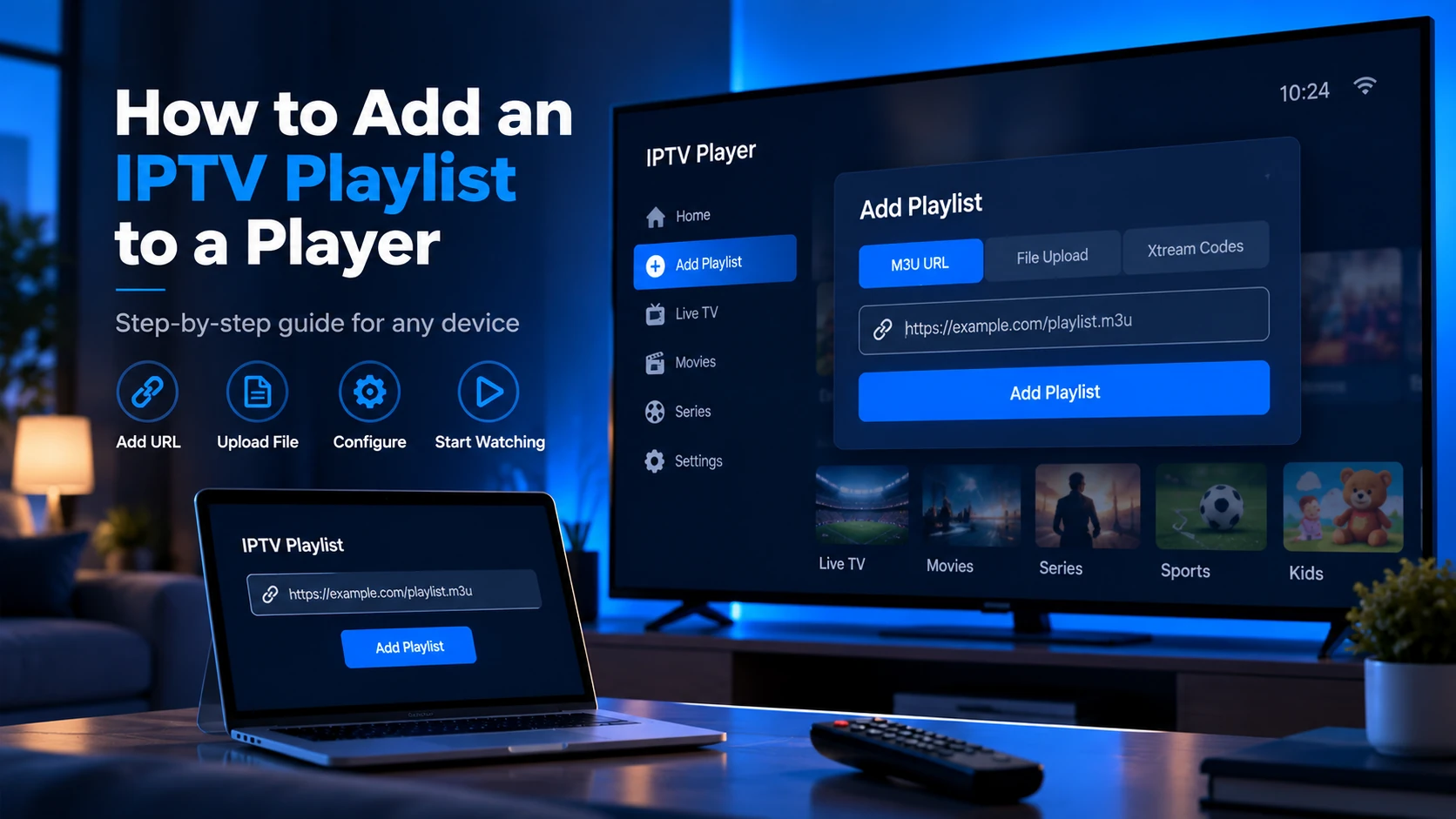
The workflow is identical to any M3U playlist: load by URL (never a one-time download, so updates arrive automatically), then test in VLC before moving to your TV player.
VLC (Windows, Mac, Linux)
- Media → Open Network Stream and paste the playlist URL.
- Press Play — the playlist appears as a browsable channel list.
- If a channel fails here, it will fail everywhere; pick another source before touching your TV setup.
TiviMate (Android TV / Fire TV)
- Settings → Playlists → Add playlist → Enter URL.
- Paste the M3U URL and let channels load.
- Enable playlist auto-update so daily rebuilds flow in without re-adding.
IPTV Smarters Pro and Kodi
- Smarters: Add Playlist → Login with M3U URL, any name, paste the link, save. EPG loads separately if the playlist references an XMLTV file.
- Kodi: install the PVR IPTV Simple Client add-on, then paste the M3U URL in its settings under General → M3U Playlist URL.
Detailed per-player walkthroughs live in How to Add an IPTV Playlist to a Player and IPTV Players.
Add EPG to a Public Playlist
Most public playlists ship without guide data, or point at a shared XMLTV file via the url-tvg header:
#EXTM3U url-tvg="https://example.com/epg.xml"
Paste the XMLTV URL into your player's EPG settings and match channels by tvg-id. If half your channels stay blank, the playlist's IDs simply do not match that EPG file — try the EPG published by the same project as the playlist. How guide data works in general: What Is an EPG?. Background concepts: M3U vs M3U8.
How to Evaluate a Public Playlist Source
Before loading a public playlist into a TV app, check:
| Signal | Good sign | Red flag |
|---|---|---|
| Maintainer | Public repository, issue tracker, changelog | Anonymous pastebin or URL shortener |
| Channel type | Free-to-air, public broadcaster, FAST stream | Premium sports, PPV, paid movie networks |
| Updates | Recent commits or rebuilds | Old file reposted everywhere |
| Removal process | Clear takedown/issue workflow | No maintainer or contact path |
| File size | Country/category slice available | One giant list with everything mixed together |
This check is faster than cleaning up a messy playlist after it has already been imported into your player.
Prefer Small Slices Over the Giant File
The full iptv-org index holds 10,000+ entries — slow to load and full of channels you will never watch. Both projects publish the same streams split by country and category (news, sports, movies), so a single country slice typically holds a few hundred entries instead of ten thousand. Smaller files load faster, contain fewer dead links, and are far easier to review: paste any slice into our Free Trial Checker to see its channel count, duplicate URLs and insecure http:// streams before it ever touches your TV. Start with one country or category slice, confirm it plays, and only then add a second.
Fixing Dead Channels
Public stream URLs rotate without notice — CDN paths change, broadcasters geo-block, feeds go offline. When channels fail:
- Playlist will not load at all — missing
#EXTM3Ufirst line, URL typo, or the source moved. Re-copy the URL from the project's repository. - Some channels dead, others fine — normal churn. Prefer recently rebuilt sources and prune dead entries rather than re-adding the whole file.
- Works on phone but not on Firestick — usually codec or HLS-version support. Test the same URL in VLC first to isolate player vs source issues.
Step-by-step diagnostics: IPTV Playlist Not Working and IPTV Troubleshooting.
Privacy and Safety Notes
Public playlists should not require your private provider username, password, or token. If a "public" playlist asks you to log into a paid provider account or paste your private M3U URL into a website, treat it as a different workflow.
For private trials, use your provider's dashboard and keep the URL private. For public sources, prefer direct repository links and inspect the playlist before loading it on a shared TV.
Sources and Related References
- iptv-org repository — large public IPTV playlist project with country/category feeds.
- Free-TV repository — smaller curated public playlist project.
- What Is an IPTV Playlist? — explains the playlist structure.
- What Is an EPG? — explains guide matching for XMLTV sources.
FAQ
What is a public IPTV playlist?
An M3U or M3U8 file listing free-to-air channels that broadcasters publish openly, collected by projects like iptv-org and Free-TV. Load it into VLC, TiviMate, Kodi or any M3U-compatible player — no account required.
Are public IPTV playlists legal?
Lists limited to free-to-air feeds are legal to watch in most countries because the broadcaster publishes those streams for everyone. Avoid any list promising premium paid channels for free, and check each channel's rights in your region.
What is the best public IPTV playlist in 2026?
iptv-org is the best all-rounder (large, daily-rebuilt, split by country and category). Free-TV is the most reliable starter list thanks to HD-only curation. Use a small country or category slice rather than the full global file.
Do I need a VPN for public playlists?
Not mandatory, but recommended: it prevents ISP throttling, protects privacy on open streams, and reaches free-to-air channels that are geo-blocked in your region.
Can I get EPG data for public playlists?
Yes. Many playlists reference a shared XMLTV file via url-tvg. Add that URL in your player's EPG settings and match by tvg-id — see the EPG section above.
Should I download a public playlist or load it by URL?
Load by URL when possible. Public playlists change often, and the URL lets your player pick up updates. Download only when you want to inspect or edit a copy.
Why are some public channels geo-blocked?
Broadcasters may make a stream public only in specific countries. A channel can be free-to-air and still restricted by region.
Next steps: Paste a playlist into the Free Trial Checker to validate it, then read How IPTV Playlists Work or What Is an IPTV Playlist?.