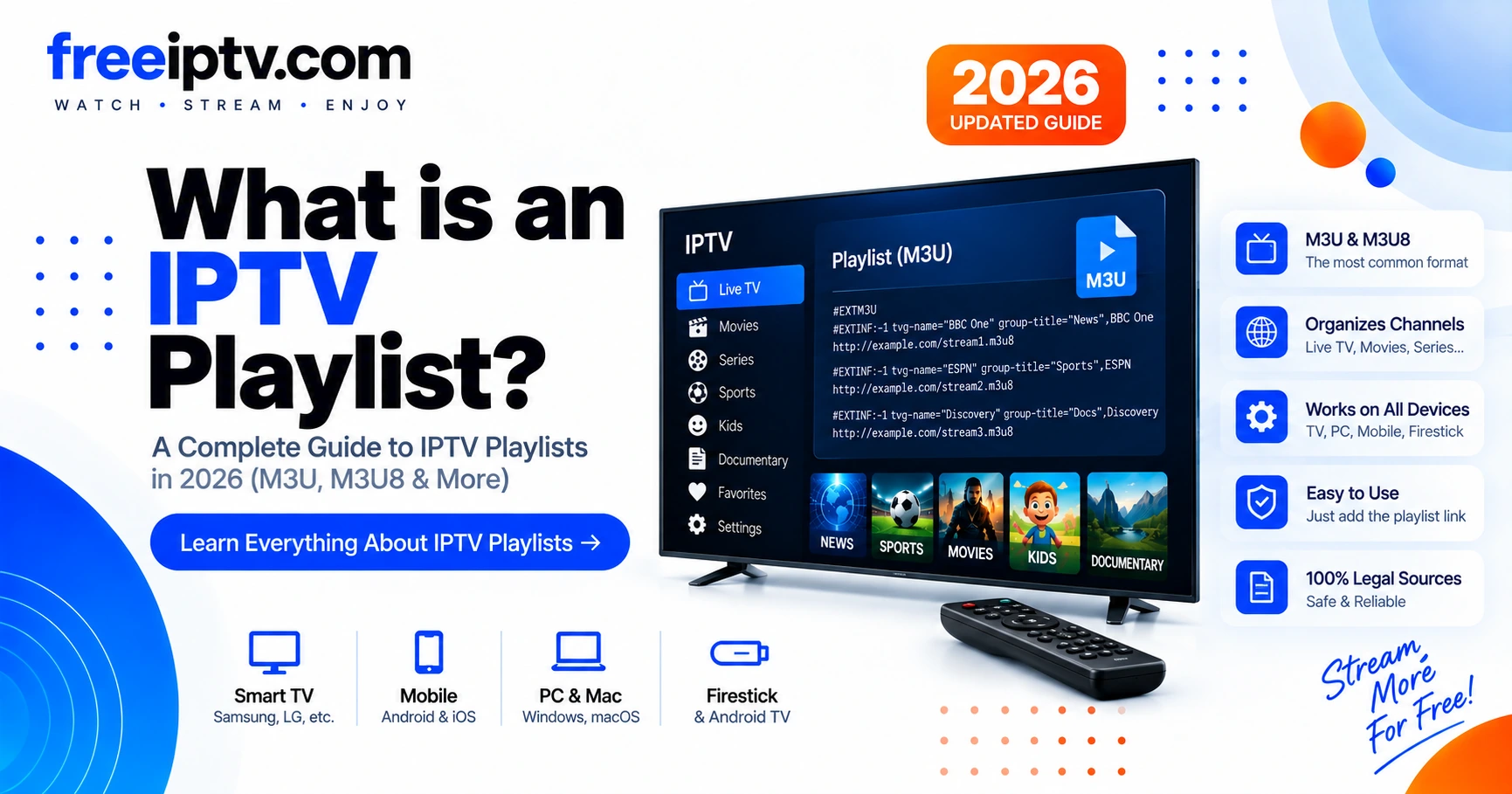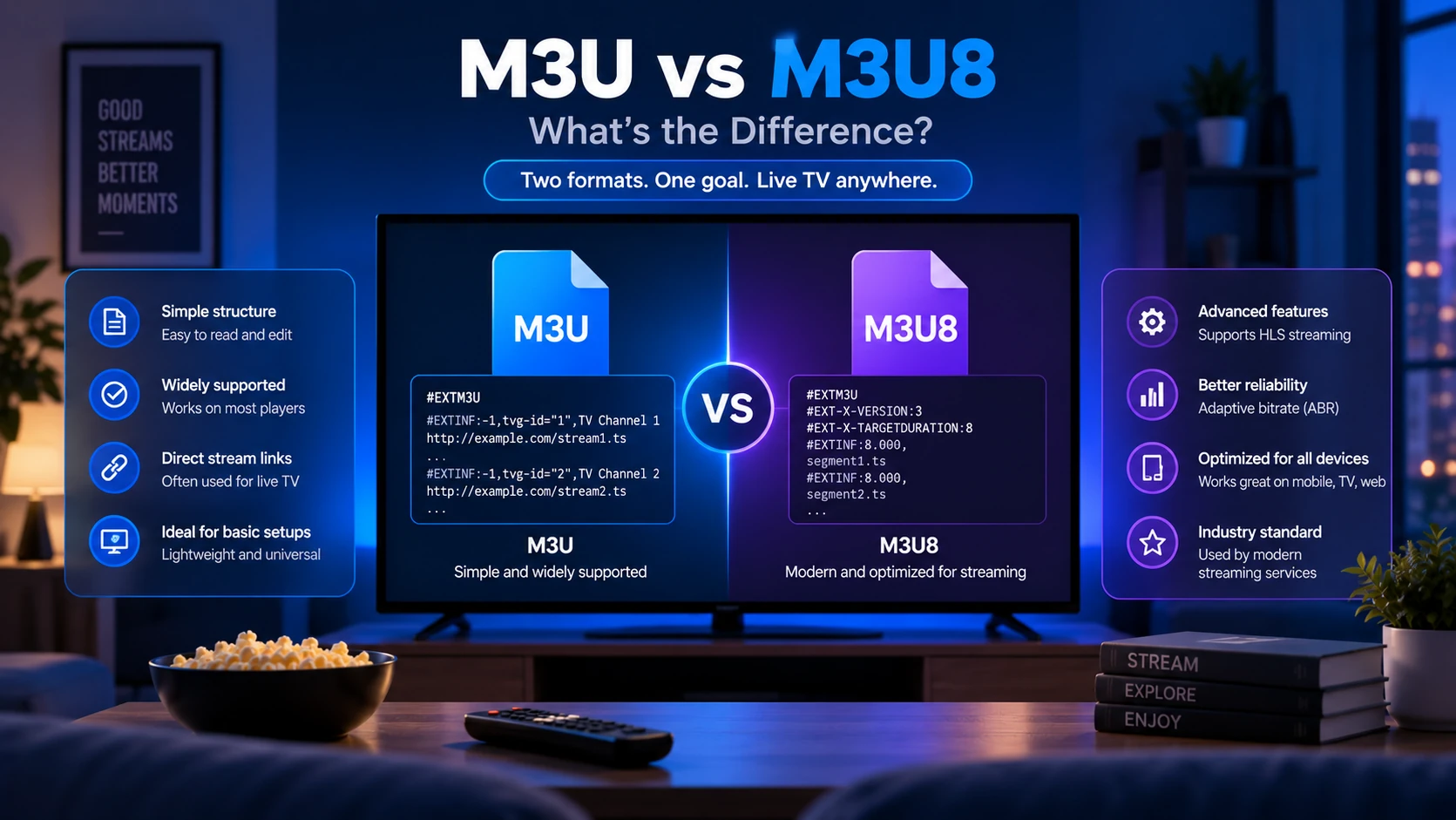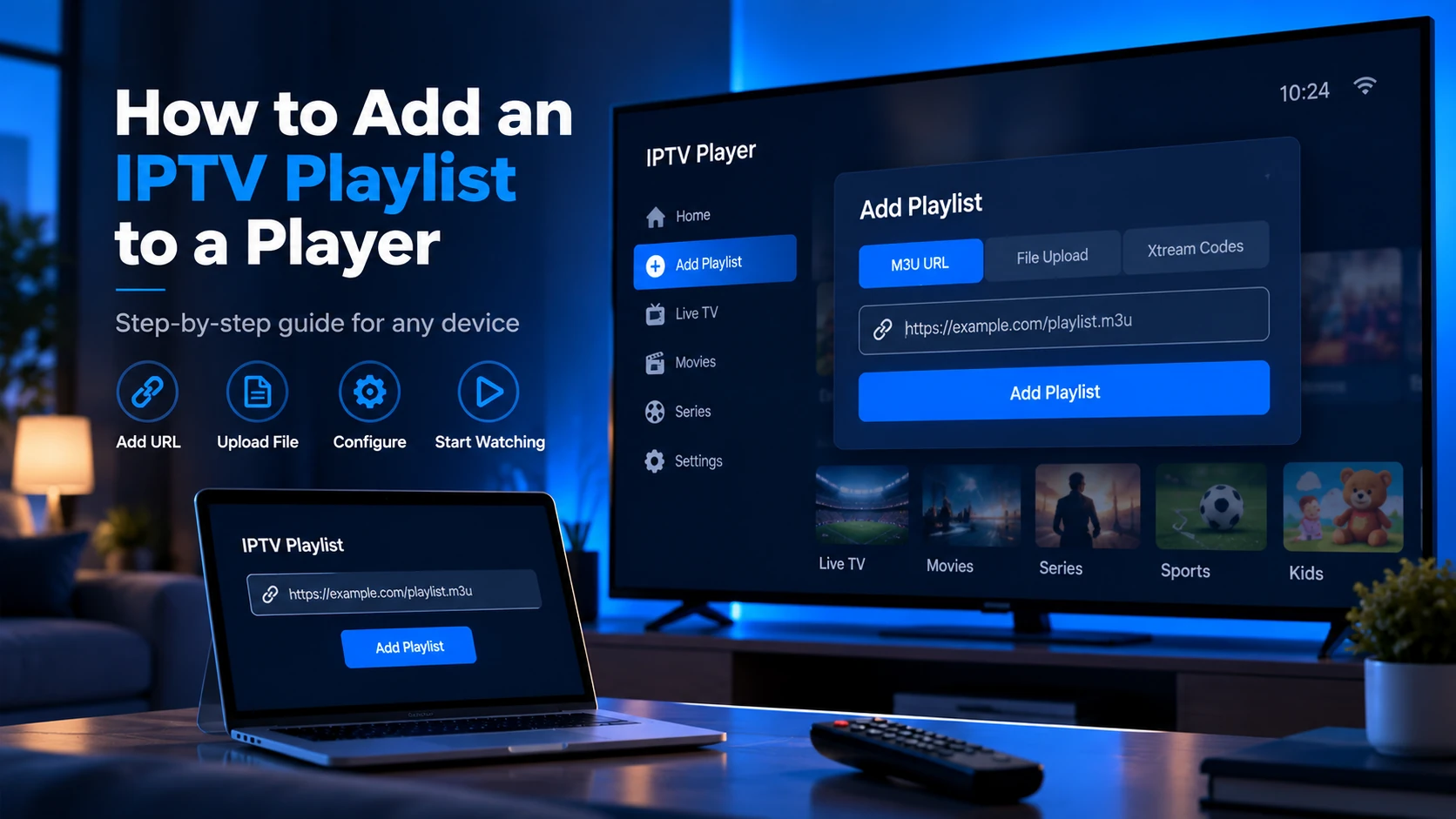
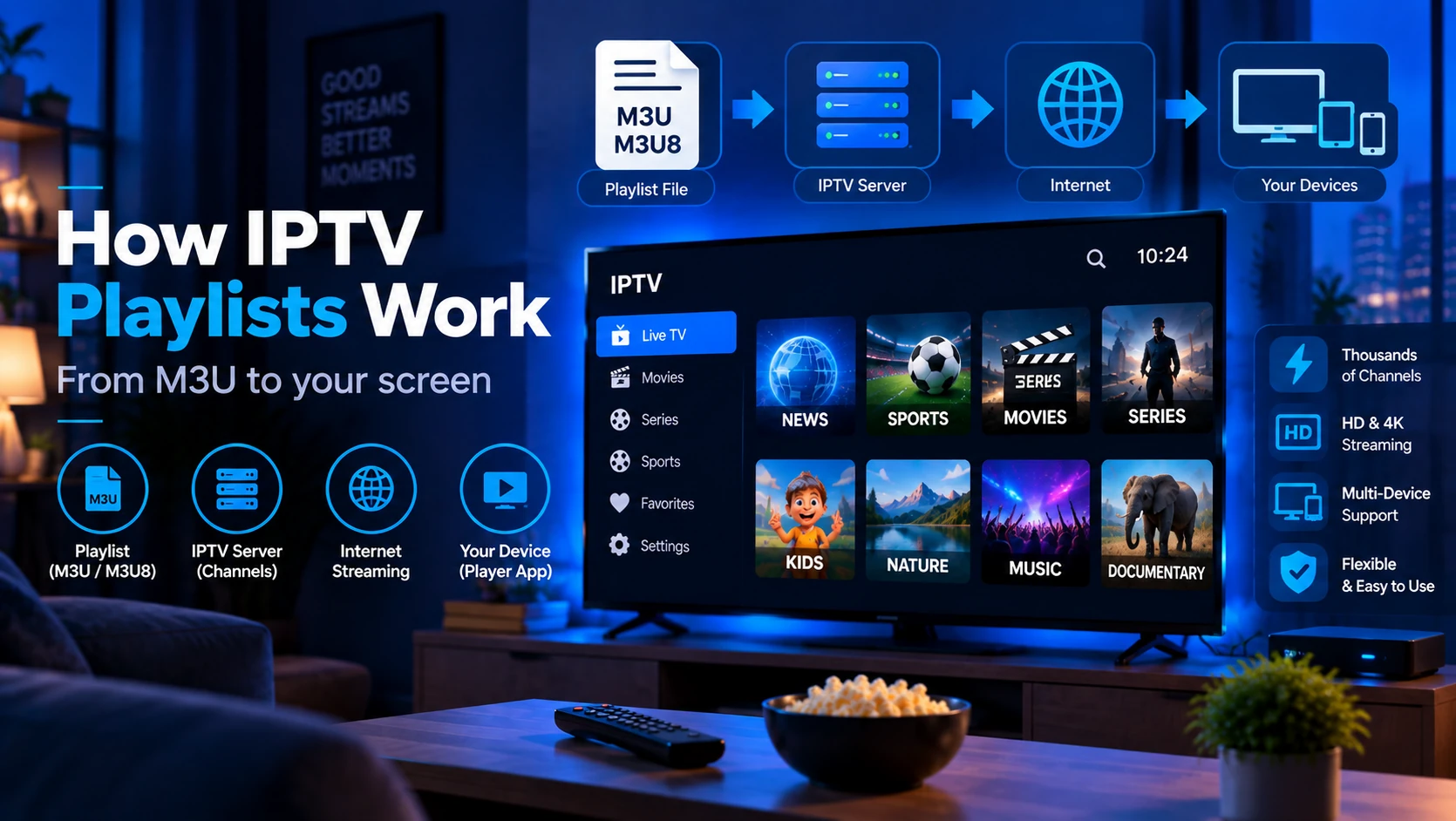
When you paste an M3U URL into your IPTV player, the player fetches a plain-text file that lists every channel — each with a name, logo, EPG reference, group, and a stream URL. The player parses that file, builds your channel guide, and then requests only the stream you actually select. The playlist itself carries no video — it is purely a structured index of streams.
The IPTV Playlist Request Flow
Here is what happens from the moment you open your player to the moment video appears on screen:
- Player fetches the playlist — Your player makes an HTTP/HTTPS GET request to the M3U URL you provided (e.g.
https://provider.example/get.php?username=you&password=xxx&type=m3u_plus). The server returns the plain-text M3U/M3U8 file. - Player parses
#EXTINFentries — Each channel is two lines: a metadata line starting with#EXTINF:-1containingtvg-id,tvg-name,tvg-logo, andgroup-title, followed by the stream URL on the next line. - Player builds the channel grid — Channels are grouped into categories (Sports, News, Entertainment…) using the
group-titleattribute. Logos are loaded fromtvg-logoURLs. - EPG is fetched separately — If an XMLTV EPG URL is configured, the player downloads the EPG file and matches
tvg-idvalues in the playlist against<channel id>values in the EPG XML. This populates the "now and next" programme guide. - User selects a channel — The player requests the HLS stream URL for that channel (usually an
.m3u8URL pointing to the provider's streaming server). - HLS segments are delivered — The stream URL returns another M3U8 file — this one is an HLS manifest listing short video segments (typically 2–10 seconds each). The player requests each segment in sequence to produce continuous playback.
The outer M3U/M3U8 channel list and the per-stream .m3u8 HLS manifests are structurally related but serve different purposes: the channel list is fetched once at startup; the HLS manifests are fetched continuously during playback.
Two Different M3U8 Files Are Involved
One confusing detail: the word "playlist" can describe two different files.
| File | Purpose | Example |
|---|---|---|
| IPTV channel playlist | Lists all channels and their stream URLs | get.php?type=m3u_plus |
| HLS media playlist | Lists video segments for one selected stream | channel/720p/index.m3u8 |
The first file builds the channel menu. The second file is part of live playback. When someone says "my playlist works but the stream buffers," they usually mean the channel list loaded, but the HLS segment delivery is struggling.
What the Player Does with the Playlist
After parsing, the player holds an in-memory channel database built from the playlist. This database powers:
- Category filtering — channels grouped by
group-title - Search — channel names from
tvg-name - Logos — thumbnail images from
tvg-logo(fetched on demand) - EPG matching —
tvg-idused to look up programme data - Favourites — player stores selected channel slugs from the list
The playlist is typically re-fetched periodically (on player restart, or on a configured refresh interval) so that dead streams dropped by the provider are reflected in the updated file. A provider may silently update stream URLs to fix outages — the playlist is the mechanism that propagates those changes to your player.
What Data Stays Local in the Player?
Most players keep a local cache after parsing a playlist:
- channel names,
- groups/categories,
- logos,
- favourite selections,
- recent channels,
- EPG matches,
- playlist refresh time.
That local cache is why deleting app data often fixes stubborn issues, but it also removes favourites and profiles. Before clearing data, try a manual playlist refresh first.
How Live Streams Work Inside a Playlist
The stream URLs inside most IPTV playlists point to HLS streams — HTTP Live Streaming, standardised in RFC 8216. When your player requests a channel's stream URL, it receives an HLS manifest like this:
#EXTM3U
#EXT-X-STREAM-INF:BANDWIDTH=2500000,RESOLUTION=1280x720
https://cdn.provider.example/channel1/720p/index.m3u8
#EXT-X-STREAM-INF:BANDWIDTH=500000,RESOLUTION=640x360
https://cdn.provider.example/channel1/360p/index.m3u8
The player selects a quality tier based on your connection speed and requests the corresponding segment playlist. That playlist lists short .ts (MPEG-TS) video chunks:
#EXTM3U
#EXT-X-TARGETDURATION:8
segment001.ts
segment002.ts
segment003.ts
The player downloads and decodes these segments in sequence, creating a seamless live stream. This is why IPTV buffering often presents as the stream starting, then pausing — the player is waiting for the next segment to arrive.
How EPG Connects to the Playlist
EPG (Electronic Program Guide) data is not embedded in the playlist. It is a separate XMLTV file containing a schedule of programme names, descriptions, and air times for each channel. The connection between playlist and EPG is made through a shared identifier:
- In the playlist:
tvg-id="bbc.one"on the#EXTINFline - In the EPG XML:
<channel id="bbc.one">and<programme channel="bbc.one">
When both IDs match, the player can display "now playing" and "up next" information alongside the channel. If the tvg-id in your playlist does not match the id in your EPG file — because of a typo, a different naming convention, or a mismatch between providers — the EPG will not populate for that channel even if both files are valid.
For a full explanation, see our guide What Is an EPG?.
What Can Go Wrong
Understanding the flow explains most playlist problems:
| Problem | Likely cause in the flow |
|---|---|
| Playlist loads but channels missing | Provider dropped streams; re-fetch the playlist |
| Channels show but no logos | tvg-logo URLs are dead or CORS-blocked |
| EPG shows "no data" | tvg-id mismatch between playlist and EPG file |
| Stream buffers constantly | HLS segment delivery too slow for your connection |
| Player says "invalid playlist" | Missing #EXTM3U header or server returned HTML error page |
| Playlist works on laptop, not Firestick | http:// stream URLs blocked on device; provider needs https:// |
Use our IPTV Free Trial Checker to inspect the raw playlist structure, count channels and groups, detect missing headers, and flag insecure stream URLs before testing on your device.
Security and Privacy in the Request Flow
Many provider playlist URLs include credentials in the query string. That means the URL itself can act like a password. Keep it private, avoid public screenshots, and do not paste private provider URLs into hosted tools you do not trust.
If you accidentally expose a playlist URL, regenerate it from the provider panel if possible. If you are testing structure only, use a local/browser-side checker or a public free-to-air playlist.
Why the Same Playlist Behaves Differently in Different Players
Two players can read the same playlist and behave differently because they make different choices after parsing:
| Difference | What changes |
|---|---|
| Parser strictness | One app may reject a missing header while VLC still opens it |
| Encoding handling | Non-English channel names may display correctly in one app and break in another |
| EPG matching | Some apps allow manual guide mapping, others rely only on tvg-id |
| Codec support | A TV app may fail on a stream that plays on desktop |
| Cache behavior | One app may keep an old channel list until you force refresh |
This is why testing in VLC is useful but not final. VLC proves that a stream can play; it does not prove your living-room app will import the playlist, map the EPG and handle the codec the same way.
Sources and Technical References
- RFC 8216: HTTP Live Streaming — official HLS specification.
- What Is an IPTV Playlist? — explains
#EXTINF,tvg-id,tvg-logoandgroup-title. - What Is an EPG? — explains XMLTV guide matching.
FAQ
Does an IPTV playlist contain video data?
No. The playlist is a plain-text index file, typically a few kilobytes. All video data flows from the provider's streaming servers when you select a channel — the playlist only tells the player where to look.
How often should the playlist be refreshed?
Most players refresh on each startup. Some allow a scheduled interval (e.g. every 12 or 24 hours). Refreshing more often does not improve stream quality; it only ensures the channel list reflects the provider's latest changes.
Why does my playlist have channels I can't watch?
Most providers include all channels in the playlist regardless of your subscription tier. Channels outside your package will typically return a 403 or redirect when the stream URL is requested. This is normal — the playlist is a product catalogue; your subscription determines which streams the server actually delivers.
Can I use one playlist in multiple players at once?
Technically yes — the playlist is just a URL. Whether your provider allows concurrent streams on one account depends on their terms of service.
Why does refreshing the playlist not fix buffering?
Refreshing updates the channel list. Buffering happens during HLS segment delivery after you select a channel, so it is usually a network, server or device issue.
Why does my player show old channel names?
The player may be using a cached copy of the playlist. Run a manual playlist refresh or restart the app before deleting the profile.
Can the playlist itself make channels legal or illegal?
No. The playlist is only a list of stream addresses. Legality depends on whether the source has the rights to distribute those streams in your region.
Next steps: Now that you understand how playlists work, learn to add one to your player in How to Add an IPTV Playlist to a Player, or validate your playlist in the Free Trial Checker.