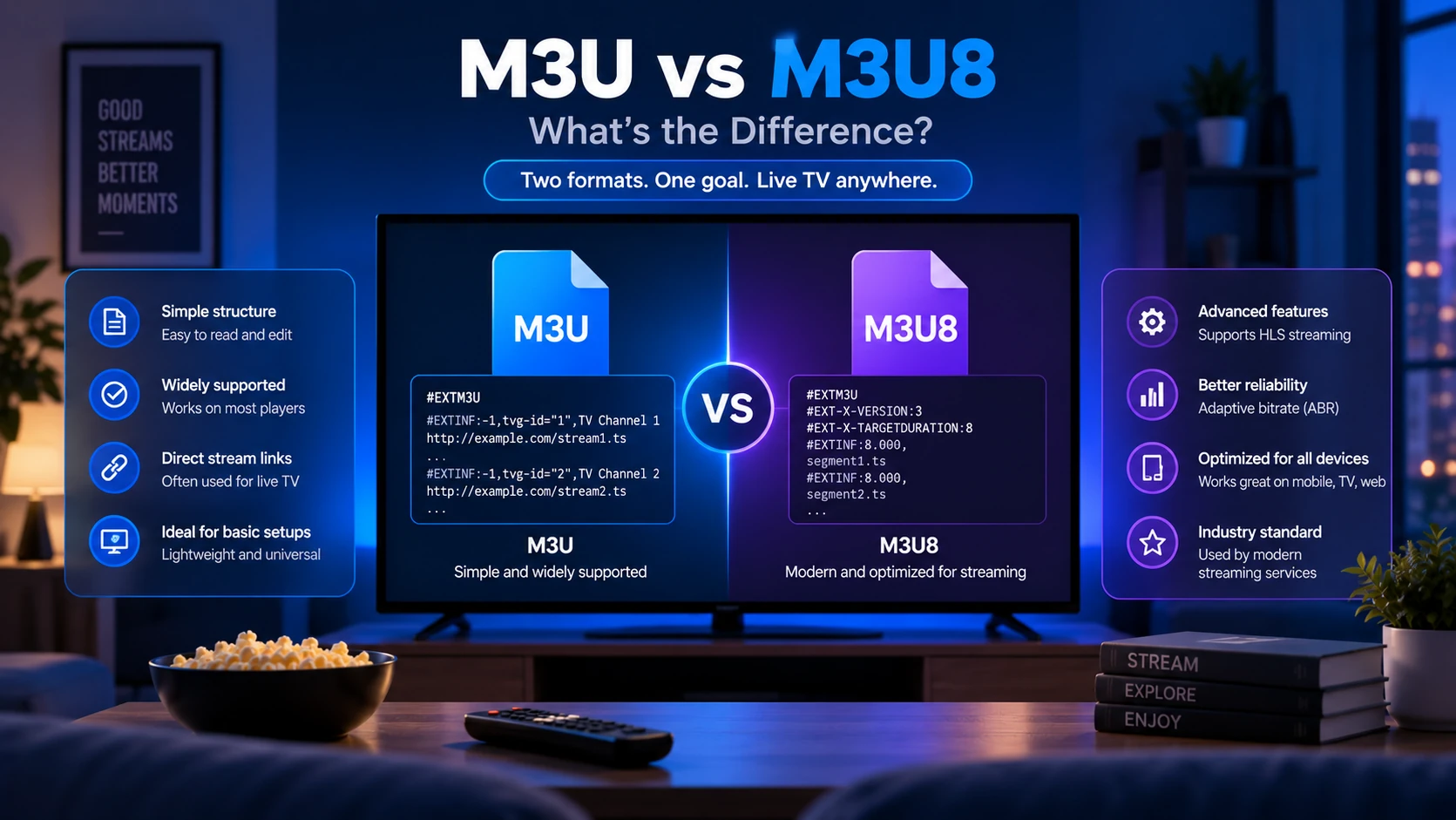
M3U and M3U8 are the same playlist format. The only difference is character encoding: M3U uses legacy ANSI/ISO-8859-1 encoding, while M3U8 uses UTF-8 — as required by the HLS specification (RFC 8216). For most IPTV use, M3U8 is the right choice because it correctly displays channel names in any language or script.
What Is M3U?
M3U (short for MP3 URL or Moving Picture Experts Group Audio Layer 3 Uniform Resource Locator) is a plain-text file format originally designed in the 1990s to create playlists for audio files. It was later extended with #EXTINF metadata tags to support IPTV channel lists.
A basic M3U file looks like this:
#EXTM3U
#EXTINF:-1 tvg-id="bbc.one" tvg-name="BBC One" group-title="UK",BBC One
https://example.com/bbc-one/index.m3u8
The file extension is .m3u and the encoding is ANSI/ISO-8859-1 by default. That works fine for English-only channel names, but it breaks on characters outside the Latin-1 range — accented French characters, Arabic, Chinese, Cyrillic, and emoji all risk garbling.
M3U remains in wide use because legacy players and older Windows software often default to it. If your provider only offers one format and your channel list is entirely in English, M3U works without issues.
What Is M3U8?
M3U8 is an M3U file saved in UTF-8 encoding. The "8" refers to UTF-8. That's the entire difference at the file-format level.
UTF-8 became the required encoding for HLS (HTTP Live Streaming) playlists when Apple published the HLS specification, now standardised as RFC 8216. Because most modern IPTV streams use HLS delivery, the .m3u8 extension became standard across the industry — even for the outer channel-list playlist, not just the individual stream manifests.
In practice, an M3U8 playlist looks identical to an M3U playlist:
#EXTM3U
#EXTINF:-1 tvg-id="france.2" tvg-name="France 2" group-title="France",France 2
https://example.com/france2/index.m3u8
#EXTINF:-1 tvg-id="cctv.1" tvg-name="CCTV-1综合" group-title="China",CCTV-1综合
https://example.com/cctv1/index.m3u8
The Chinese characters in CCTV-1综合 display correctly in an M3U8 file. In a legacy M3U file they may render as ???? or similar garbage depending on your player.
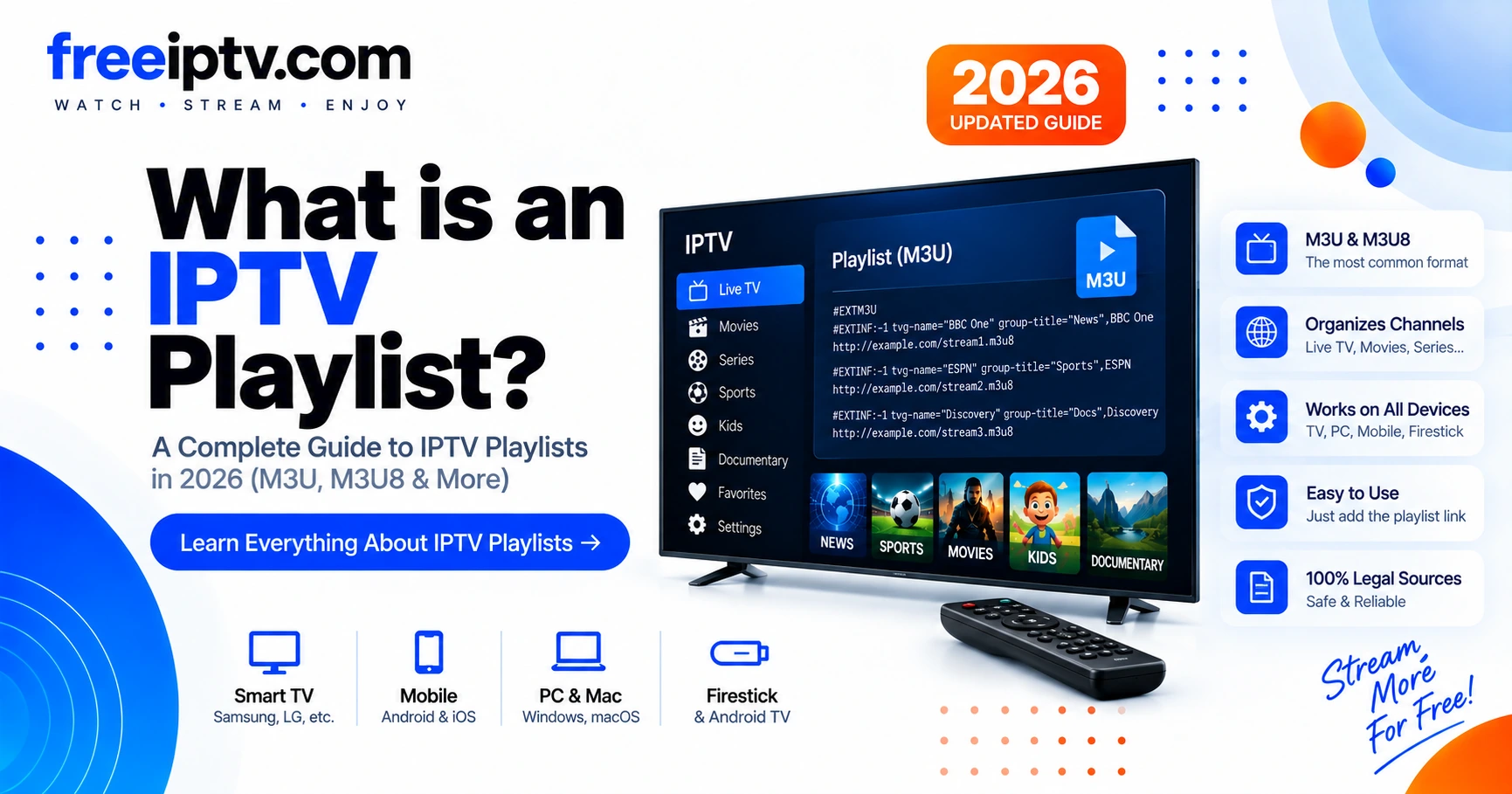
For a deeper look at how these files are structured, see What Is an IPTV Playlist?
M3U vs M3U8: The Key Differences
| Feature | M3U | M3U8 |
|---|---|---|
| File extension | .m3u | .m3u8 |
| Character encoding | ANSI / ISO-8859-1 | UTF-8 |
| Playlist structure | #EXTM3U + #EXTINF entries | Identical |
| Non-Latin characters | May garble (é, ü, 中文, Arabic…) | Displays correctly |
| HLS spec compliance | No (RFC 8216 requires UTF-8) | Yes |
| Browser support | Limited | Full (native HLS in Safari, MSE in Chrome/Firefox) |
| Modern player support | Yes, with caveats | Yes, universally |
| Best for | Legacy setups, English-only content | All IPTV setups in 2026 |
Source: RFC 8216, Section 4 — "Playlist files MUST be encoded in UTF-8."
The structure inside both files — #EXTM3U header, #EXTINF metadata lines, stream URLs — is identical. You can often rename a .m3u file to .m3u8 (or vice versa) and a modern player will handle it fine, as long as the actual encoding matches what the player expects.
Outer Playlist vs Stream Manifest
M3U8 appears in two places in IPTV:
| File | What it does | Example |
|---|---|---|
| Outer channel playlist | Lists all channels for your player | playlist.m3u8 |
| HLS stream manifest | Lists video variants or segments for one channel | channel/index.m3u8 |
The outer playlist is the channel directory. The stream manifest is part of playback after you select a channel. Both can use M3U8 syntax, but they are not the same file.
Which Should You Use?
Use M3U8 unless you have a specific reason not to.
- Modern players (VLC, TiviMate, IPTV Smarters, GSE Smart IPTV, Kodi) all handle M3U8 natively.
- If your channel list includes any non-English names — even one channel — M3U8 prevents encoding bugs.
- HLS stream URLs (
.m3u8) work inside both outer playlist formats, so there is no conflict.
The only time to prefer plain M3U is when you're using an older app or device that explicitly requires the .m3u extension or ANSI encoding. That situation is increasingly rare in 2026.
Check what your provider offers in their account dashboard or welcome email. If both formats are listed, select M3U8. Browse our IPTV playlists directory to see how providers typically present these options.
Quick Decision Table
| Situation | Choose |
|---|---|
| Modern IPTV app or Android TV player | M3U8 |
| International channel names or non-English logos/groups | M3U8 |
Old set-top box only accepts .m3u | M3U |
| You are downloading a file to edit manually | M3U8 saved as UTF-8 |
| Provider gives only one URL | Use that URL; validate encoding if names look broken |
If channel names look correct, do not overthink the extension. If names are garbled, the encoding is the first thing to fix.
How Players Handle M3U vs M3U8
Most current players detect encoding automatically, but behaviour varies:
VLC — Accepts both extensions. If the file is labelled .m3u but actually contains UTF-8, VLC reads it correctly on macOS and Linux (which default to UTF-8 system encoding). On Windows with a non-UTF-8 locale, garbled names are possible with .m3u files.
TiviMate / IPTV Smarters — Android-based players inherit the device's UTF-8 locale. Both extensions work, but .m3u8 is the expected format and triggers the most reliable parsing path.
Kodi (PVR IPTV Simple) — Accepts M3U and M3U8 by URL. The add-on has an option to force UTF-8 parsing regardless of extension — useful if you have a provider that serves UTF-8 content with a .m3u extension.
Web browsers — Safari natively plays .m3u8 HLS streams. Chrome and Firefox require the Media Source Extensions (MSE) API. Neither handles a raw channel-list .m3u file as a media source — they treat it as a plain text download.
For player-specific setup instructions, see our IPTV Players guide.
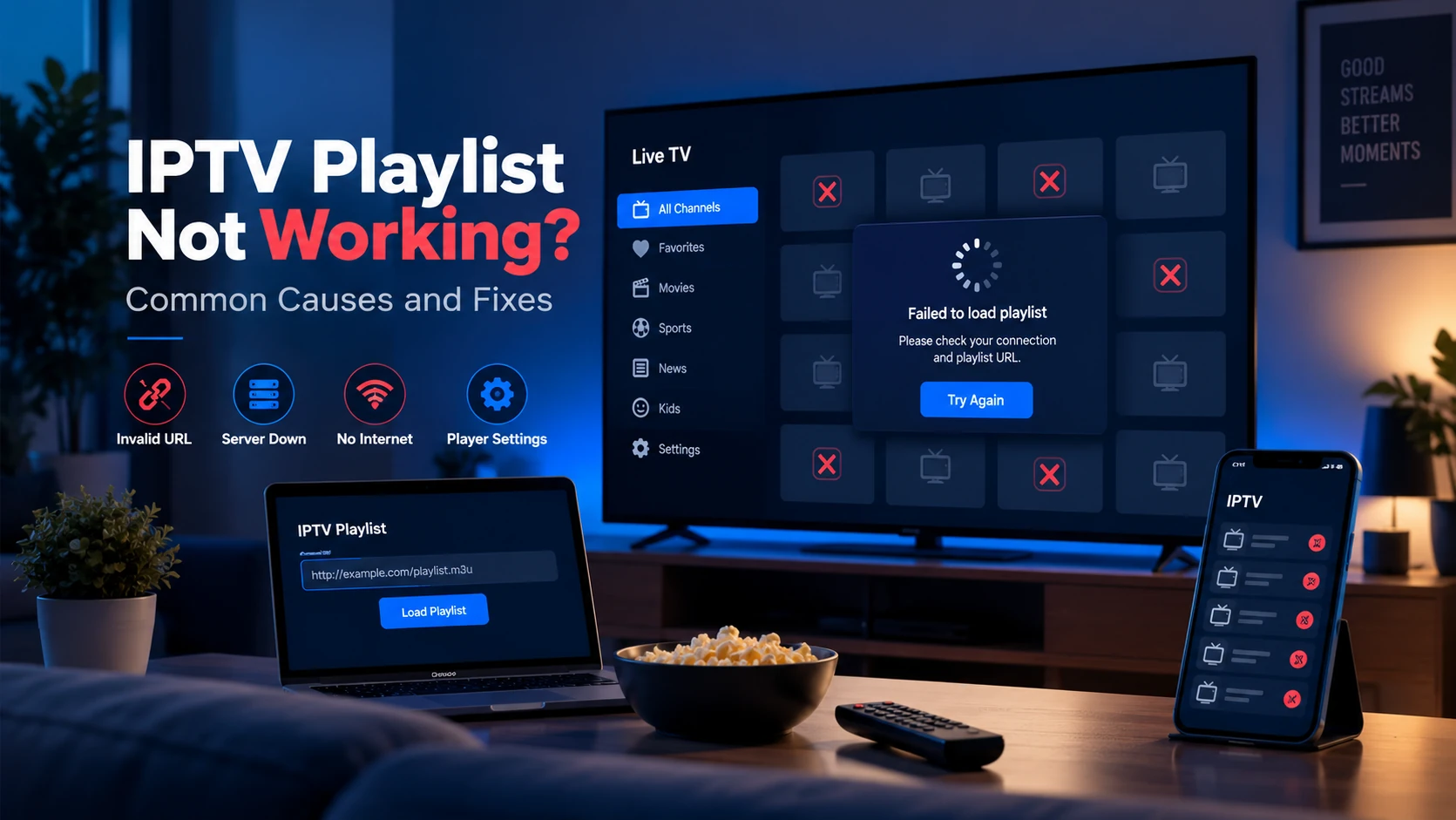
Common Problems with M3U and M3U8 Files
Channel names show question marks or boxes
This is an encoding mismatch. Your player is reading a UTF-8 file as ANSI. Fix: rename the file to .m3u8, or in your player settings enable "force UTF-8". If the player has no such setting, switch players or ask your provider for the M3U8 variant.
Player says "invalid playlist" or won't load
- The file is missing the
#EXTM3Uheader on line 1 — some providers omit it. - The URL returned a login page or error instead of playlist content — check your credentials.
- The extension is
.m3u8but the server returnsContent-Type: text/plainwithout the expected header — some players reject this. Use our Free Trial Checker to inspect the raw response.
Wrong extension from provider
Some providers serve M3U8 content at a URL ending in .m3u, or vice versa. The extension is just a hint — the actual content encoding determines correctness. If channel names display correctly, the encoding is fine regardless of the extension shown in the URL.
File loads but streams don't play
The outer playlist format (M3U vs M3U8) is not the cause of streams failing. A stream that doesn't play is usually a server-side issue: expired token, geo-block, or dead stream. Validate the playlist and check individual stream URLs with the Free Trial Checker.
Sources and Technical References
- RFC 8216: HTTP Live Streaming — specifies UTF-8 playlist encoding for HLS.
- What Is an IPTV Playlist? — explains
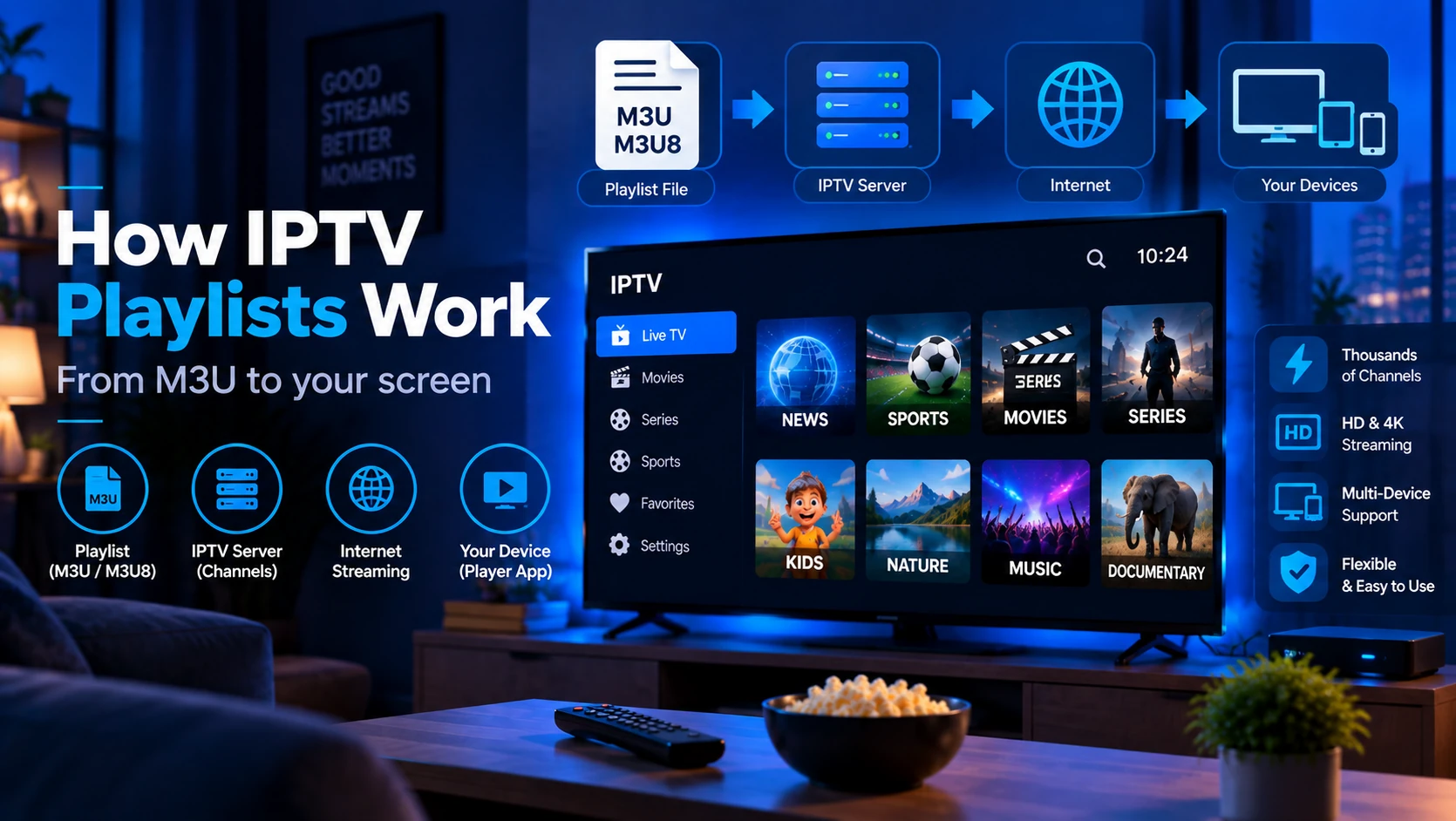
#EXTM3U,#EXTINF,tvg-idand stream URLs. - How IPTV Playlists Work — explains the outer playlist vs stream manifest flow.
FAQ
Is M3U8 just M3U with a different extension?
Technically, M3U8 is M3U with UTF-8 encoding — the "8" in the name refers to UTF-8. In practice, a well-formed M3U file that only contains ASCII characters is also valid UTF-8, so the two can be identical on disk. The extension signals the intended encoding to the player.
Can I convert M3U to M3U8?
Yes. Open the .m3u file in a text editor, re-save it with UTF-8 encoding (in Notepad on Windows: File → Save As → Encoding: UTF-8), and rename the extension to .m3u8. The playlist structure stays the same.
Does the stream URL inside the playlist need to be .m3u8 too?
The stream URLs inside the playlist are HLS manifests — they are always .m3u8 regardless of the outer playlist's extension. These are separate files that describe individual video streams, not the channel list itself.
Why do some providers use .m3u even in 2026?
Mostly legacy compatibility. Some older set-top boxes and hotel TV systems only recognise the .m3u extension. Providers who support a wide range of hardware keep both variants available.
Does M3U8 affect streaming quality?
No. The outer playlist format has no effect on video quality, bitrate, or buffering. Those depend on the HLS stream itself, your internet connection, and the provider's server infrastructure.
Why does my provider's M3U URL contain .m3u8 streams?
That is normal. The outer file can be .m3u, while each channel points to an HLS .m3u8 stream manifest. They are separate playlist layers.
Should I rename every M3U file to M3U8?
Only if the file is actually saved as UTF-8 or your player needs the extension hint. Renaming does not magically convert bad encoding; resave the file as UTF-8 first.
Next steps: Learn how the full playlist format works in What Is an IPTV Playlist?, then validate your playlist with the Free Trial Checker or compare compatible apps in the IPTV Players guide.