
Senior Technology Writers
The FreeIPTV.codes editorial team researches, writes, and reviews every guide on this site. We focus on accurate, practical explanations of IPTV technology - from M3U playlists to player configuration - cross-checked against official documentation.
Articles by Editorial Team (15)
Public IPTV Playlists: Free Legal M3U Sources (2026)
Public IPTV playlists list free-to-air streams you can load into any M3U player — here is where to find maintained sources, how to stay legal, and how to set them up.
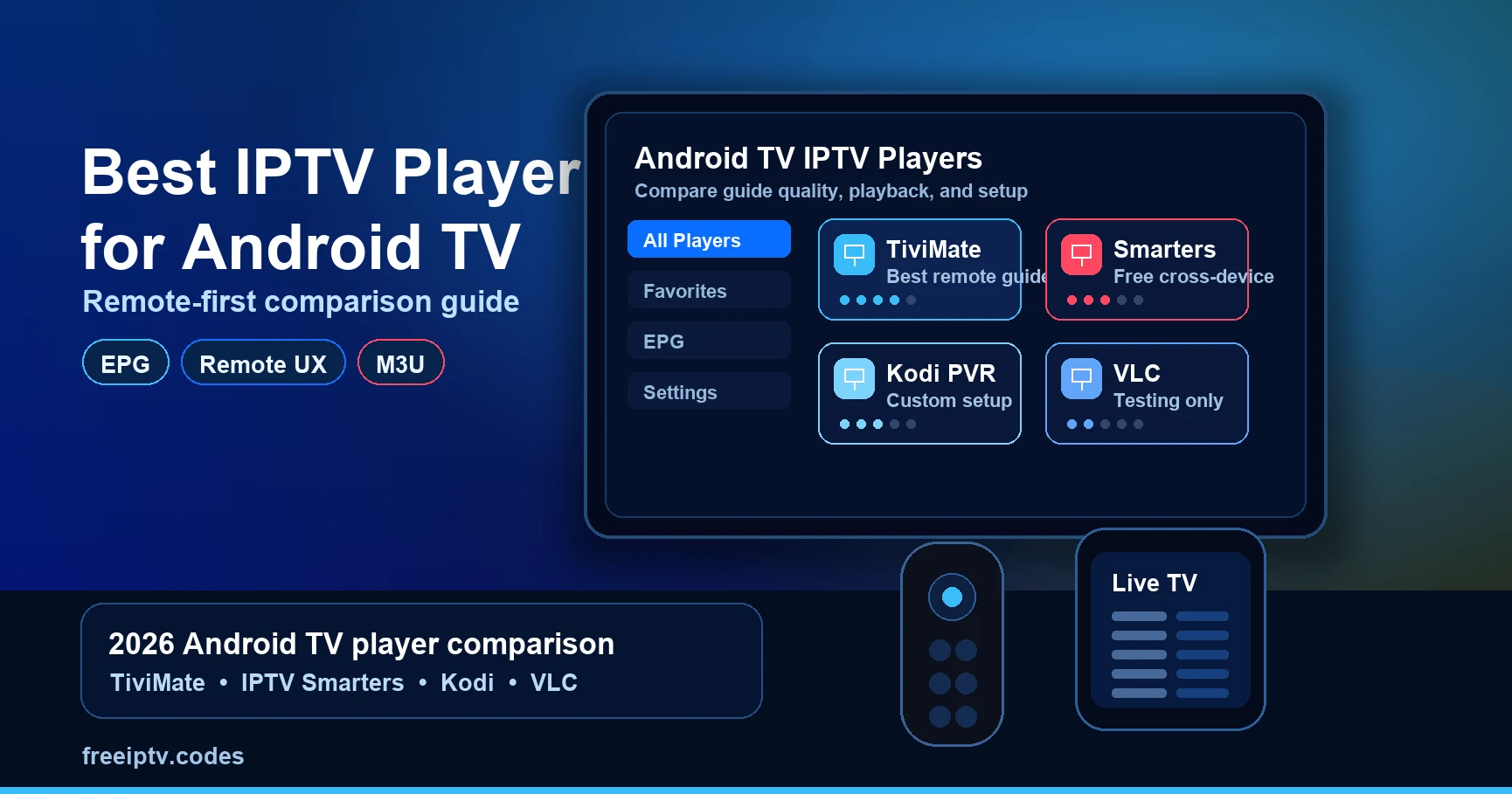
Best IPTV Player for Android TV: 2026 Guide
Not every IPTV player suits a TV remote. This guide scores the main Android TV players on guide quality, catch-up, remote control UX and cost — with no paid rankings.
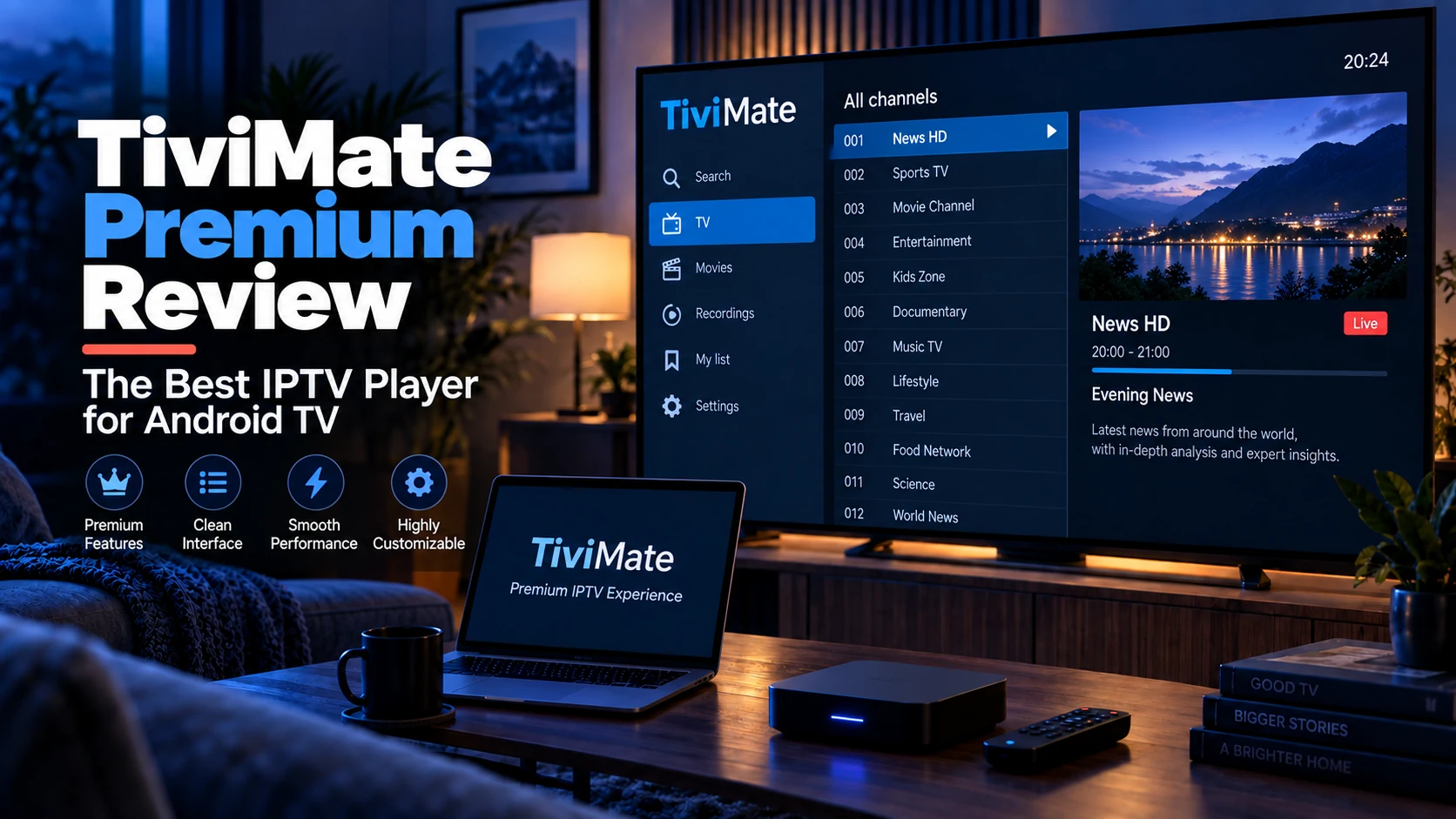
TiviMate Premium: Is It Worth It? (2026 Review)
TiviMate is the best-looking IPTV guide on Android TV, but the free version is deliberately limited. Here's exactly what Premium adds and whether you should pay.
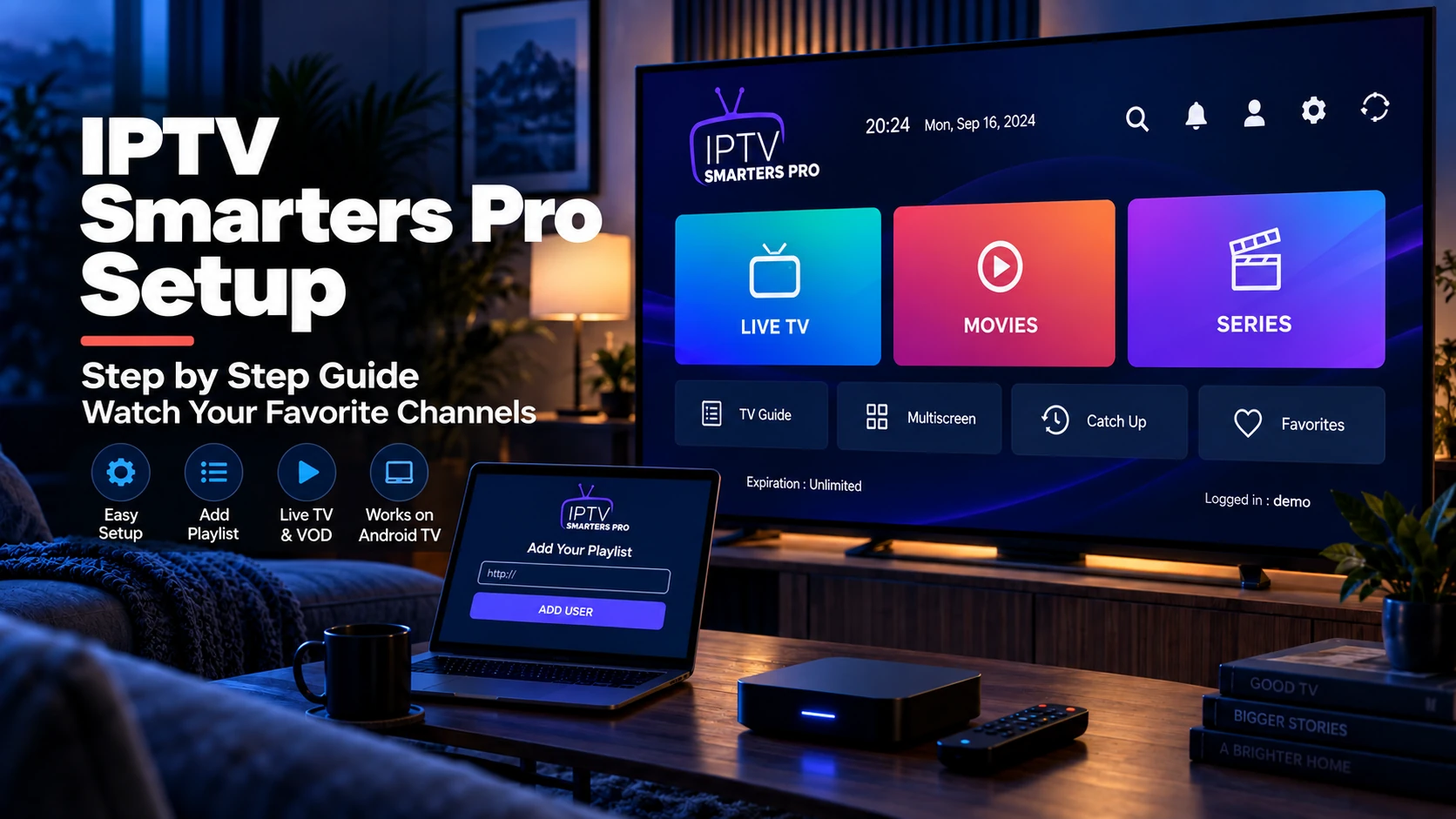
IPTV Smarters Pro Setup: M3U & Xtream Login
IPTV Smarters Pro accepts both M3U playlists and Xtream Codes logins. Here's the exact login flow on Firestick, Android, iOS and Windows, plus the fixes for when it won't connect.
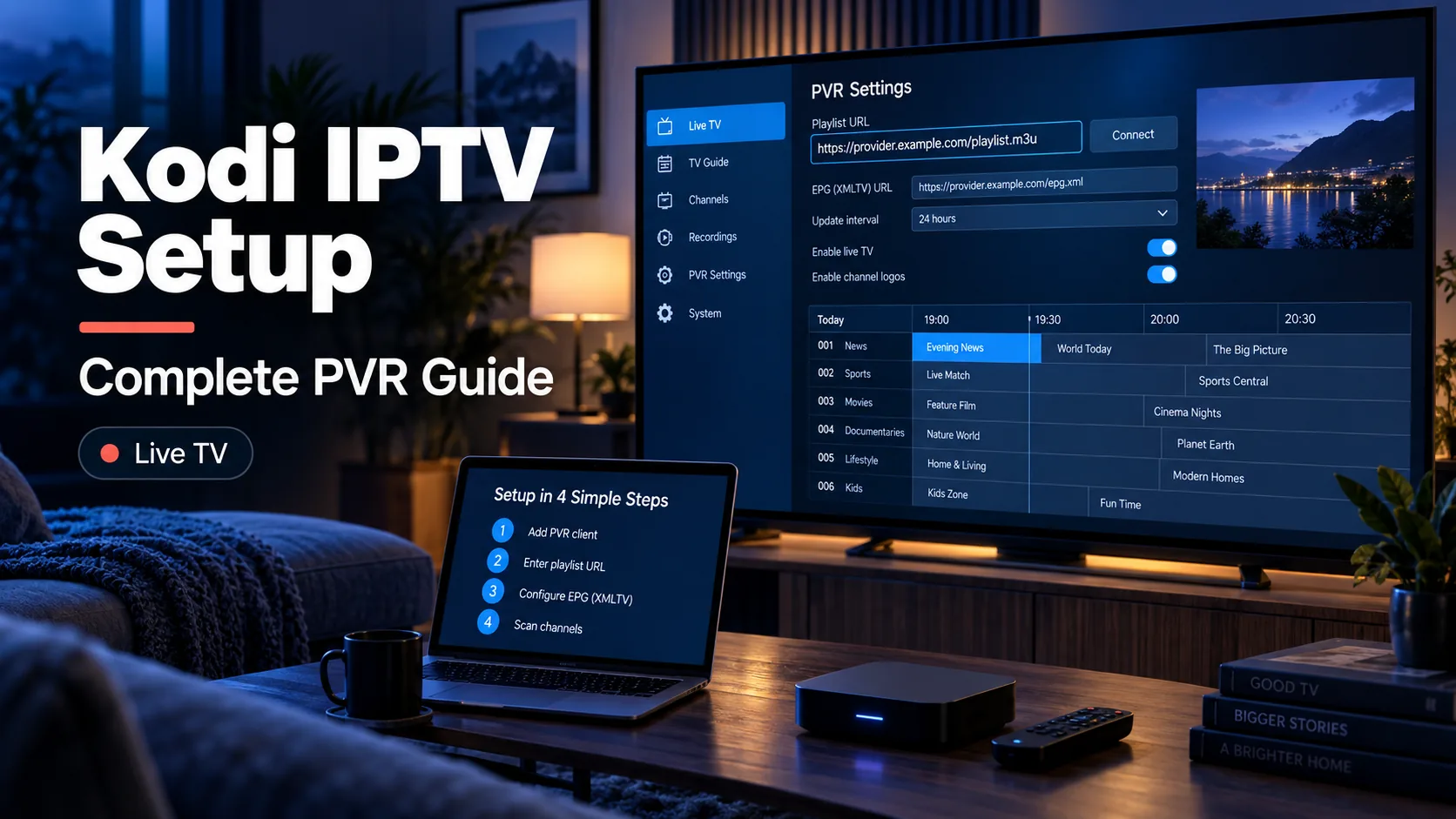
Kodi IPTV Setup: Complete PVR Guide for Live TV
Kodi turns any Firestick, Android box or PC into an IPTV player. Here's how to install the PVR client, point it at your playlist and EPG, and get a proper TV guide.
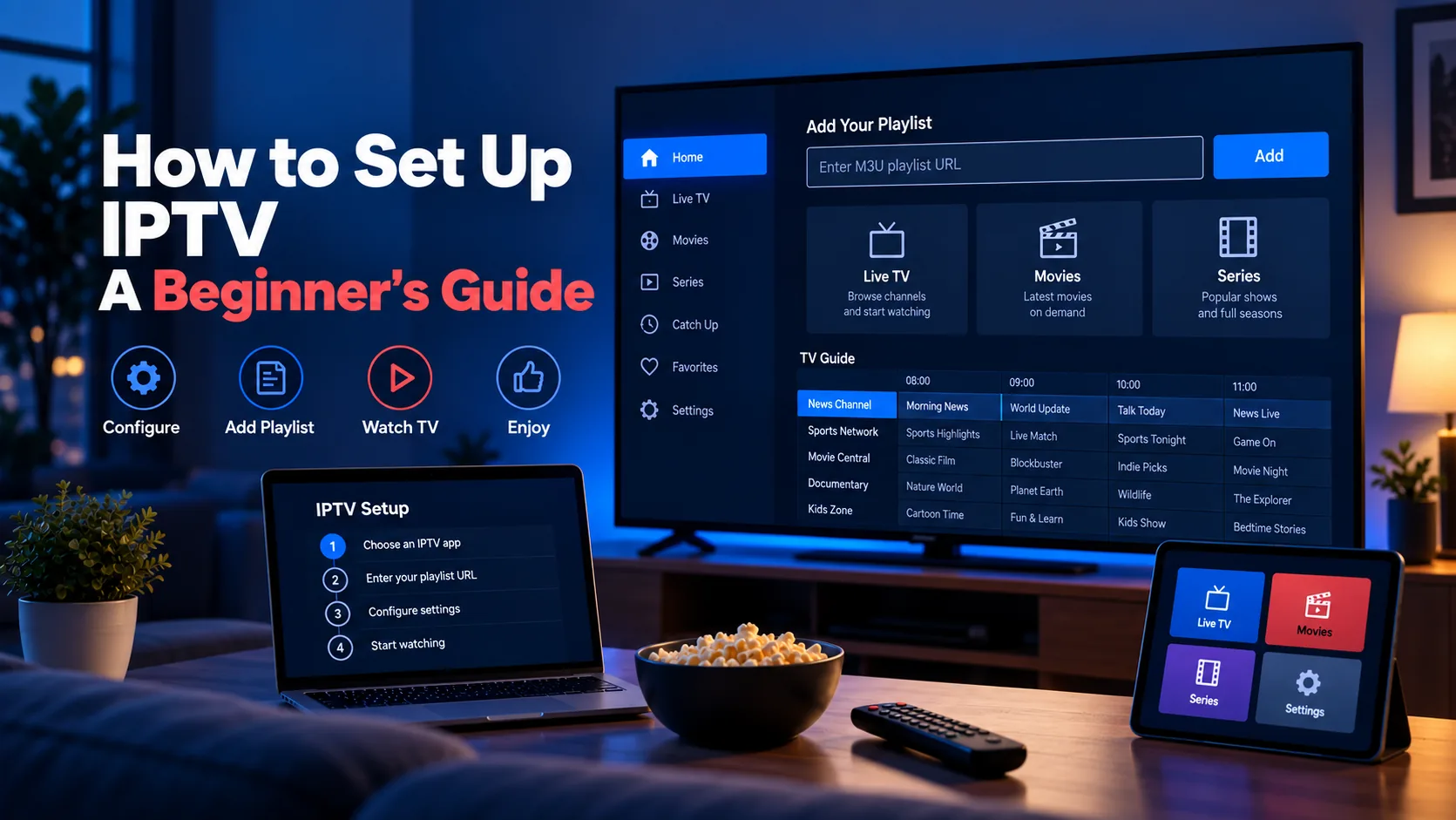
How to Set Up IPTV: A Beginner's Guide
Set up IPTV from scratch in five steps — player choice, playlist URL, EPG, and first-run troubleshooting — explained for absolute beginners.
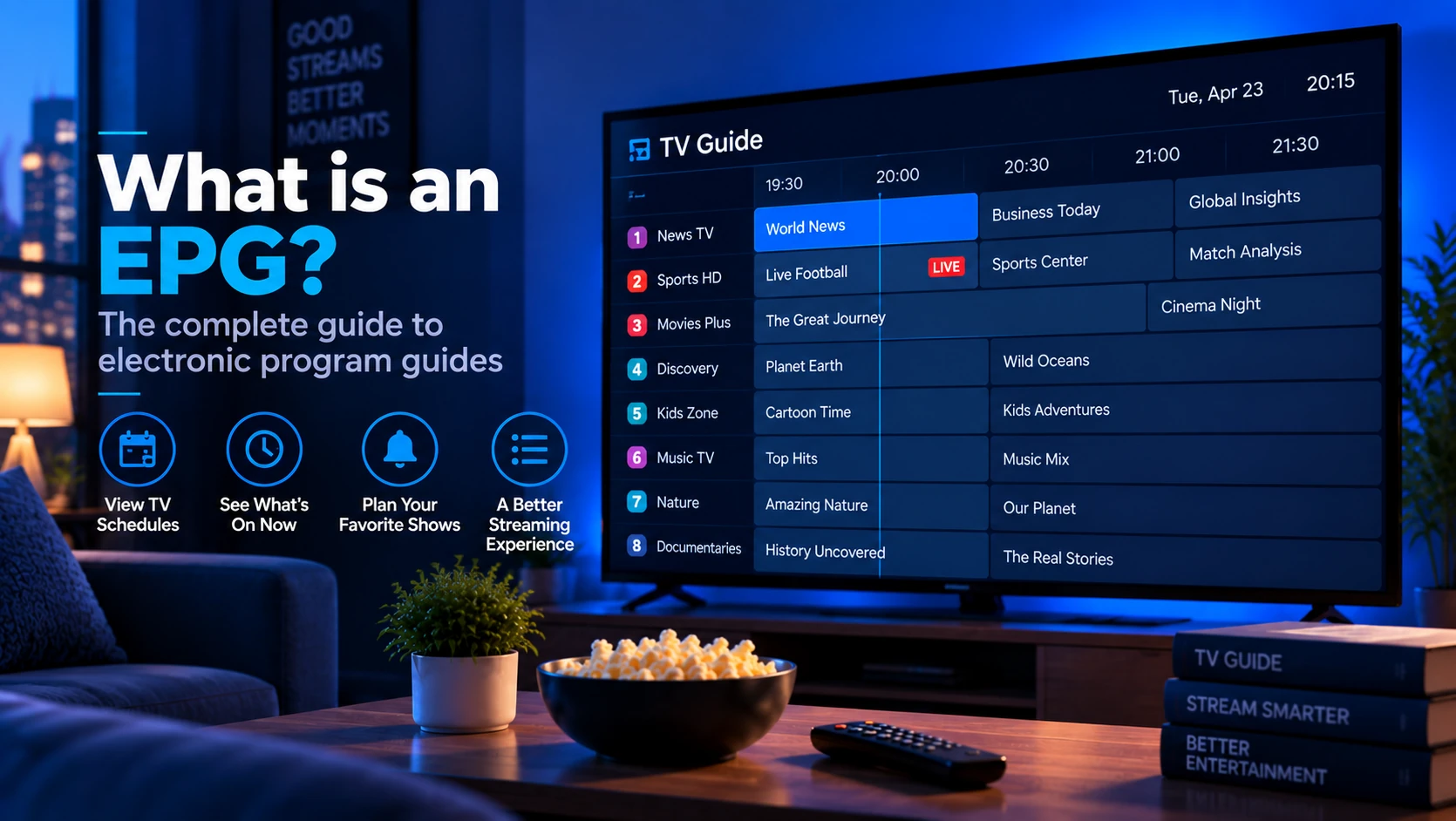
What Is an EPG in IPTV? How TV Guide Data Works
An EPG (Electronic Program Guide) is the data that fills your live TV grid. Here's how XMLTV, tvg-id, and EPG URLs work — and why your guide sometimes stays blank.
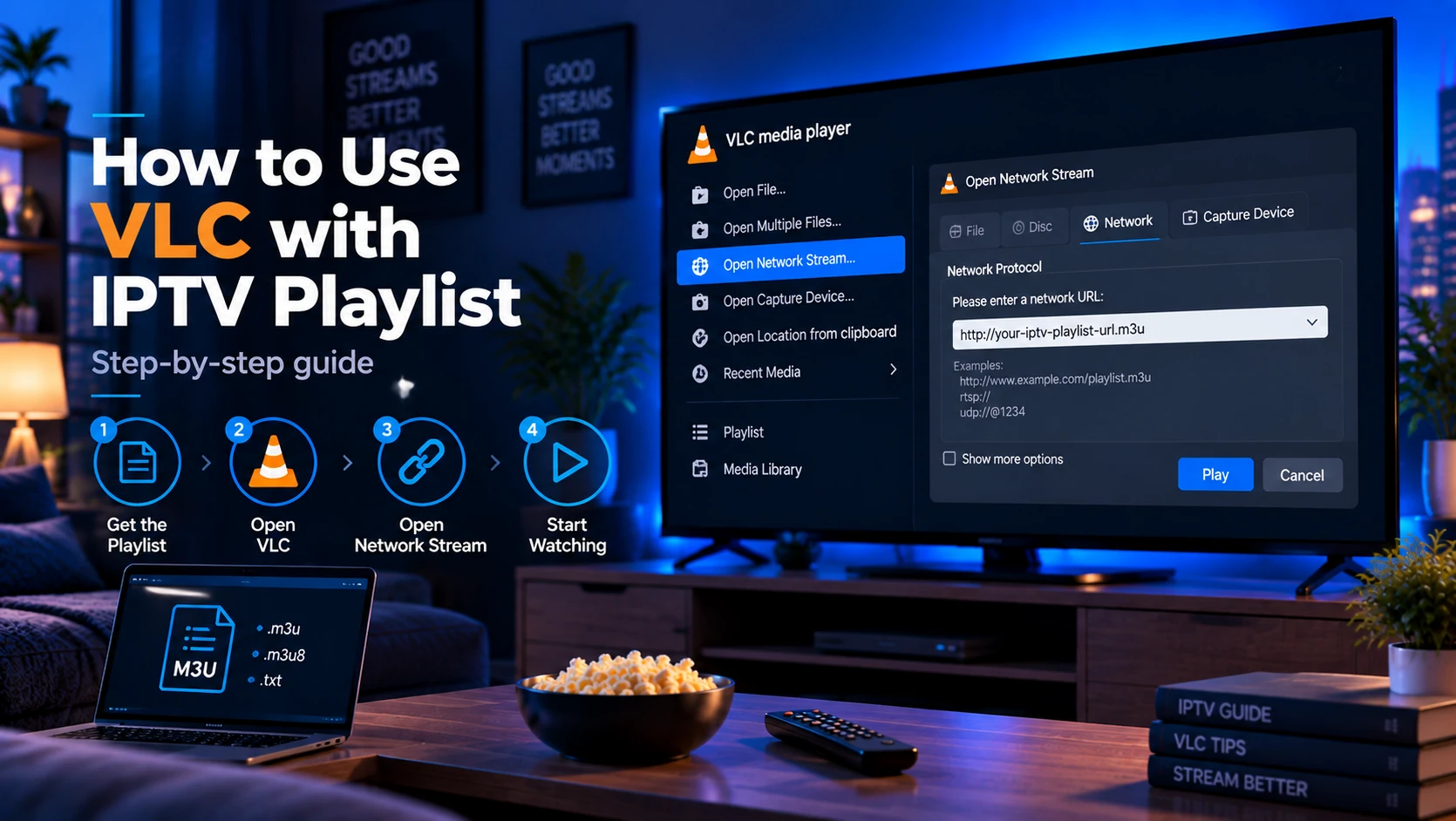
How to Use VLC with an IPTV Playlist (M3U/M3U8)
VLC is the fastest way to test an IPTV playlist for free on any computer. Here's how to load an M3U file or URL, switch channels, and fix playback.
IPTV Buffering: Causes and How to Fix It
Buffering on IPTV is almost never one thing — it's network, player, device, or provider. Here's how to diagnose which one and fix it in order.
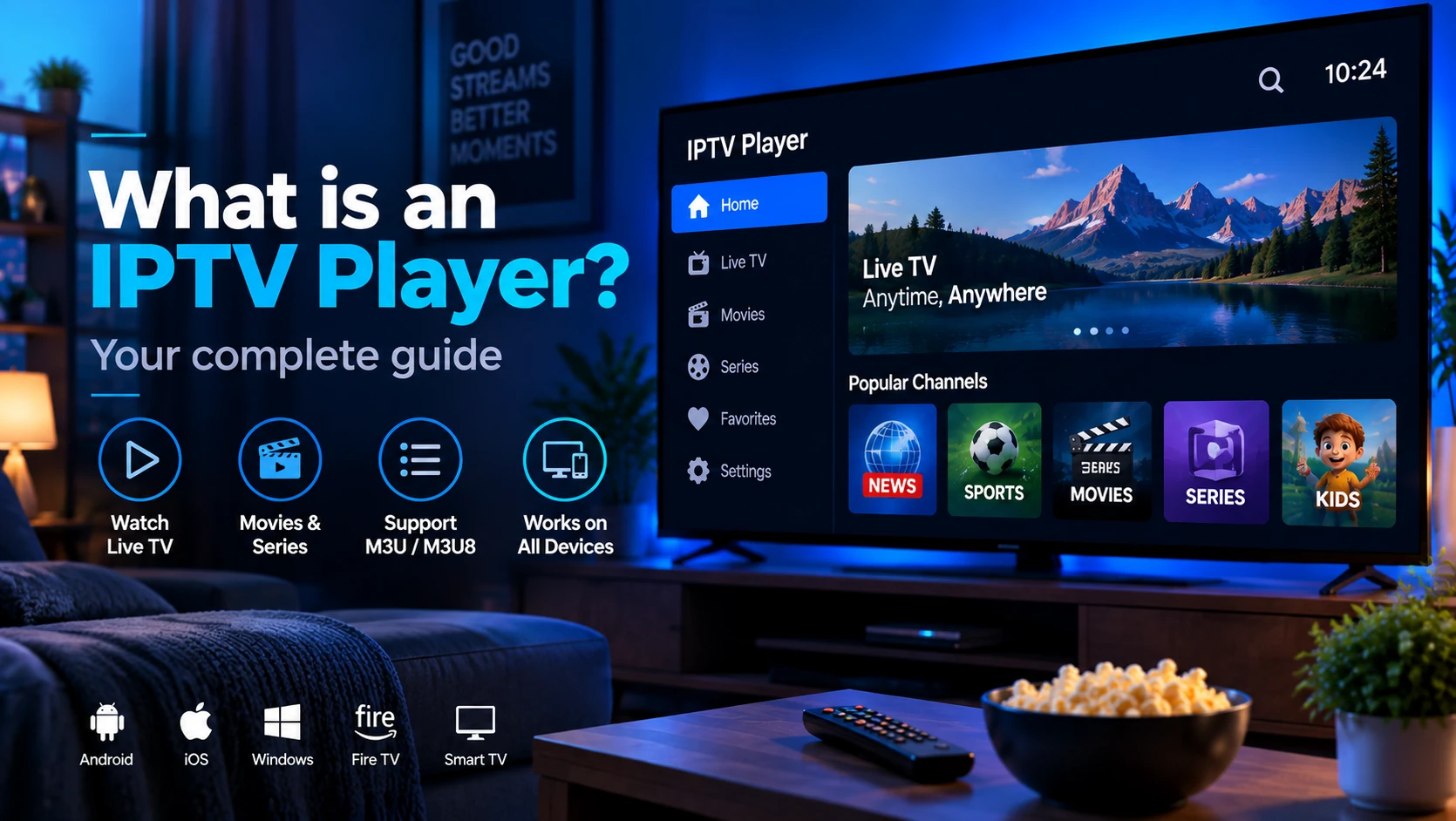
What Is an IPTV Player?
An IPTV player is the software that reads your M3U playlist and streams live TV over the internet — here's how it works and which one to use.
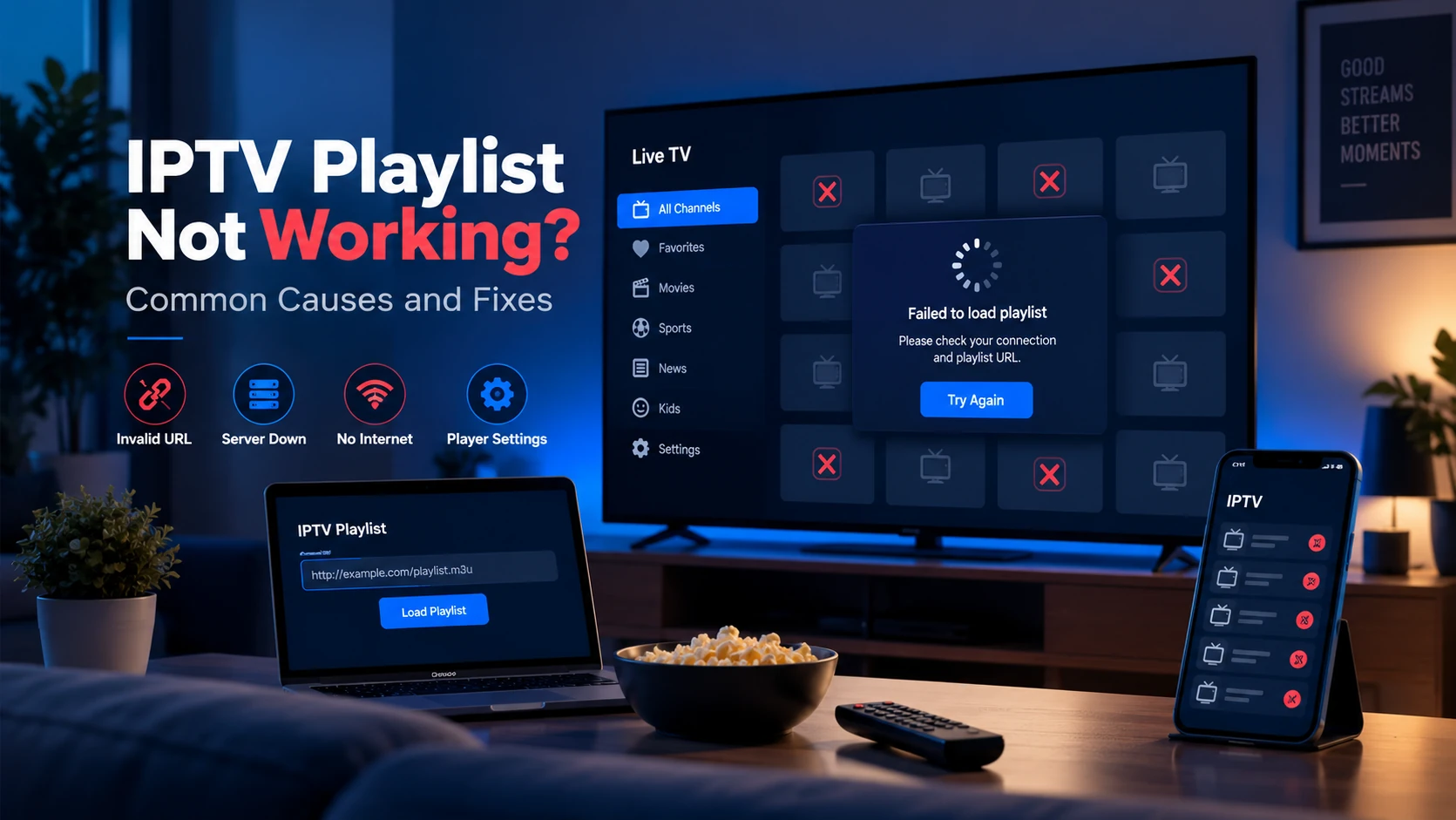
IPTV Playlist Not Working: Common Causes and Fixes
A diagnostic walkthrough of the most common reasons an IPTV playlist fails to load or stream, from expired URLs and missing headers to ISP blocking and EPG issues.
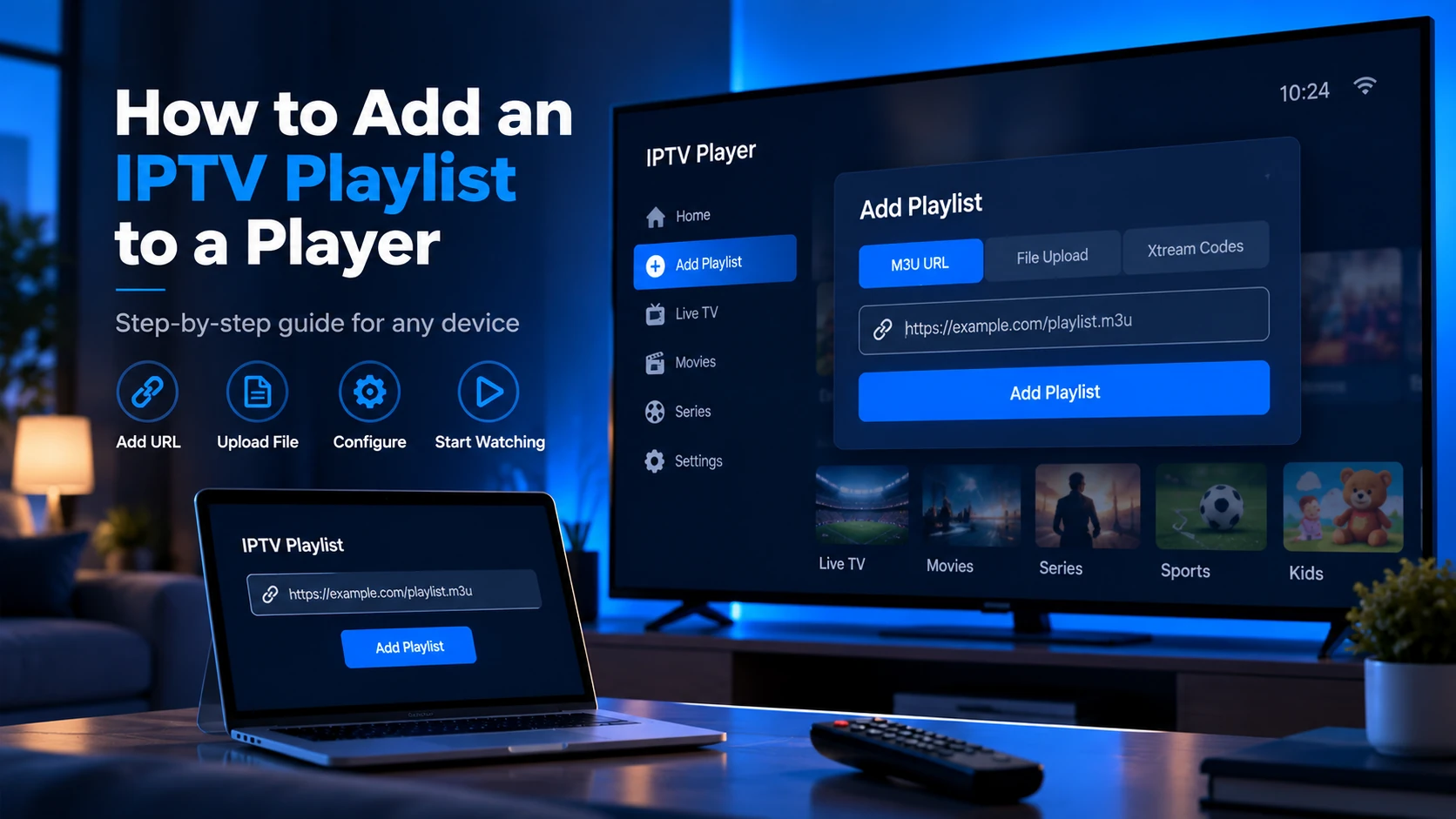
How to Add an IPTV Playlist to a Player
Adding an IPTV playlist takes under two minutes in any compatible player. You need your M3U URL and a supported app — here are the steps for each major player.
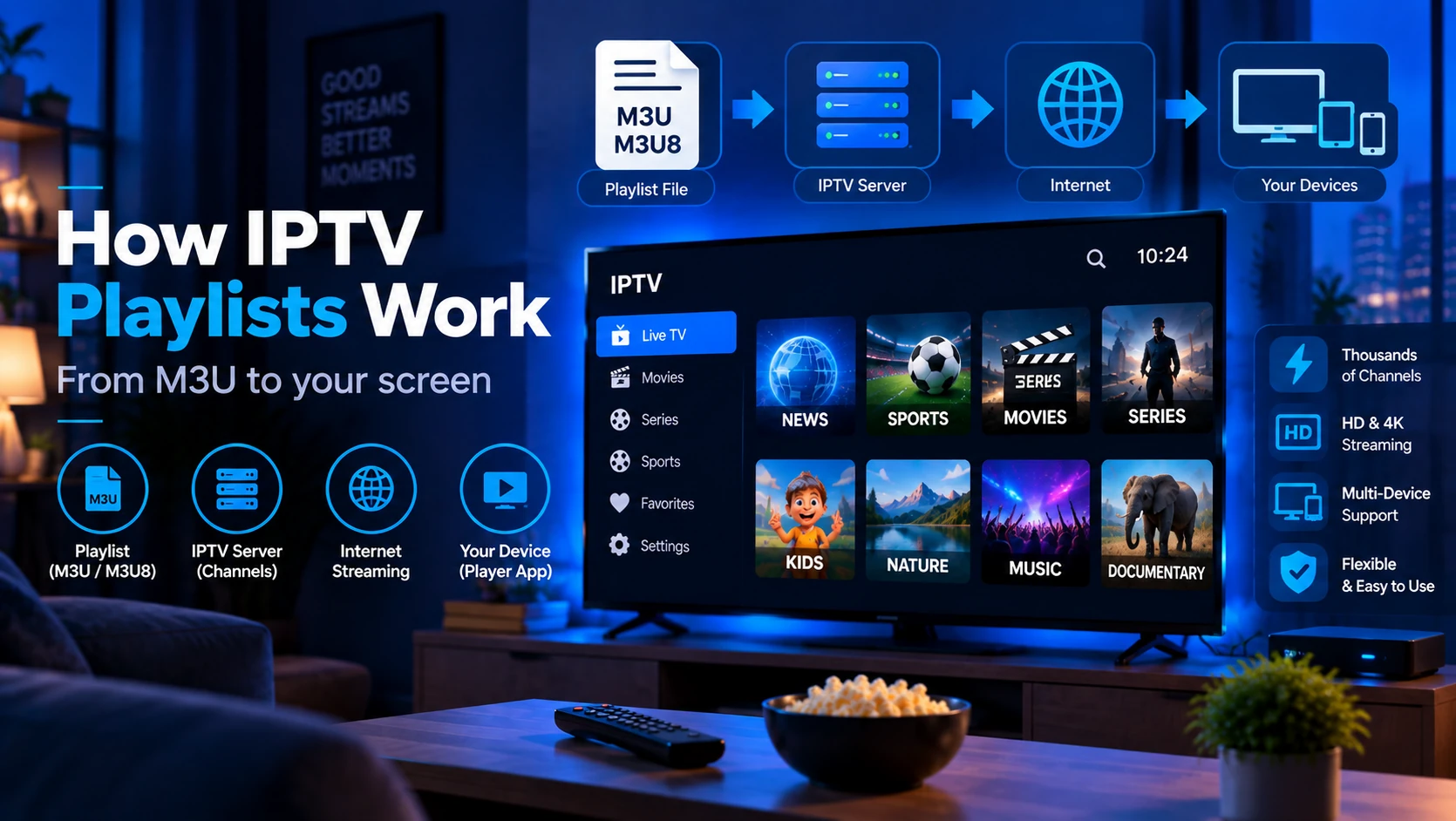
How Do IPTV Playlists Work?
An IPTV playlist is a text file your player fetches to build a channel list. Here is the full technical flow from request to live stream.
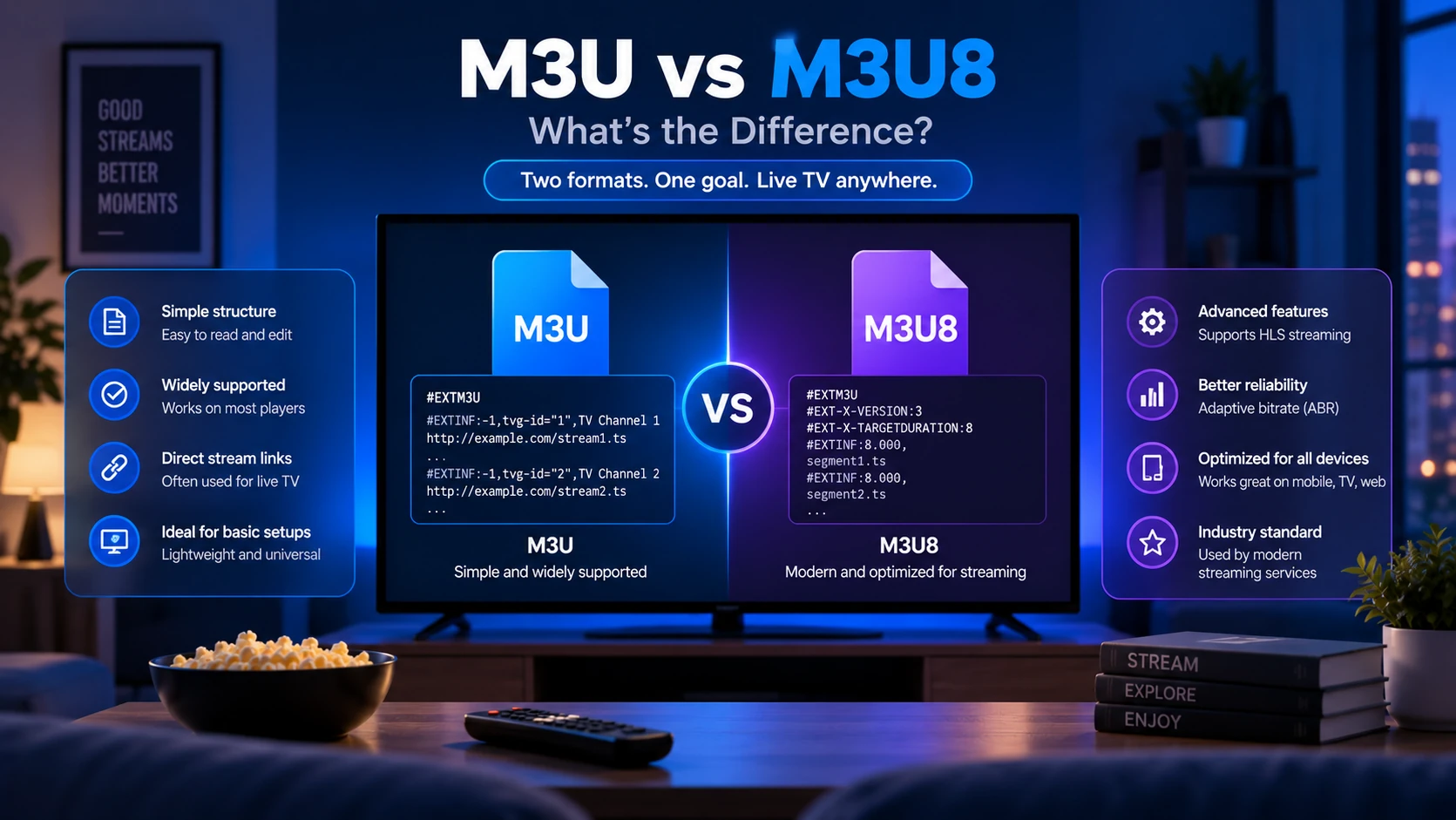
M3U vs M3U8: What's the Difference?
M3U and M3U8 are nearly identical playlist formats — the only real difference is UTF-8 encoding in M3U8. Here's what that means for your IPTV setup.
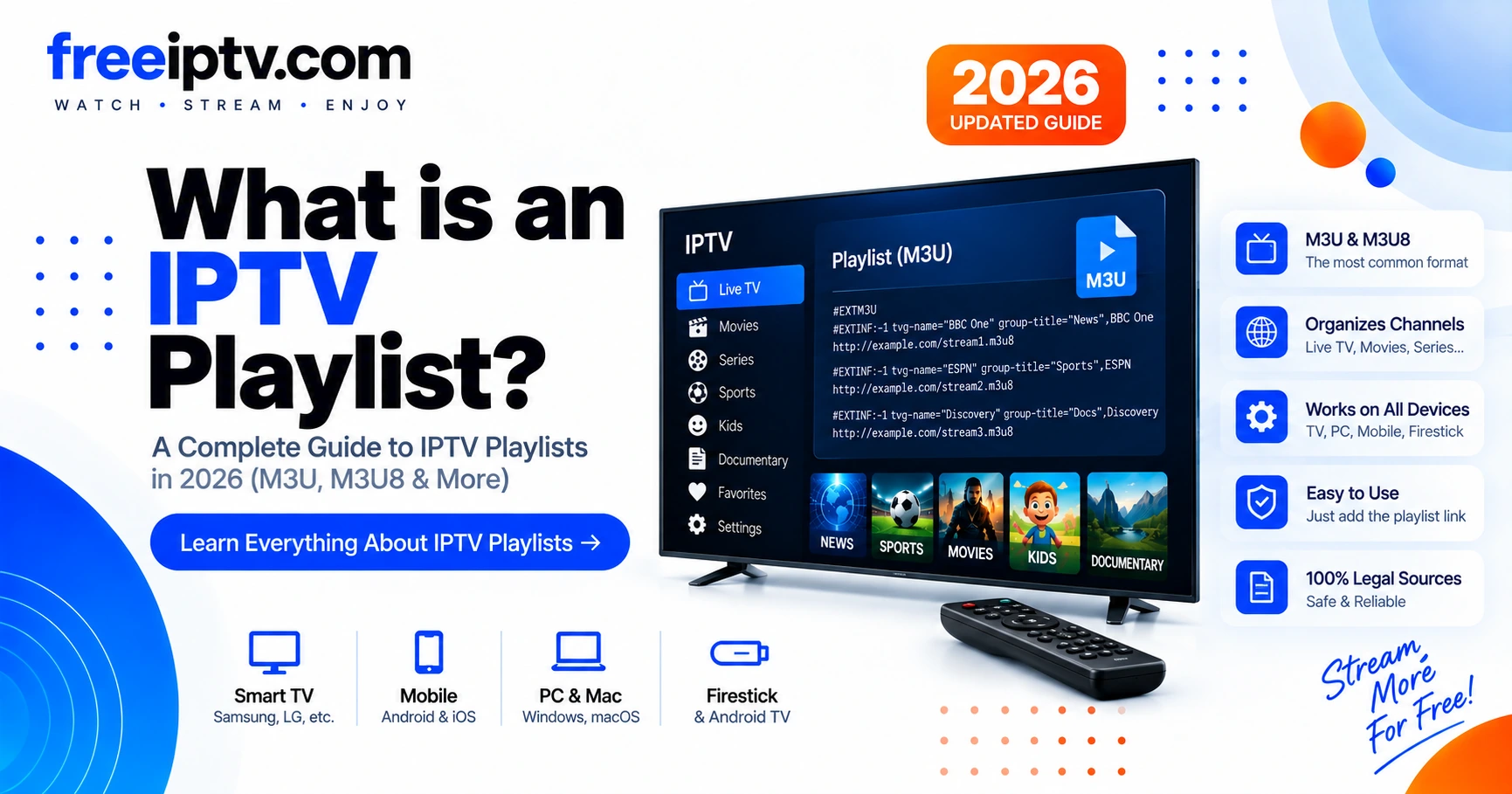
What Is an IPTV Playlist? M3U & M3U8 Explained in 2026
The complete guide to IPTV playlists — M3U/M3U8 structure, groups, logos, EPG and how to validate your playlist before streaming.