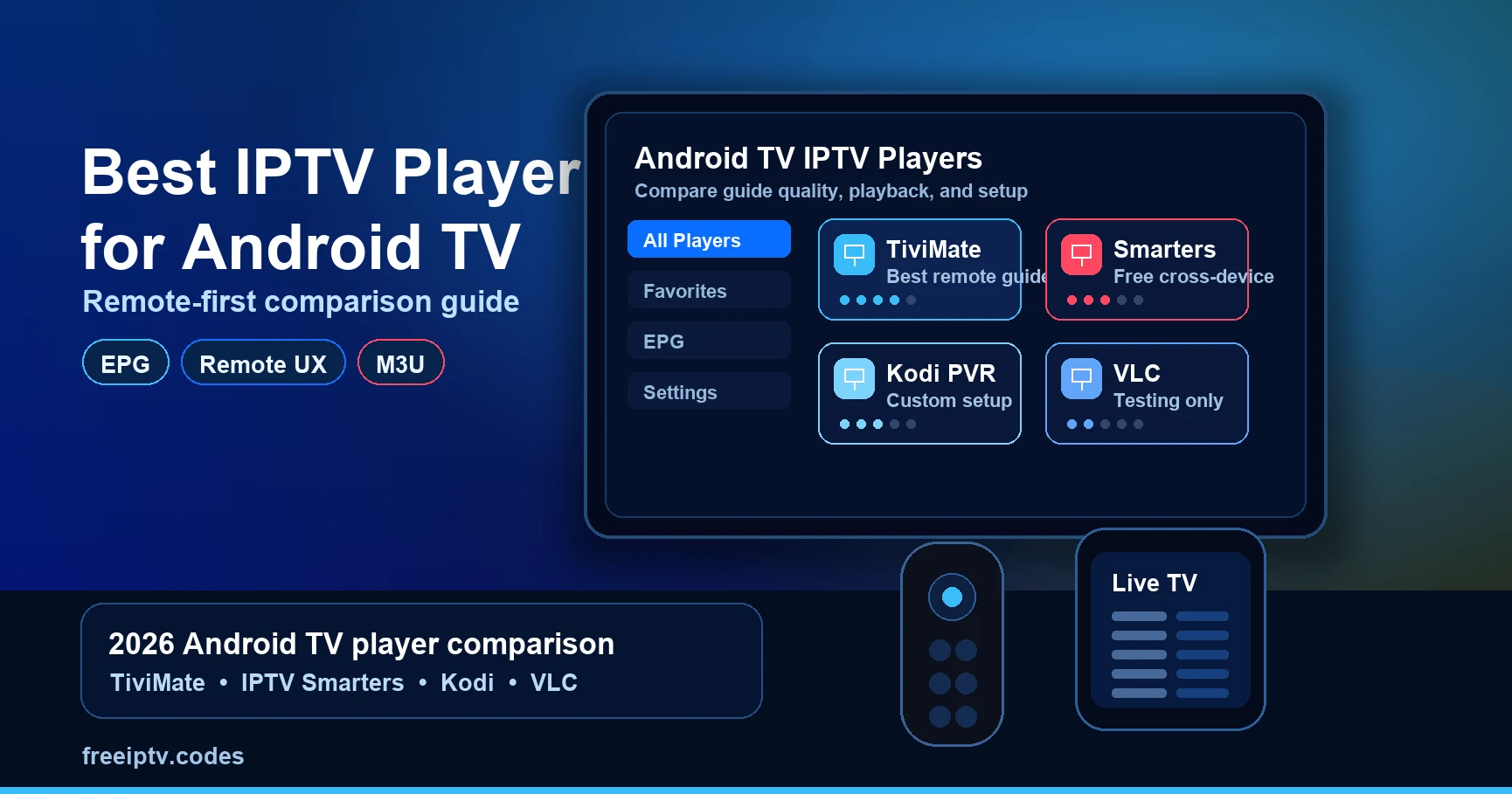
The best IPTV player for Android TV depends on one thing: whether you drive it with a remote on a big screen or with a mouse and keyboard. For a living-room TV, TiviMate has the best guide; for free cross-device use, IPTV Smarters Pro; for tinkerers, Kodi with the PVR IPTV Simple Client. This guide scores them on what actually matters on Android TV.
Quick answer: TiviMate for the best remote-driven guide and catch-up. IPTV Smarters Pro for a free, cross-platform choice. Kodi + PVR IPTV Simple for a free, fully customisable setup. Perfect Player for very low-spec boxes. Skip anything that is not on the Play Store unless you are comfortable sideloading.
This is a device-fit comparison. If you are still working out what a player even is — versus the provider that supplies your playlist — read What Is an IPTV Player? first.
How We Compare (and What We Ignore)
There is no affiliate money behind this list, and no "rankings" based on which provider pays most:
- No paid placements. Ordering reflects the criteria below, not commercial deals.
- No fake precision. We do not quote subscription prices that change weekly; we describe cost models.
- Remote-first scoring. An app that is fine with a mouse but painful with a D-pad loses points here.
- Playlist-agnostic. Every player below reads the same M3U/M3U8 playlist; we judge the software, not the content.
Read this comparison the right way
"Best" is not a universal claim. It is a shortcut for the best fit for a specific setup. A player can be excellent on a television and frustrating on a phone; another can be inexpensive but poor with a D-pad. Before choosing, keep four details in front of you: your device and operating system, your playlist login type, whether you need a guide/EPG, and whether the app is available in your local official store.
Features and availability change more often than the core playback workflow. We therefore avoid pretending that a changing app-store price or feature checkbox is permanent. Check the publisher's current listing before paying, and use a trial or free tier with your own legal playlist where one is available. A player can render a stream; it cannot make an unreliable source or a weak home network reliable.
The Criteria That Matter on Android TV
| Criterion | Why it matters on a TV |
|---|---|
| Guide quality | A 50,000-channel list is unusable without a fast EPG grid. |
| Remote UX | D-pad navigation, channel zapping, long-press menus — not touch gestures. |
| Catch-up support | Replay of past programmes, where your provider supplies it. |
| Multiple playlists | Keep a backup provider without re-entering credentials. |
| Parental controls | Household use needs PIN-locked groups. |
| Performance on low-spec boxes | Cheap Android TV sticks punish heavy interfaces. |
Best Player by Login Type
Your provider's login format can narrow the choice quickly:
| Provider gives you | Best first choice | Why |
|---|---|---|
| M3U URL only | TiviMate or Kodi | Both handle playlist URLs cleanly |
| Xtream Codes login | IPTV Smarters or TiviMate | Easier live/VOD/series separation |
| Local M3U file | Kodi or VLC for testing | Good for file import and inspection |
| EPG/XMLTV URL | Any serious IPTV player | VLC is not enough because it has no guide grid |
If you are unsure which format you have, compare the examples in How to Set Up IPTV before installing several apps.
The Contenders
TiviMate — best overall for a TV remote
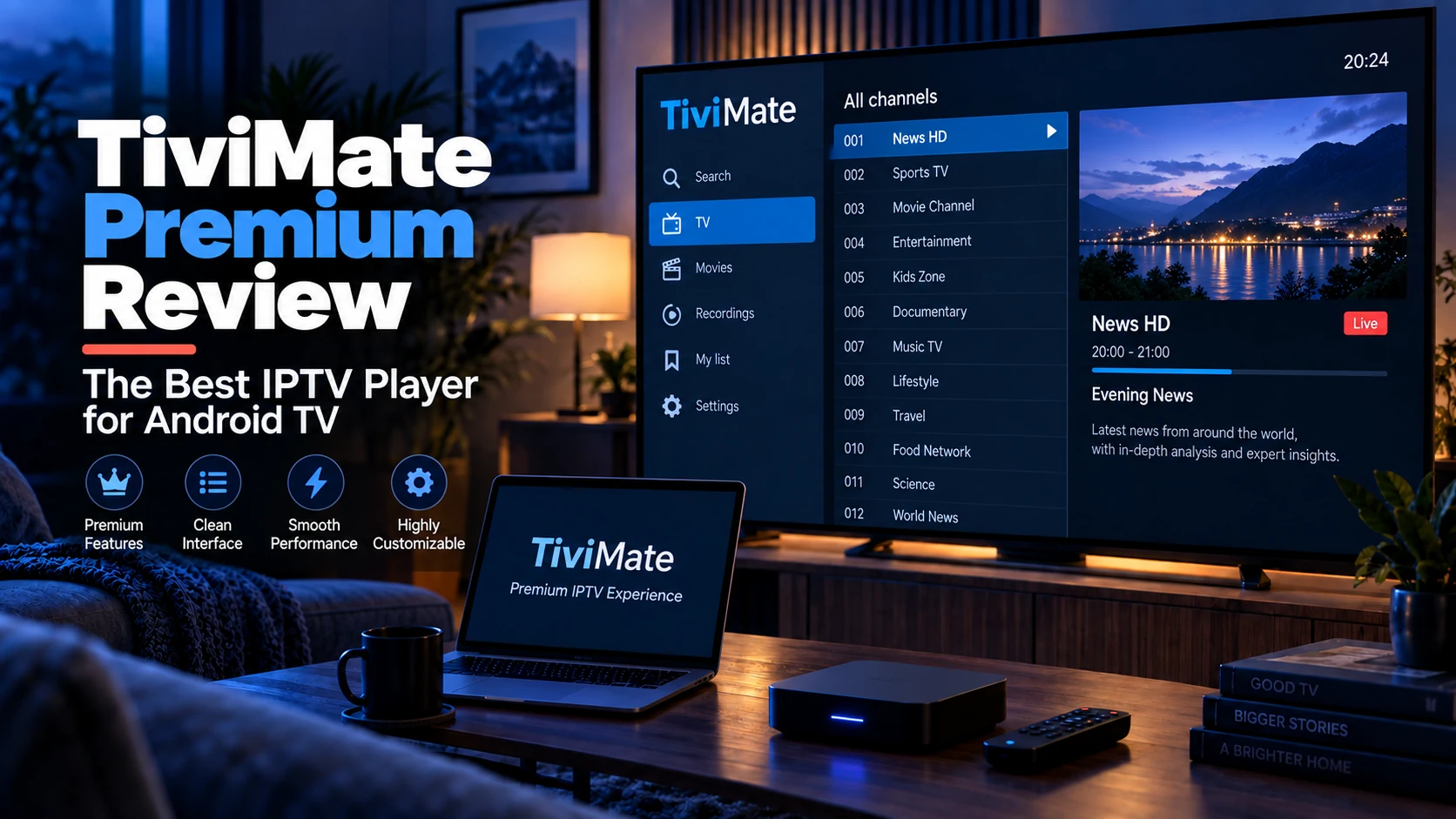
TiviMate is built for Android TV and Fire TV, and its guide is the closest thing to a traditional cable box. Channel logos, a smooth grid, catch-up and parental controls all work well from a D-pad.
- Strengths: best-in-class guide, catch-up, multiple playlists, recording to SMB, polished remote UX.
- Weaknesses: premium features are paid; no iOS/desktop version; not on the Amazon App Store (sideloading needed on Fire TV).
- Best for: anyone whose main screen is Android TV or Google TV.
See the full breakdown in our TiviMate Premium review.
IPTV Smarters Pro — best free, cross-platform
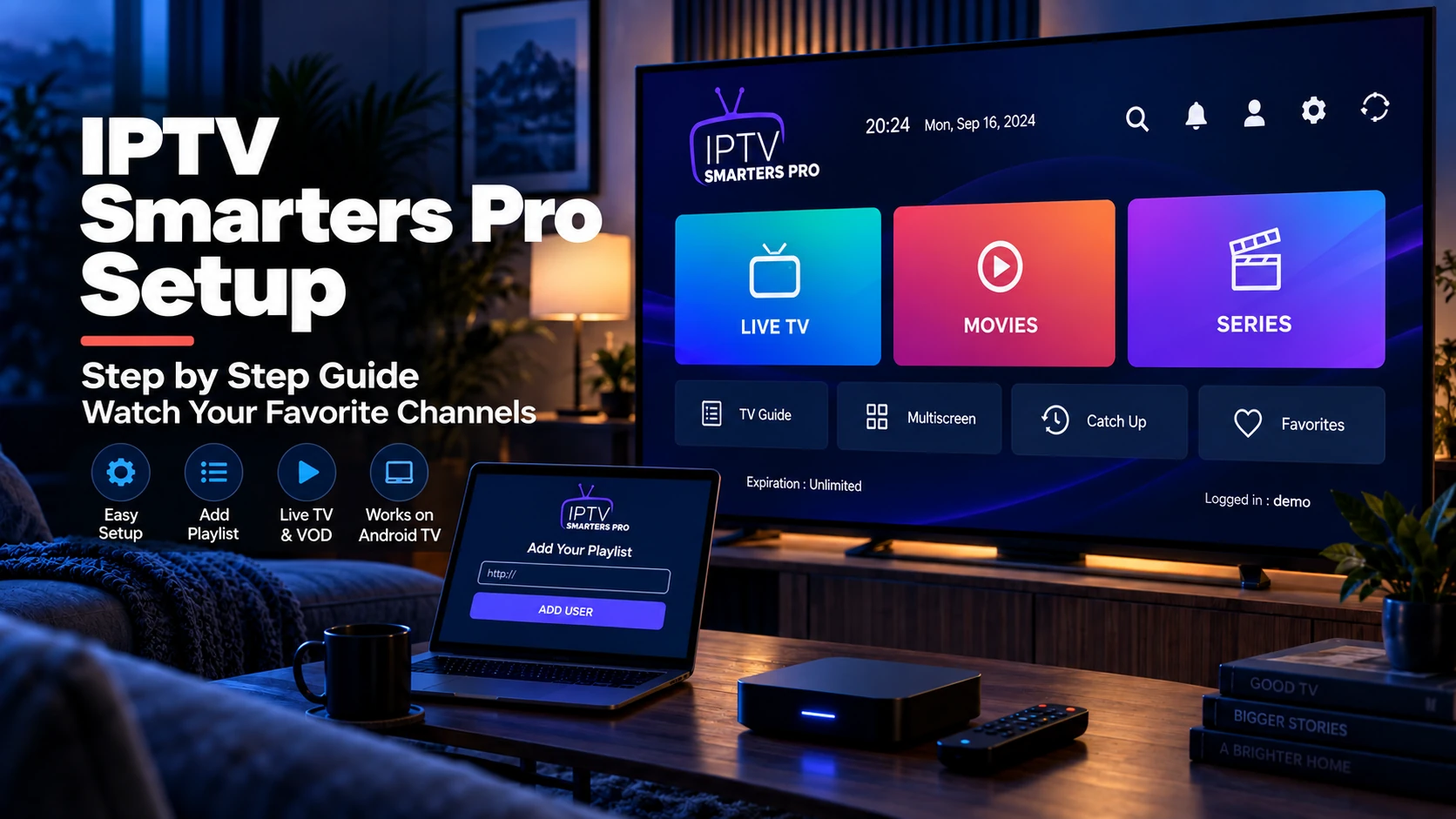
Smarters Pro is free and available on Android TV, phones, tablets, iOS and Windows. It handles both Xtream Codes and M3U logins, with live TV, VOD and series in one shell.
- Strengths: free, cross-platform, dual login methods, decent guide.
- Weaknesses: less polished than TiviMate on a remote; heavier interface on low-spec hardware.
- Best for: households using Android TV and phones, or anyone who wants to avoid paying for a player.
Setup: IPTV Smarters Pro walkthrough.
Kodi + PVR IPTV Simple Client — best free for tinkerers
Kodi is a full media centre that becomes an IPTV player once you add the official PVR IPTV Simple Client. It runs on nearly everything and costs nothing.
- Strengths: free, deeply customisable, plays local media too.
- Weaknesses: setup is more involved; remote UX is behind dedicated apps.
- Best for: power users who like control and already run Kodi.
Setup: Kodi IPTV setup guide.
Kodi's official PVR IPTV Simple Client documentation confirms support for M3U playlists and EPG data. It is the right source to consult when a setting name or workflow changes between Kodi releases: Kodi PVR IPTV Simple Client documentation.
Perfect Player — best for low-spec boxes
A lightweight Android player that runs on hardware where heavier apps struggle.
- Strengths: fast on weak devices, simple guide.
- Weaknesses: dated interface; no catch-up.
- Best for: older or budget Android TV sticks.
VLC — not really an Android TV player
VLC is the fastest desktop tool for testing a playlist, and it exists on Android — but it has no EPG grid and no remote-first UI, so it is a diagnostic tool here, not a daily driver. Use it to prove a stream works, then watch in a real player. Details: How to Use VLC with an IPTV Playlist.
Comparison Matrix
| Player | Remote UX | EPG/grid | Xtream login | M3U URL | Best role |
|---|---|---|---|---|---|
| TiviMate | Excellent | Excellent | Yes, where supported | Yes | Main Android TV player |
| IPTV Smarters Pro | Good | Good | Yes | Yes | Free cross-device setup |
| Kodi + PVR IPTV Simple | Fair | Good | Mostly playlist-based | Yes | Custom media-center setup |
| Perfect Player | Fair | Basic | Limited | Yes | Older/low-spec devices |
| VLC | Weak on TV | No | No direct API login | Yes | Testing and diagnostics |
Use the matrix as a starting point, not a permanent ranking. App availability, features and paid tiers can change, so confirm the current app listing before paying.
Scenario Picks
| If you… | Choose |
|---|---|
| Want the best TV remote experience | TiviMate |
| Want free and cross-platform | IPTV Smarters Pro |
| Love customising everything | Kodi + PVR IPTV Simple |
| Own a weak/older Android TV stick | Perfect Player |
| Just want to test a playlist | VLC (desktop) then a real player |
| Need iPhone/Apple TV too | GSE Smart IPTV (that platform, not this list) |
Installing Players on Android TV
- Google Play Store — search the player name, install, open, enter your M3U URL or Xtream login.
- Sideloading — for apps absent from the store (TiviMate on Fire TV, some Android TV boxes), enable Install unknown apps and use a sideload tool. Only sideload well-known apps from trusted sources.
- Enter your playlist — same URL/file your provider gave you, whichever player you pick.
If channels load but stutter, the player is usually not the cause — work through IPTV buffering fixes first.
Setup Order I Recommend
- Test the playlist in VLC on a computer if you can.
- Install your chosen Android TV player from the official store where possible.
- Add the playlist or Xtream login.
- Add the EPG/XMLTV URL.
- Test one HD channel, one SD channel and one guide entry.
- Only then spend time arranging favourites and categories.
This order saves time because it separates provider problems from player problems. If VLC cannot open the playlist, switching Android TV players will not fix the source.
What to Avoid
- "Fully loaded" IPTV boxes sold with preinstalled apps and channels — you cannot verify the licensing and you are paying a middleman for someone else's playlist.
- "Kodi IPTV builds" and third-party APKs that promise free premium channels; they are a common malware vector.
- Any app demanding a second payment after you already paid for a subscription.
- Players that bundle channels with the app without clear licensing. A player should play your playlist; it should not promise premium channels by itself.
- Apps with unclear publisher identity or clones using near-identical names.
Sources and Verification
- Kodi IPTV Simple Client documentation — official Kodi PVR setup reference.
- VLC official site — safe VLC download source and platform reference.
- TiviMate Google Play listing — current Android TV availability and app details.
- RFC 8216: HTTP Live Streaming — technical reference for HLS/M3U8 streams.
FAQ
Do all these players work with the same playlist?
Yes. All of them import standard M3U/M3U8 playlists or Xtream Codes logins. Your provider's format — M3U vs Xtream — is the only compatibility question, and it is covered in How to Add an IPTV Playlist to a Player.
Is the free option good enough for Android TV?
For casual viewing, yes. IPTV Smarters Pro and Kodi are free and fully functional. TiviMate's advantage is polish and remote UX, which matters most for daily living-room use.
Which player is best for a Firestick?
TiviMate if you are willing to sideload; IPTV Smarters Pro if you want something straightforward. The same playlist works in both.
Why does the guide fail even after the playlist loads?
Guide problems are EPG problems — a missing or mismatched tvg-id. See What Is an EPG?.
Which player should I test first?
If you have Android TV and want the best living-room interface, test TiviMate first. If your provider mainly documents Xtream Codes login, test IPTV Smarters first. If you already use Kodi, the official PVR client is worth trying.
Is VLC enough on Android TV?
Usually no. VLC is good for testing streams, but it lacks the TV-guide workflow most IPTV users expect on Android TV.
Next steps: Read the TiviMate Premium review to decide on the paid tier, set up the free alternative with the IPTV Smarters Pro guide, or build a full custom setup via Kodi.