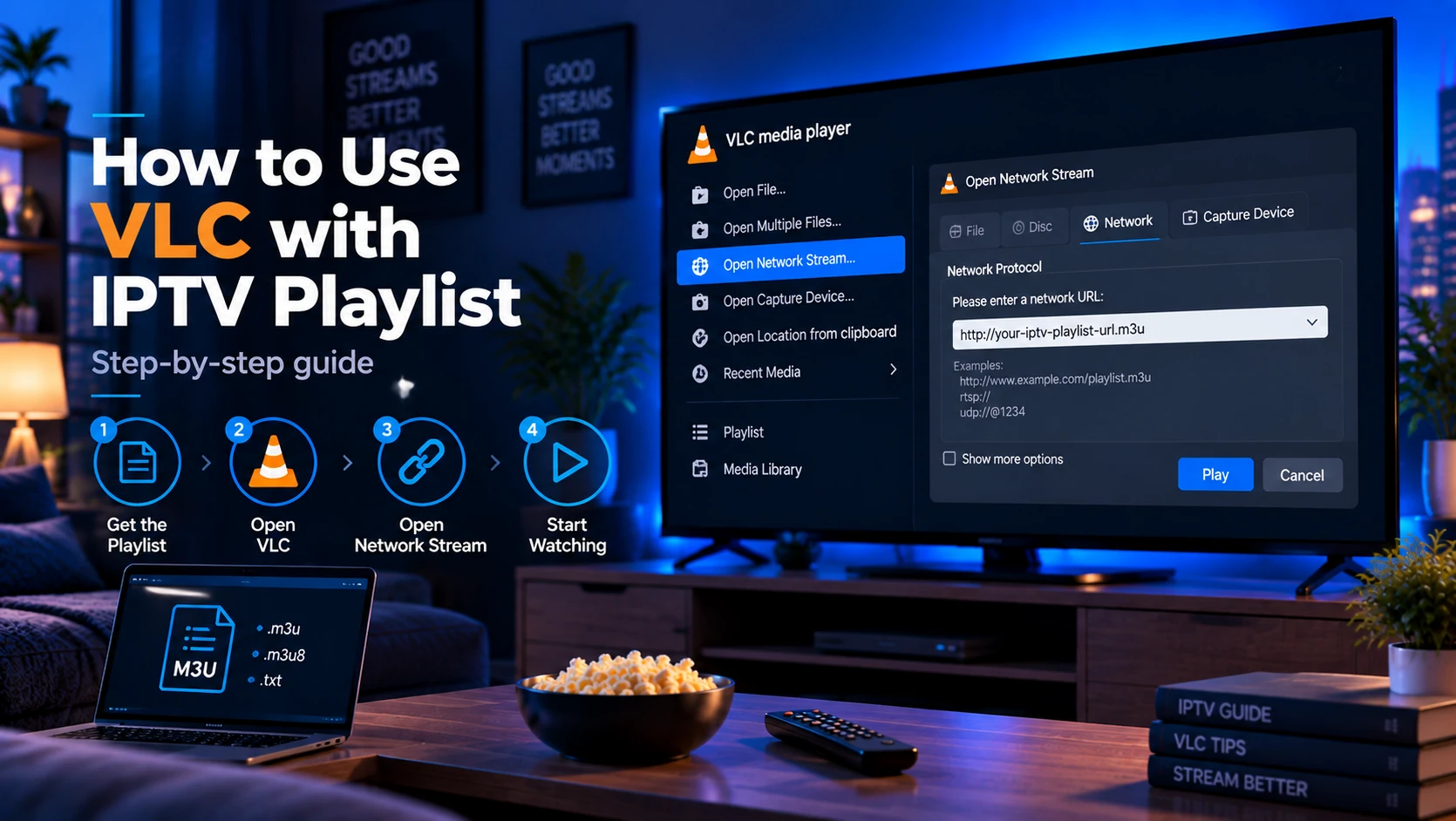
VLC accepts any IPTV playlist — local .m3u file or remote URL — with no setup, no account, and no cost. Open the file (or paste the URL into Media → Open Network Stream) and the channels appear in VLC's playlist panel. It is the most permissive parser available, which makes it ideal for testing a playlist before you commit to a dedicated IPTV app.
Quick answer: For a local file use Media → Open File (Ctrl+O). For a URL use Media → Open Network Stream (Ctrl+N). Channels show in the left panel — double-click to switch. That is the whole setup process.
Why Use VLC for IPTV?
VLC (VideoLAN) is a free, open-source media player that has supported M3U playlists for years. For IPTV it shines in three situations:
- Testing a playlist quickly — paste an M3U URL from a provider email and confirm it loads before installing any other app.
- Diagnosing stream issues — VLC's tolerant parser separates "playlist problem" from "player problem" in seconds.
- Watching on a PC — if you are at a desktop, VLC needs no account or sideloading.
Its weakness is live-TV UX: there is no EPG grid, no catch-up calendar, and no multi-playlist management. Once you confirm a playlist works, a dedicated player like IPTV Smarters or TiviMate is better for daily viewing.
What You Need
- VLC — latest version from videolan.org (Windows, macOS, Linux; mobile versions exist too).
- Your playlist — either a downloaded
.m3u/.m3u8file, or the M3U URL from your provider's dashboard or welcome email. - An internet connection for remote playlists and streams.
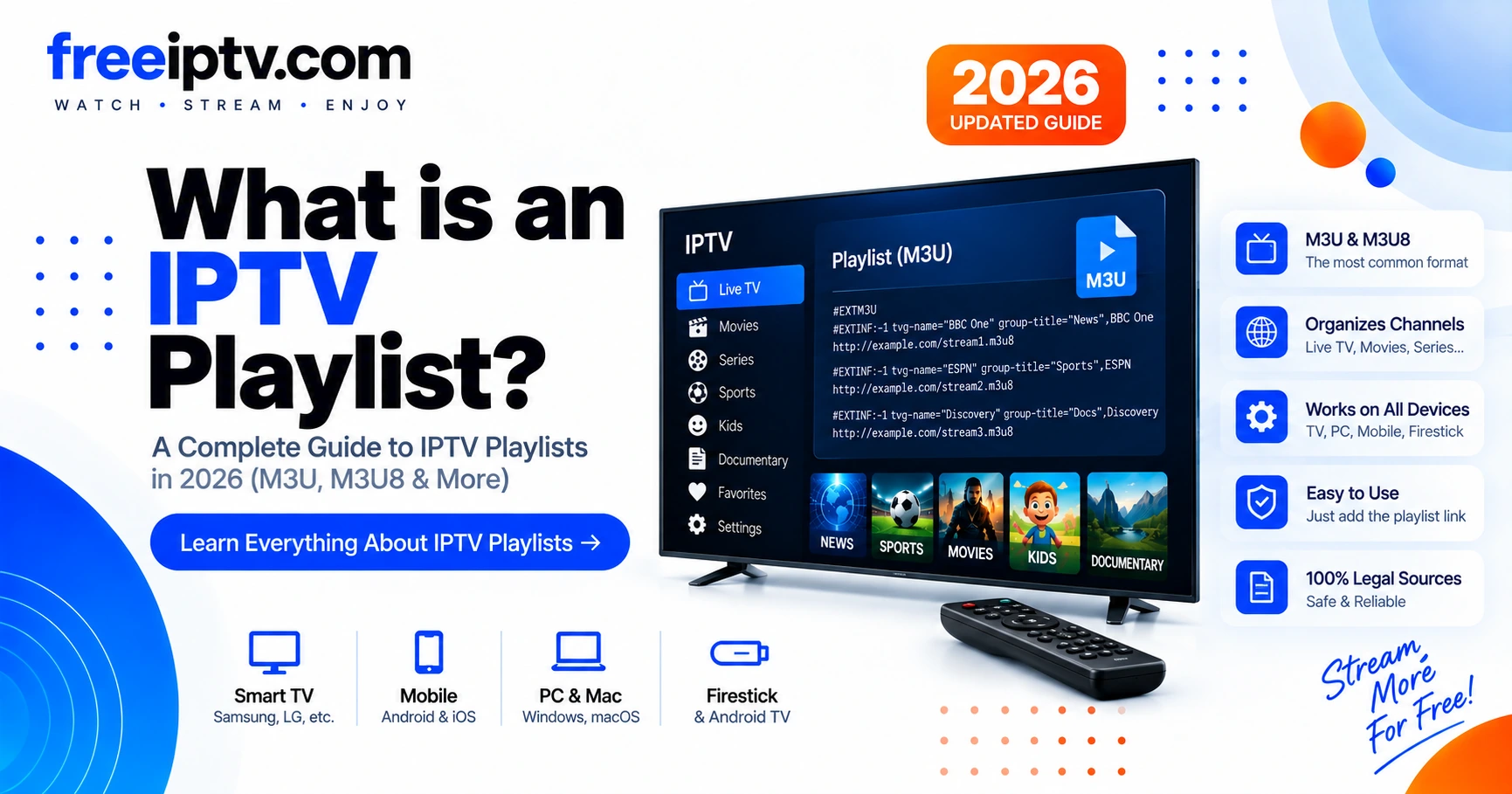
If you are not sure what a playlist file contains, read What Is an IPTV Playlist? first.
When VLC Is the Right Tool
Use VLC when you want to answer one specific question: does this playlist or stream work at all?
| Goal | VLC is good for it? | Better tool |
|---|---|---|
| Test one M3U URL quickly | Yes | VLC |
| Confirm whether a stream URL plays | Yes | VLC |
| Watch daily TV with an EPG grid | No | TiviMate, IPTV Smarters, Kodi |
| Manage favourites and categories | Limited | Dedicated IPTV player |
| Troubleshoot provider vs app issue | Yes | VLC plus your main player |
If VLC plays the stream, your playlist is probably valid. If another app still fails, focus on that app's login type, EPG settings, codec support, or device restrictions.
Method 1: Open a Local Playlist File
- Launch VLC.
- Go to Media → Open File… (shortcut Ctrl+O on Windows/Linux, ⌘+O on macOS).
- Select your
.m3uor.m3u8file and click Open. - VLC populates the left Playlist panel with your channels, grouped by their
group-titleattribute if present.
Alternatively, drag the playlist file directly onto the VLC window.
Method 2: Play an IPTV Playlist from a URL
Most IPTV providers hand you a URL that ends in .m3u or get.php?type=m3u_plus. To play it:
- Open Media → Open Network Stream… (shortcut Ctrl+N).
- Paste the full URL into the network box.
- Click Play.
VLC fetches the file, parses it, and lists the channels. Because the URL may embed your username and password in the query string, copy it from your provider's panel rather than retyping it — a single mistyped character is a common playlist failure, covered in IPTV Playlist Not Working.
If the playlist URL does not open
Before changing VLC settings, test the URL itself:
- Paste the M3U URL into a browser.
- A real playlist should start with
#EXTM3U. - If the page says expired, forbidden, invalid username or HTML login, VLC is not receiving a playlist.
- Regenerate the URL from the provider panel and paste it again.
Do not share the full URL publicly while debugging. It may contain your username, password or token.
Changing Channels
Channels are not a vertical scrolling feed like on TV hardware — they live in the Playlist panel (open it via View → Playlist if hidden):
- Click any channel name to switch to it instantly.
- Use the up/down arrow keys on your remote or keyboard when the playlist panel is focused.
- VLC remembers nothing about favourites or groups beyond the panel list, so filter by typing in the playlist's search box if your list is long.
For a better channel-surfing experience, see the comparison in What Is an IPTV Player?.
Testing One Channel URL
Sometimes the playlist loads but one channel fails. To isolate that channel:
- Open the M3U file in a text editor.
- Find the channel name.
- Copy the stream URL on the line below it.
- Open VLC → Media → Open Network Stream.
- Paste only that one
.m3u8or stream URL.
If the single channel fails too, the problem is probably the stream, network, codec, or provider. If the single channel works but the full playlist is messy, the playlist may be too large or poorly structured for comfortable use in VLC.
What VLC Cannot Do with IPTV
Knowing VLC's limits avoids frustration:
| Feature | VLC | Dedicated IPTV apps |
|---|---|---|
| M3U/M3U8 playlist import | ✓ | ✓ |
| EPG (TV guide grid) | ✗ | ✓ |
| Catch-up / time-shift | ✗ | ✓ |
| Multiple playlists | ✗ | ✓ |
| Remote control friendly | Limited | ✓ |
| Logo display | Partial | ✓ |
If you need a programme guide, install the same playlist in IPTV Smarters, TiviMate, or GSE Smart IPTV and point the app at your EPG URL — see What Is an EPG?.
VLC as a Troubleshooting Baseline
Use this simple decision tree:
| Test result | What it means |
|---|---|
| Playlist does not open in browser | URL/account/provider issue |
Browser shows #EXTM3U, but VLC shows no channels | Playlist formatting issue or unsupported playlist structure |
| VLC shows channels, but none play | Stream/provider/network issue |
| VLC plays, TV app fails | TV app, device, codec, HTTPS or login-format issue |
| VLC plays one channel but not others | Provider/channel-specific issue |
This is why VLC is useful even if you do not want to watch TV in it every day: it gives you a clean baseline before you troubleshoot a more complex IPTV app.
Fixing Buffering and Stutter in VLC
If streams load but stutter, try these VLC-specific settings in order:
- Raise the network cache. Go to Tools → Preferences → Show settings: All → Input/Codecs and raise Network caching (ms) from the default
1000to3000or5000. Restart VLC. - Reduce the stream quality. Some playlists list multiple quality tiers (720p vs 360p). Select the lower-res variant from the stream's own variant list if playback is choppy.
- Toggle hardware acceleration. In Preferences → Input/Codecs → Hardware-accelerated decoding, try "Video decoding" off if you see green/black artifacts (common with older GPUs or drivers).
- Test with a single stream URL. Copy one channel's
.m3u8URL from the playlist and open it via Media → Open Network Stream. If it still stutters, the problem is the network or provider, not VLC — see our IPTV buffering guide.
Sources and Technical References
- VLC official site — safest source for VLC downloads.
- VLC streaming documentation — VideoLAN background on network streams.
- RFC 8216: HTTP Live Streaming — technical reference for
.m3u8HLS streams. - What Is an IPTV Playlist? — explains the M3U fields VLC reads.
FAQ
Can VLC play any IPTV provider's playlist?
VLC plays any playlist that is a real M3U/M3U8 file or URL. It cannot log into Xtream Codes (XC) portals directly in older versions — recent VLC 3.0 builds can open http://server:port/get.php?username=…&password=…&type=m3u_plus URLs, but for XC API logins a dedicated client is easier.
Will VLC download the whole playlist when I open a URL?
No. VLC streams the file — it reads the channel list from the URL and does not store it. For a local file it reads from disk on demand.
Why does my playlist play in VLC but not on my Firestick?
That is almost always an HTTP vs HTTPS issue. VLC permits plain http:// stream URLs, while Firestick and Smart TV apps enforce mixed-content blocking. Ask your provider for an HTTPS playlist. Details in IPTV Playlist Not Working.
Is using VLC for IPTV legal?
VLC is legal software. Whether the streams in a playlist are legal depends on your provider and their broadcast rights — the player itself carries no liability. See our disclaimer.
Does VLC support EPG for M3U playlists?
No. VLC has no EPG grid for M3U playlists on any platform. Use a dedicated IPTV app with an XMLTV URL for programme listings.
Can VLC open Xtream Codes login details?
VLC does not use Xtream Codes API login screens. If your provider gives only server, username and password, ask for the generated M3U URL or use an app such as IPTV Smarters that supports Xtream login directly.
Why does VLC show one long list instead of categories?
VLC is not a full IPTV guide app. It can read playlist entries, but category/group handling is basic compared with dedicated IPTV players.
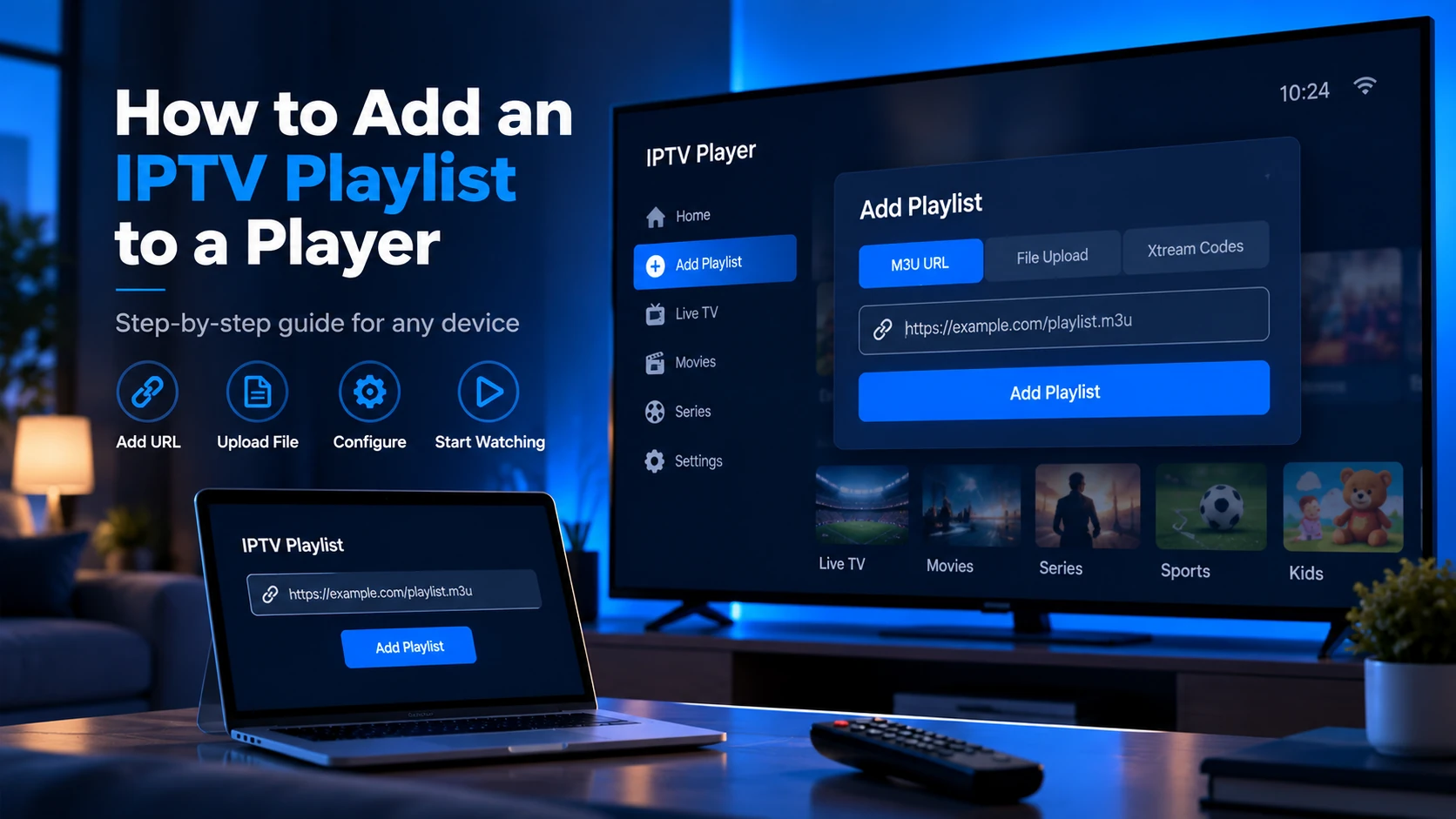
Next steps: Understand what every field in your playlist means in What Is an IPTV Playlist?, then put the same playlist into a proper IPTV app with a TV guide via How to Add an IPTV Playlist to a Player. To validate a playlist you received, run it through the Free Trial Checker first.