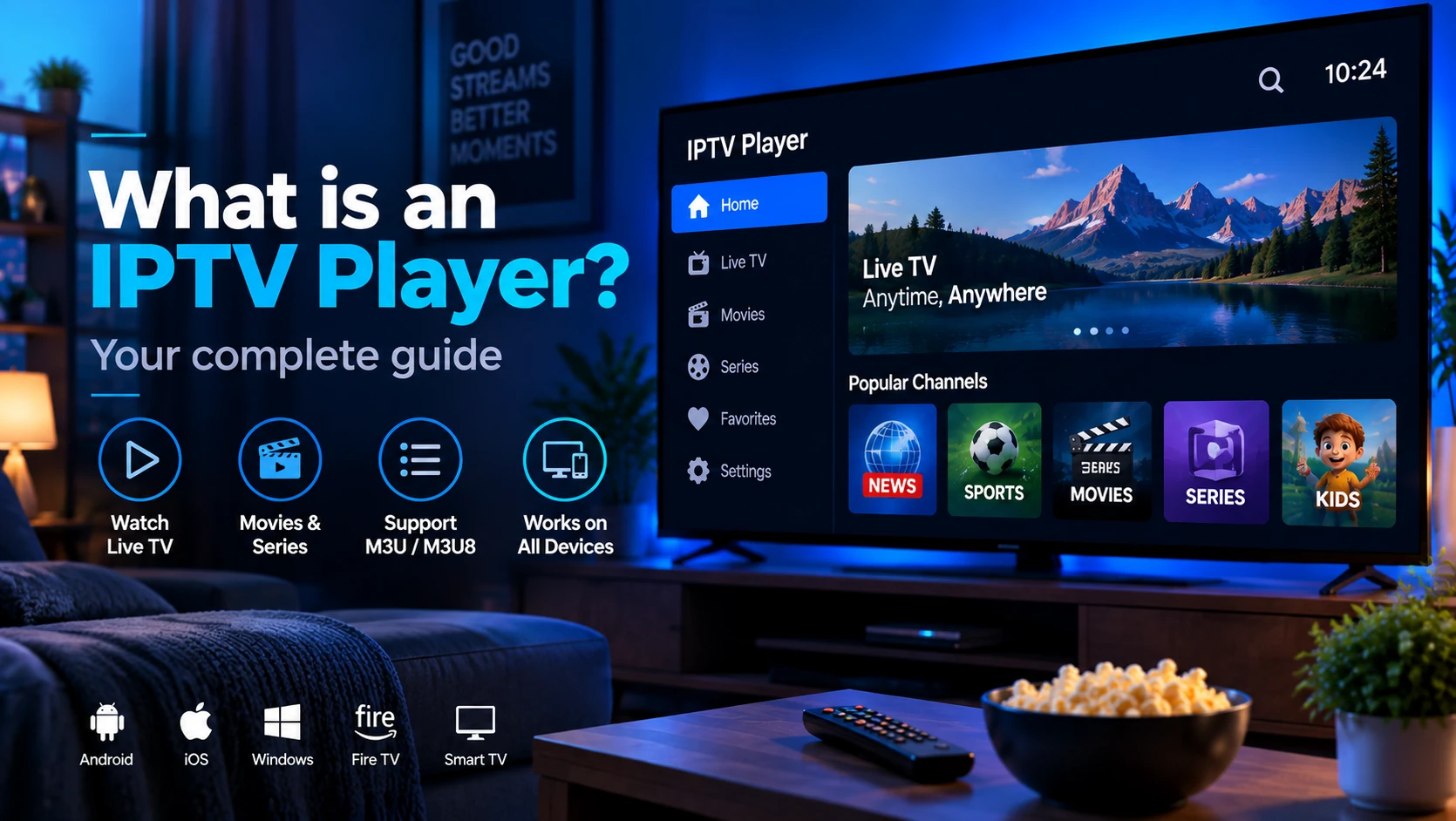
An IPTV player is an app or software program that reads an M3U playlist and streams the listed TV channels over your internet connection. It is not a subscription service and does not host any content itself — it is purely the viewer that renders whatever streams your playlist points to.
Think of it like a web browser: the browser does not create websites, it just displays them. An IPTV player does not create channels, it just plays the URLs your provider gives you.
Quick answer: IPTV player = the software. IPTV service / provider = the company that supplies the playlist and stream URLs. You need both to watch live TV over the internet.
What Does an IPTV Player Do?
When you add a playlist to an IPTV player, the app runs through four steps every time you open it:
- Fetches the M3U file — either from a remote URL (e.g.
https://provider.example/playlist.m3u) or from a locally saved file. - Parses
#EXTINFentries — reads each channel name, logo URL, group label, and EPG ID. - Builds the channel list — organises channels into categories (Sports, News, Movies…) and maps logos.
- Requests the HLS stream — when you tap a channel, the player sends an HTTP request for that channel's
.m3u8stream URL and begins buffering.
Everything else — the video decoding, EPG grid, catch-up calendar, parental PIN screen — is built on top of those four steps.
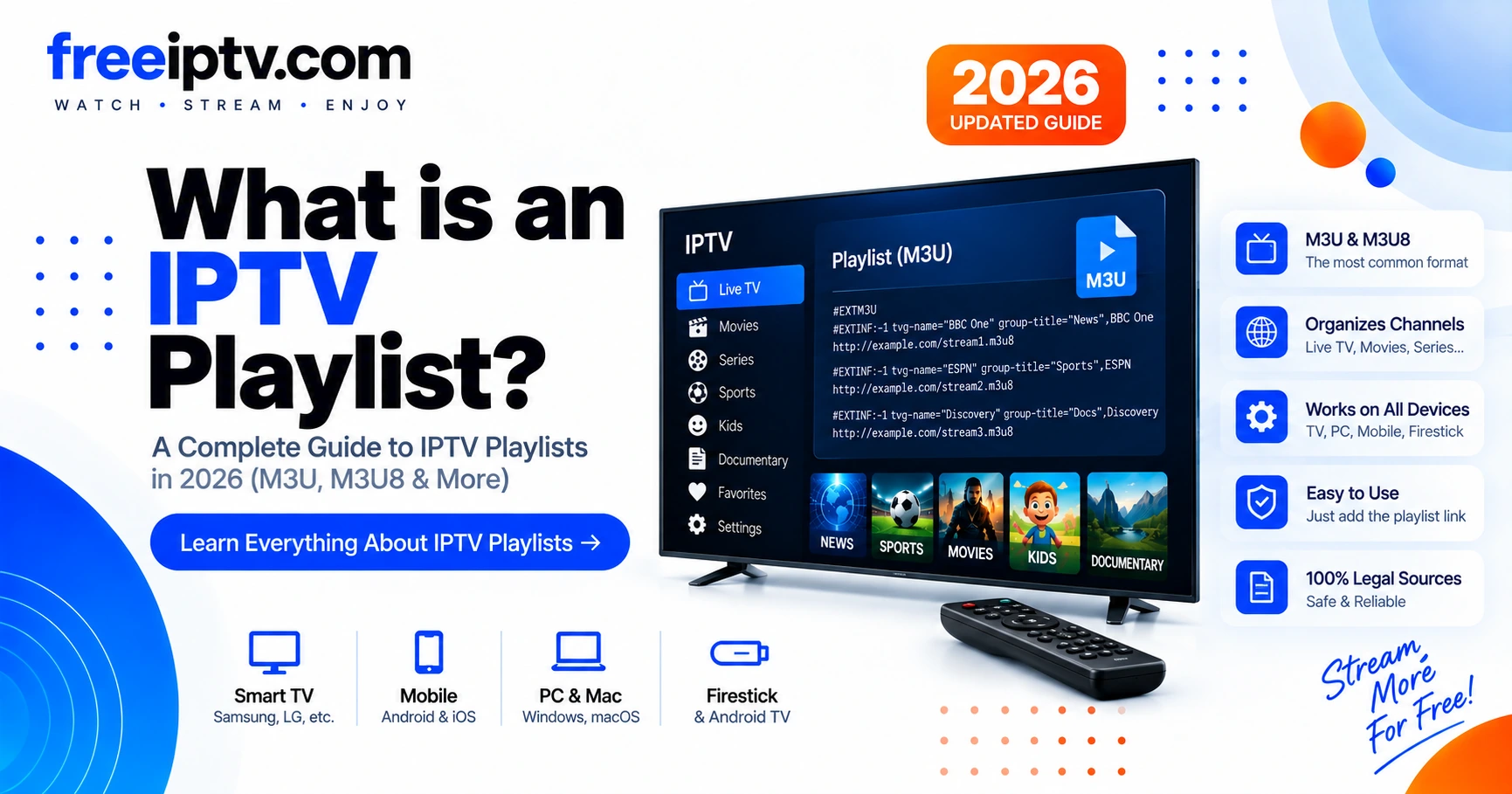
To understand what the player is reading, see What Is an IPTV Playlist? — it walks through the #EXTM3U header, tvg-id, group-title, and every other field in detail.
IPTV Player vs IPTV Service
These two terms get mixed up constantly. Here is the clearest way to separate them:
| IPTV Player | IPTV Service / Provider | |
|---|---|---|
| What it is | Software (app) | Subscription + infrastructure |
| What it does | Reads playlist, renders video | Hosts streams, generates M3U URL |
| Examples | VLC, TiviMate, IPTV Smarters | Your paid or free IPTV provider |
| Cost | Free or one-time purchase | Monthly or annual subscription |
| Legal liability | None (it is a tool) | Depends on content rights |
| Where it lives | Your device | Provider's servers |
A player without a valid playlist shows nothing. A playlist without a player is just a text file. You need both sides.
IPTV Player vs IPTV App vs Provider App
People use these names loosely, but they are not always the same thing:
| Term | Meaning | Example |
|---|---|---|
| IPTV player | Generic app that loads playlists or logins | TiviMate, VLC, Kodi PVR |
| Provider app | App made or branded for one provider | A provider's own Android APK |
| Media player | General video player with M3U support | VLC, IINA |
| IPTV service | The source of streams and account access | Your provider/trial dashboard |
For long-term use, a generic player is usually more portable because you can change providers without learning a new app. A provider app can be simpler, but it may lock you into one service.
Types of IPTV Players
Dedicated IPTV apps
Built specifically for live TV over M3U. They have polished EPG grids, catch-up calendars, multiple playlist slots, and parental controls out of the box. TiviMate, IPTV Smarters Pro, and Perfect Player fall into this category. Best choice if watching live TV is your primary use case.
General media players
Apps like VLC were built for all video formats and added M3U support later. The channel list is functional but basic — no EPG grid, no catch-up, no logo display by default. Best choice if you already use VLC and just want a quick way to test a playlist without installing another app.
Smart TV built-in players
Some Smart TVs (Samsung Tizen, LG webOS) include a basic M3U channel manager in the system settings. Feature-limited but zero install required.
Browser-based players
Web apps that accept an M3U URL and play HLS directly in the browser via the HTML5 <video> element. Useful for quick testing; not practical for daily use.
Login Formats an IPTV Player May Support
| Login/input type | What you enter | Best for |
|---|---|---|
| M3U URL | One long playlist URL | Maximum portability across players |
| Local M3U file | Downloaded .m3u or .m3u8 file | Offline testing or manual inspection |
| Xtream Codes | Server URL, username, password | Apps that separate Live TV, VOD and series |
| EPG/XMLTV URL | TV-guide URL | Guide data only; not a playlist |
If you only have an EPG URL, you do not yet have a watchable playlist. If you only have Xtream credentials, choose a player that supports Xtream login or ask your provider for the generated M3U URL.
Key Features to Look For
Not all players are equal. These are the features that matter most for daily use:
- EPG (Electronic Programme Guide) — accepts an XMLTV URL and shows now/next titles in a grid. Without this, you are navigating a raw list of channel names.
- Multiple playlist slots — useful if you switch providers or maintain a backup playlist. TiviMate and IPTV Smarters support several playlists per account.
- Catch-up / time-shift — lets you rewind or replay past broadcasts, if your provider supports it. Look for
catchupattribute support in the player's M3U parser. - Multi-screen / picture-in-picture — watch one channel while browsing another. Mainly relevant on Android TV and tablets.
- Parental controls — PIN-lock specific groups or channels. Essential for household use.
- External player support — lets you hand off a stream to VLC or MX Player if the built-in decoder struggles with a codec.
- Auto-reconnect — silently retries a dropped stream instead of showing an error and stopping.
Which Devices Support IPTV Players?
| Device | Recommended player(s) |
|---|---|
| Android TV / Google TV | TiviMate, IPTV Smarters Pro |
| Amazon Firestick / Fire TV | TiviMate (sideload), IPTV Smarters Pro |
| Windows PC | VLC, IPTV Smarters for Windows |
| macOS | VLC, IINA |
| iPhone / iPad (iOS) | GSE Smart IPTV, Flex IPTV |
| Android phone / tablet | IPTV Smarters Pro, TiviMate |
| Samsung Smart TV (Tizen) | Smart IPTV (SIPTV) |
| LG Smart TV (webOS) | SS IPTV |
| Raspberry Pi / Linux | VLC, Kodi + PVR IPTV Simple |
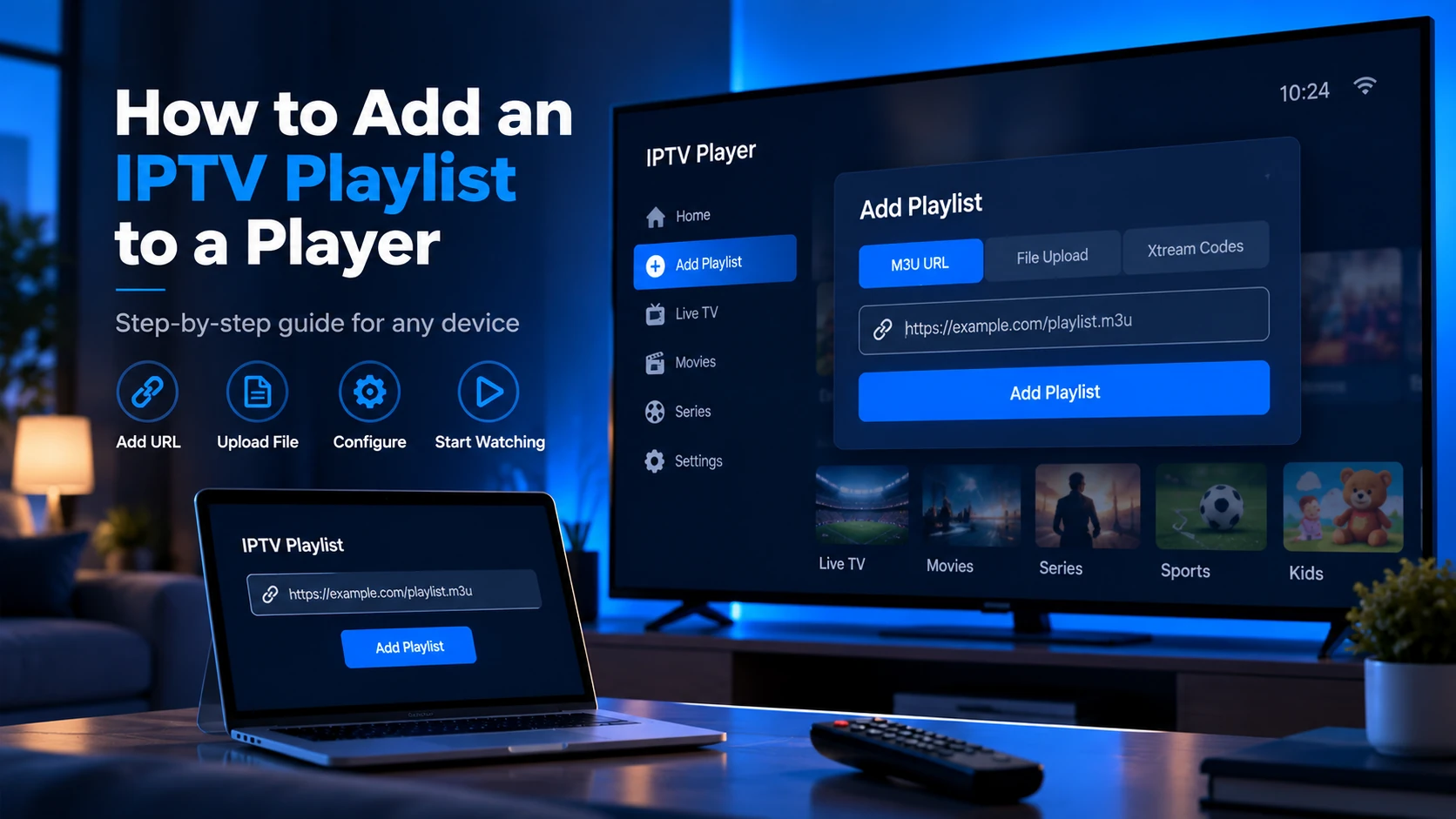
For step-by-step setup on any of these, see the IPTV Setup guides.
Popular IPTV Players — Quick Comparison
| Player | Platform | Cost | EPG | Catch-up | Best for |
|---|---|---|---|---|---|
| VLC | Windows, macOS, Android, iOS, Linux | Free | ✗ | ✗ | Quick playlist testing |
| TiviMate | Android TV, Firestick | Free / ~$5/yr premium | ✓ | ✓ | Daily live TV on TV boxes |
| IPTV Smarters Pro | Android, iOS, Windows | Free | ✓ | ✓ | Cross-platform use |
| Perfect Player | Android, Android TV | Free | ✓ | ✗ | Lightweight Android option |
| GSE Smart IPTV | iOS, Android | Free / paid | ✓ | ✓ | iPhone / iPad users |
| Kodi + PVR IPTV Simple | All platforms | Free | ✓ | ✓ | Power users, custom setups |
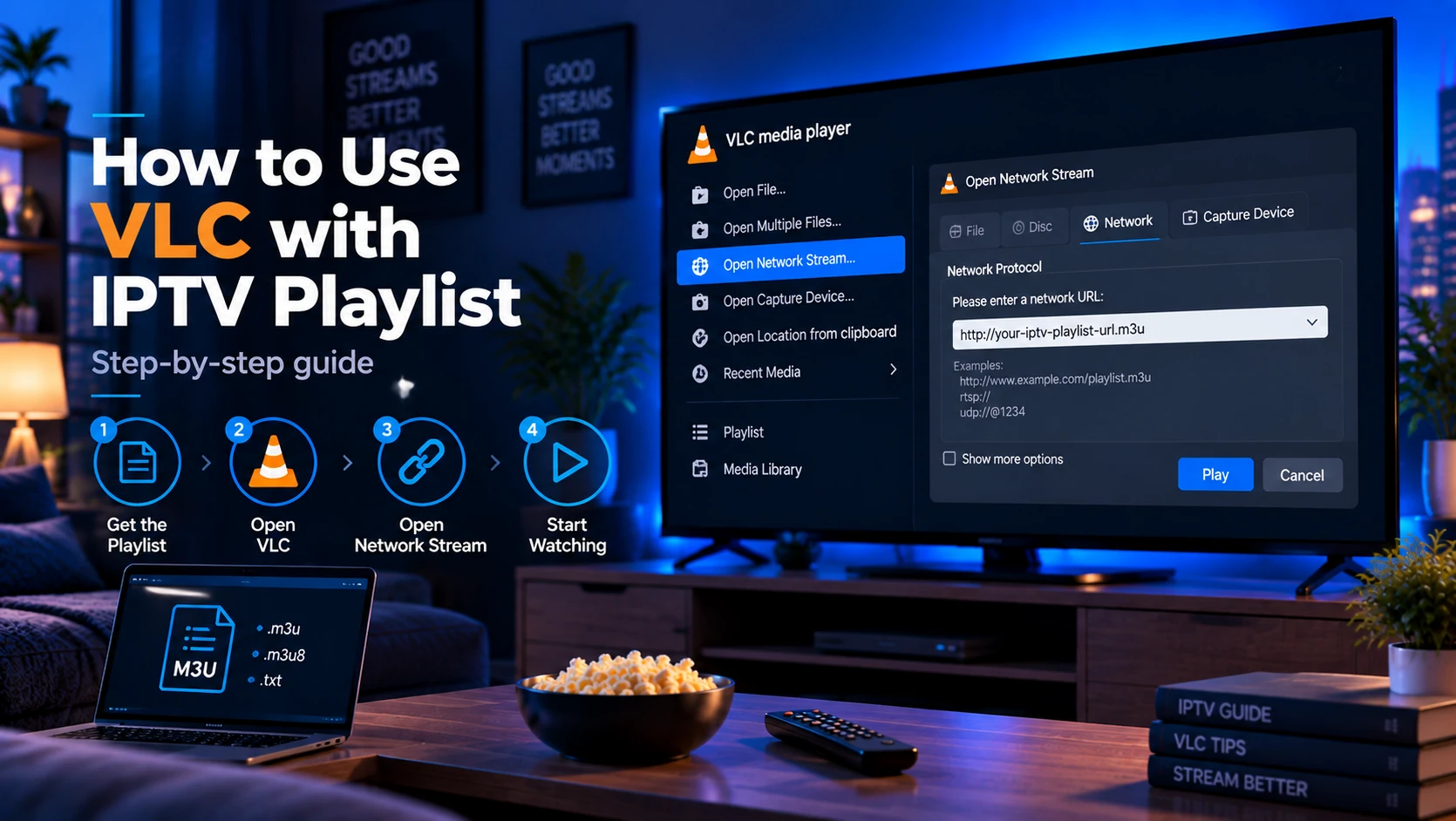
VLC is the easiest starting point — it is already installed on most computers and accepts any M3U URL via Media → Open Network Stream. See the full walkthrough in How to Use VLC with an IPTV Playlist.
TiviMate is the most popular choice for Android TV and Firestick because its EPG grid closely resembles a traditional cable TV guide.
IPTV Smarters Pro is the most cross-platform option — same UI whether you are on a phone, tablet, or Windows desktop.
How to Choose the Right Player
Use this simple order:
- Start with your device. Android TV, Firestick, Windows and iOS do not support the same apps.
- Check your login format. M3U works almost everywhere; Xtream login needs compatible apps.
- Decide whether you need EPG. VLC is fine for testing, but not for a living-room guide.
- Consider remote control use. A good phone app can be painful on a TV remote.
- Test before paying. Confirm your playlist and EPG work before upgrading a player.
The best player is the one that handles your playlist reliably on your actual device. A polished app cannot fix an expired playlist, overloaded provider, or weak Wi-Fi.
Sources and Related References
- VLC official site — free media player used for playlist testing.
- Kodi IPTV Simple Client documentation — official Kodi PVR playlist add-on.
- RFC 8216: HTTP Live Streaming — technical reference for many
.m3u8streams. - What Is an IPTV Playlist? — explains the file most players read.
FAQ
Do I need to pay for an IPTV player?
Most capable players are free or offer a free tier. TiviMate charges a small annual fee for its premium features (multiple playlists, parental controls, catch-up). VLC is and always will be free and open source.
Can I use any IPTV player with any provider?
Yes, as long as your provider gives you an M3U URL or file. Any player that supports M3U/M3U8 import will work. Some providers also supply Xtream Codes (XC) API credentials — check whether your player supports that login method if your provider offers it.
What is the difference between an IPTV player and Kodi?
Kodi is a full media centre application. It can act as an IPTV player when you install the PVR IPTV Simple Client add-on, which adds M3U playlist support and an EPG grid. Without that add-on, Kodi cannot play IPTV streams directly.
Why is my IPTV player showing a black screen?
The most common causes are an expired or invalid stream URL in your playlist, an http:// stream blocked by your network (switch to https://), or a codec your device does not support natively. Try the same stream in VLC to isolate whether the issue is the player or the stream.
Can an IPTV player give me channels by itself?
No. A player is only software. It needs a playlist, provider login, or legal source of streams before anything appears.
Which IPTV player should a beginner test first?
Use VLC first on a computer to confirm the playlist works. For Android TV, test TiviMate or IPTV Smarters depending on whether your provider gives M3U or Xtream details.
Is it legal to use an IPTV player?
The player software itself is legal. Whether the streams you play are legal depends entirely on your provider and whether they have rights to broadcast that content — see our disclaimer.
Next steps: Read What Is an IPTV Playlist? to understand the file your player reads, then follow the How to Add an IPTV Playlist to a Player guide for step-by-step setup instructions on your device.