
Xtream Codes is a login method, not a file format. Instead of a single M3U URL, your player receives a server address, a username and a password. It sends those to the server, receives a structured list of categories, channels, films and series, and builds its own interface from that data.
Quick answer: Enter the server URL (with its port), username and password into your player's "Xtream Codes" or "Xtream API" option. The player handles the rest, including the EPG in most cases.
Xtream Codes vs M3U: What Is the Difference?
| M3U playlist | Xtream Codes login | |
|---|---|---|
| What you receive | One long URL to a text file | Server URL, username, password |
| Data format | Plain-text channel list | JSON responses from an API |
| Channel list | Fixed when the file is generated | Requested live by the player |
| Categories | Inline group-title attributes | Separate category endpoints |
| VOD and series | Often flattened or absent | Separate film and series endpoints |
| EPG | Separate XMLTV URL | Usually derived from the same server |
| Failure mode | A dead URL breaks everything | One failed request breaks one section |
| Credential exposure | URL only | Credentials appear in every request URL |
The short version: an M3U is a snapshot, while Xtream is a live query. That is why Xtream logins often feel faster to browse, and why a single wrong password breaks every section at once.
If you are not sure which one your provider gave you, check what you were sent: a single long link is an M3U; three separate values are Xtream. Our playlist guide explains the M3U side in detail.
The Three Fields
Server URL
The address of the panel, usually with a port:
http://server.example.com:8080
Use exactly what the provider supplied — including http:// versus https:// and the port. Do not append /player_api.php in a player's server field; the app adds the endpoint itself. A trailing slash is usually tolerated, but the scheme and port are not.
Username and Password
These are the account credentials, not your email login to a website. They are case-sensitive, and some panels generate them with characters that are easy to misread — l, 1 and I, or 0 and O.
Optional: Output Format
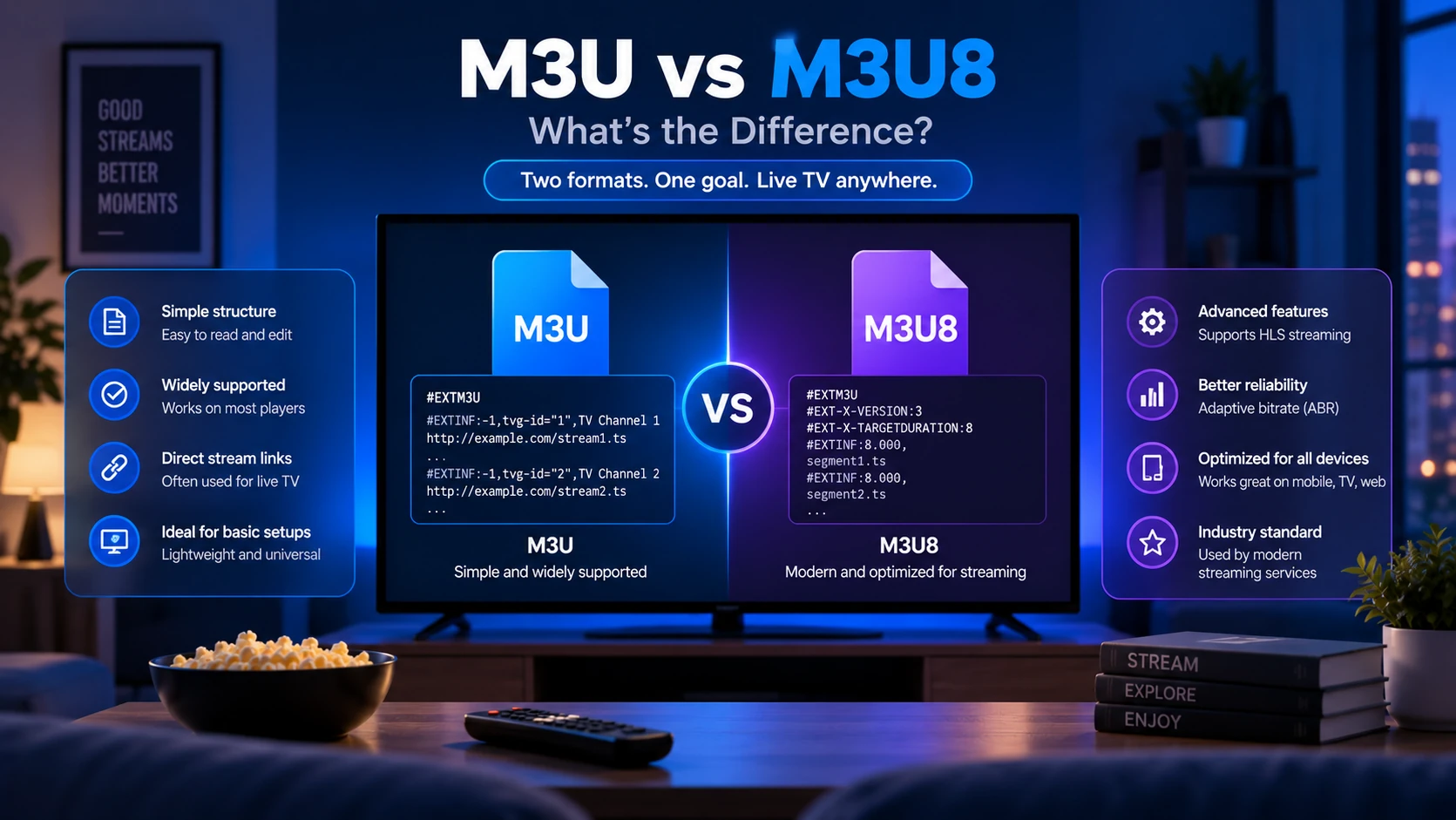
Some players ask for an output preference. .ts tends to start faster and is more tolerant of older devices; .m3u8 is HLS and handles adaptive bitrate better. If one stutters, try the other.
How the API Works
A player authenticates by calling the panel's API with your credentials:
/player_api.php?username=USER&password=PASS
That first response returns account status, expiry date and the server's connection details. The player then requests the sections it needs:
| Action | Returns |
|---|---|
get_live_categories | Live TV groups |
get_live_streams | Live channels, with stream IDs |
get_vod_categories | Film groups |
get_vod_streams | Films, with stream IDs |
get_series | Series list |
get_series_info | Seasons and episodes for one series |
The M3U export and the guide use different endpoints on the same server:
/get.php?username=USER&password=PASS&type=m3u_plus&output=ts
/xmltv.php?username=USER&password=PASS
That first URL is why providers can offer "M3U or Xtream" for the same account: the panel can generate an M3U from the same data. It also means you can convert an Xtream login into an M3U URL if a player only accepts playlists — at the cost of losing the separate on-demand sections.
Adding an Xtream Login to Common Players
TiviMate
- Add playlist → Xtream Codes.
- Enter the server URL, username and password.
- Set the EPG source if the player does not detect one automatically.
- Choose which sections to import — live TV, films, series — so the app does not load content you never watch.
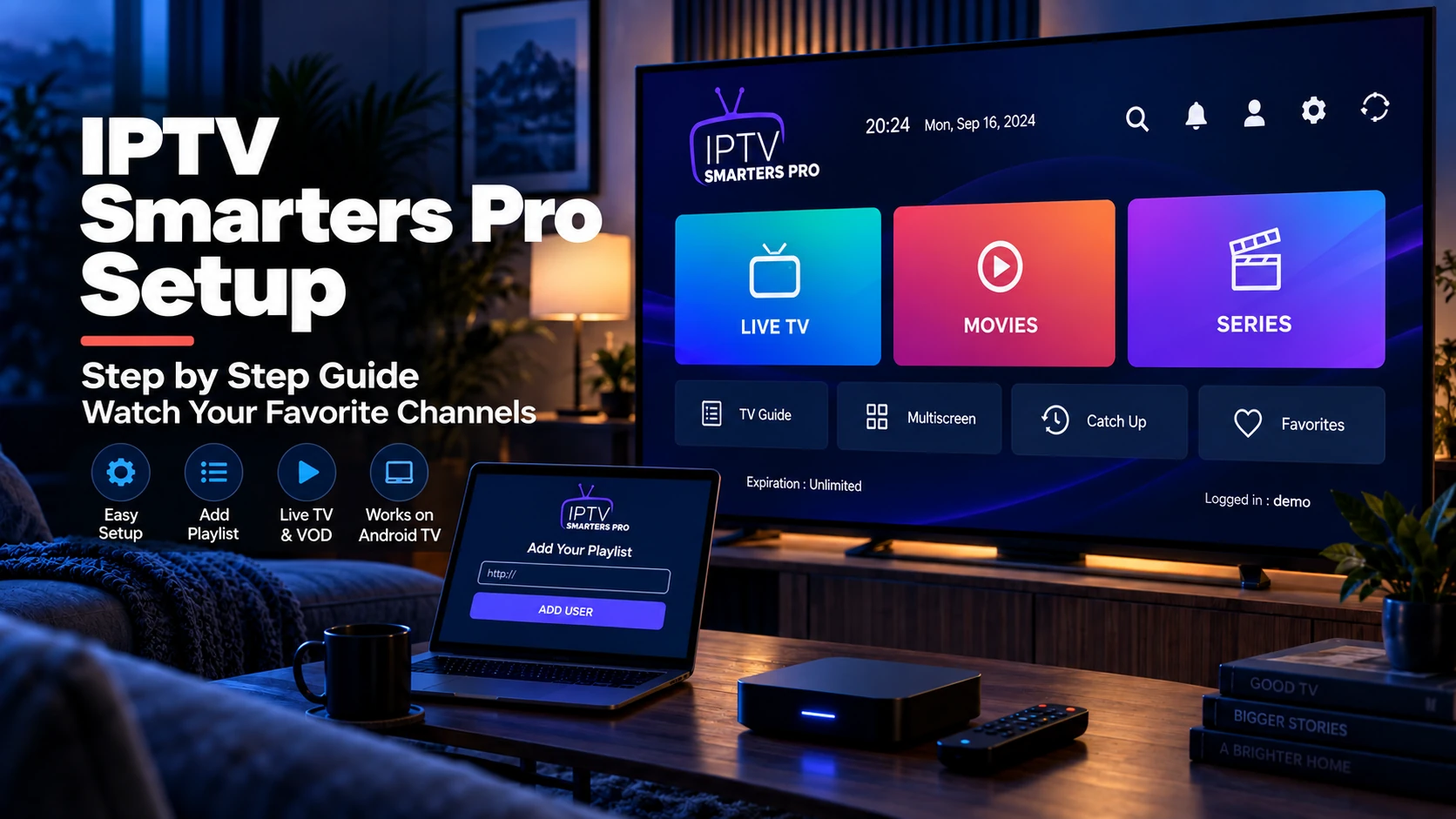
IPTV Smarters Pro
- Choose Login with Xtream Codes API on the first screen.
- Enter a profile name, then the three credentials.
- Save and let it sync. The full walkthrough is in our IPTV Smarters Pro setup guide.
Android TV and Fire TV
The same fields appear in most players. On a Fire Stick, the on-screen keyboard is the weakest link — send the credentials to yourself and paste them instead of typing. See Fire Stick IPTV setup for the install side.
VLC and Desktop Players
VLC does not speak Xtream natively. Use the /get.php M3U export URL in VLC instead. The player will load the channel list, but not films, series or the guide.
Common Xtream Login Errors
| Error | Cause | Fix |
|---|---|---|
| 401 / "invalid username or password" | Wrong credentials, expired plan, or blocked account | Re-paste credentials, check expiry in the portal |
| 403 | Server rejects the request — often a blocked IP or expired account | Try another network; contact the provider |
| Empty channel list, valid login | Account has no active line, or wrong section requested | Check the portal for an active subscription |
| JSON parse error | The URL returned an HTML error page instead of JSON | Check scheme, port and that the server is reachable |
| Redirect loop | Server moved or requires HTTPS | Try https://, or the new address from the provider |
| Works on one device, not another | Connection limit reached | Close the other stream or upgrade the plan |
| Login works, EPG empty | Guide endpoint not supplied | Add the /xmltv.php URL manually |
A useful test: open the player_api.php URL with your credentials in a browser. A JSON response means the account is alive. An error page means the problem is upstream — the same split described in IPTV not working.
Catch-Up and VOD Depend on the Panel
A player can only show what the panel exposes. Xtream responses include archive flags — commonly tv_archive and tv_archive_duration — and a value of 0 means catch-up is not available on that line, regardless of what your app advertises.
That explains two confusing situations:
- The catch-up button appears but plays nothing. The panel has no archive for that channel, or the provider disabled it for your plan.
- Films and series are missing while live TV works. The account may be live-only, or those sections were not enabled in the panel.
Before blaming the player, check the account in the provider's portal, then ask one specific question: does this line include catch-up, VOD and series? Our EPG guide covers the related trap — a guide that exists but maps to nothing.
Security: Treat the Three Fields as a Password
Xtream credentials travel in the URL query string. That has consequences worth knowing:
- Screenshots leak accounts. A screenshot of a player's settings screen usually contains the full login. Blur it or re-enter it.
- Do not post the URL in forums. Anyone with it can use your connection until the provider resets it.
- Watch for logs. Browser history, proxy logs and support tickets can all contain the URL.
- Never share it with "activation" sites. No legitimate player needs your provider credentials on a third-party website.
If a credential leaks, ask the provider to reset the password. The playlist URL and every stream link embed it, so assume the old one is public.
Is Xtream Codes Legal?
The API is a technical interface; legality depends entirely on the content the server distributes. A licensed service can use the same API as an unlicensed one, and the presence of an Xtream login tells you nothing about licensing.
What you can check: whether the provider names the company behind it, publishes terms and a refund policy, explains its content rights, and accepts normal payment methods. Our free trial checklist turns those into a test you can run before paying, and the disclaimer explains the general legal position.
FAQ
How do I get Xtream Codes?
You do not create them yourself. The provider issues a server URL, username and password for your account. If you were given a single M3U link instead, the panel may still expose Xtream on the same account — ask before assuming it does not.
Are "free Xtream codes" real?
Treat them as a red flag. A working Xtream login is an account someone pays for; lists of "free codes" are usually expired, stolen, or a lure for a paid reseller. There is no legitimate free tier of a licensed channel service.
Is Xtream Codes better than an M3U playlist?
For daily use, usually yes. It gives the player structured categories, separate films and series, and often a bundled EPG. M3U is more portable and works in almost every player, including VLC. Many providers support both on the same account.
What do I put in the "server URL" field?
Only the address and port, for example http://server.example.com:8080. Do not add /player_api.php or a username to that field — those go in their own boxes.
Why does my Xtream login say invalid password when it worked yesterday?
Either the plan expired, the provider rotated credentials, or another device hit the connection limit. Log in to the provider's portal and check the account status before changing anything in the player.
Can I convert an Xtream login into an M3U file?
Yes, if the panel exposes /get.php with type=m3u_plus. That URL produces a playlist from the same account. You lose the separate on-demand sections in most players.
Does Xtream Codes include the EPG?
Usually. Many players request the guide from the same server automatically. If the timeline is empty, add the /xmltv.php URL manually — the format is covered in what an EPG is.
Where to Go Next
- What Is an IPTV Playlist? — the M3U side of the same account
- M3U vs M3U8 — which output format to pick
- IPTV Players — which apps accept Xtream logins
- IPTV Free Trial Checker — validate a trial before you subscribe